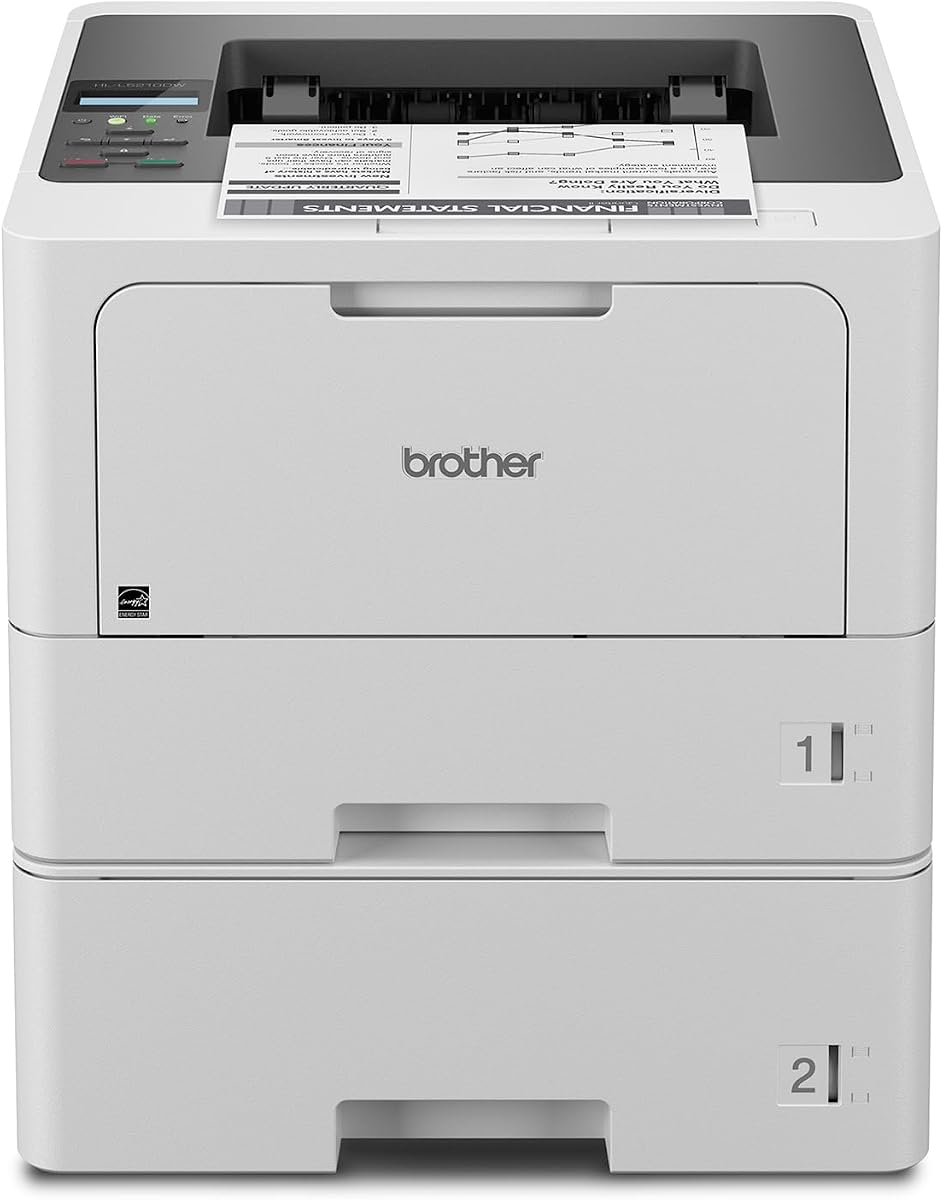
Brother HL-L5210DWT
4.3Editor score
48ppm monochrome output speed
Expandable paper capacity up to 1390 sheets
Triple Layer Security included
This guide compares the top laser printer for large workgroups options focusing on speed, security, and cost efficiency for busy office environments.
Finding the right laser printer for large workgroups is essential for maintaining productivity in today's fast-paced business environment. You need machines that handle high volumes without slowing down.
We compared ten top models based on speed, security features, paper capacity, and total cost of ownership to help you find the best fit for your team.
Each pick shows detailed specs and real-world performance notes. Please note that prices and availability change frequently so check current listings before purchasing.
4.3Editor score
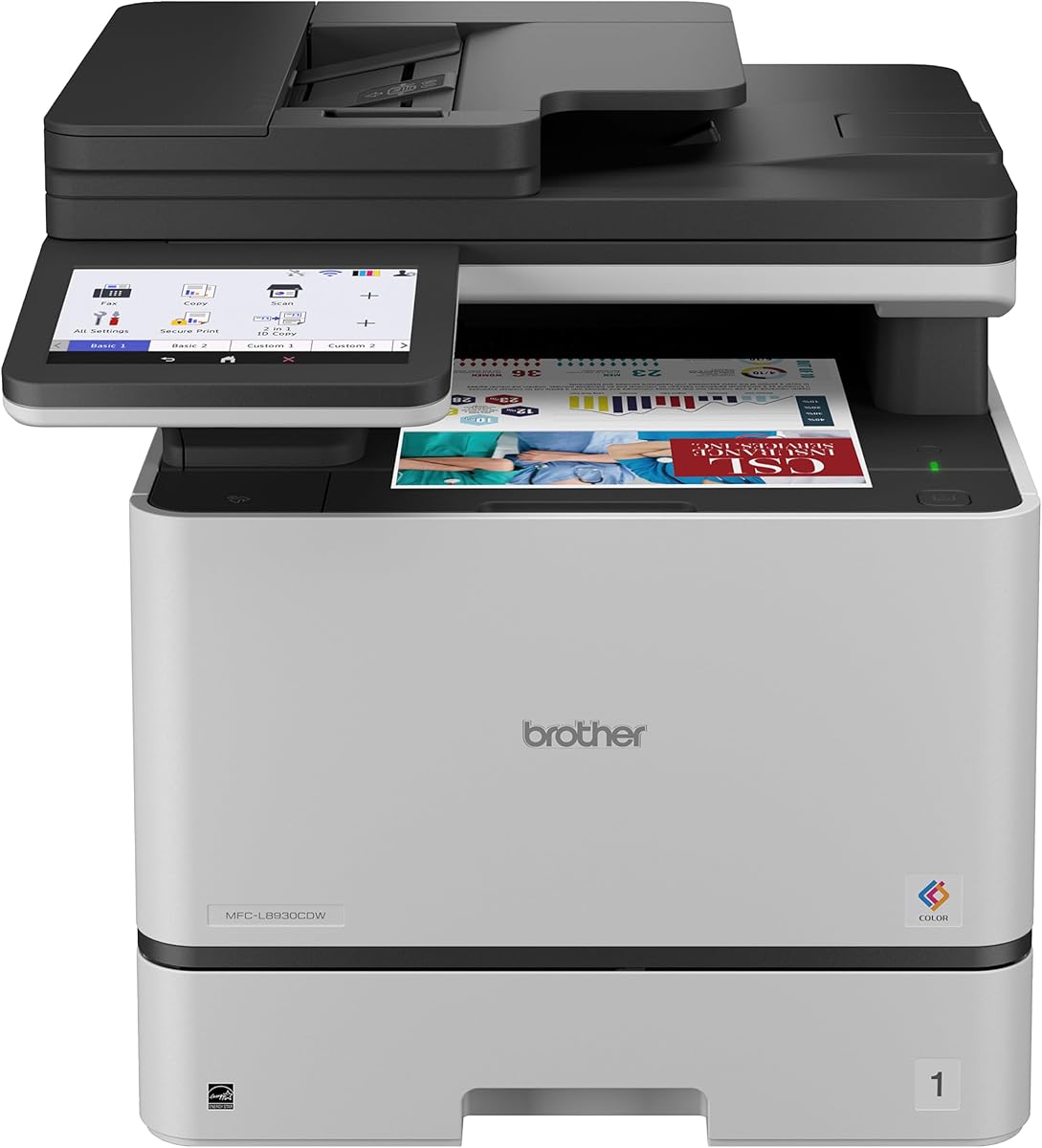
4.4Editor score

4.5Editor score
The following table provides a side-by-side comparison of all ten models highlighting their key specifications to help you make an informed decision quickly.


The Brother MFC-L8930CDW stands out as a top choice for large workgroups needing reliable color printing. It holds a strong rating due to its balanced mix of speed and security.
We may earn a commission when you buy through this link, at no additional cost to you.
Its standout quality is the advanced security suite including an NFC card reader for badge authentication which keeps documents safe. The scanning speed is exceptionally fast at 104ipm which saves time.
While the initial cost is higher the included toner helps offset it. Some users note that the touchscreen can lag during heavy menu navigation but this is rare.
This printer is ideal for offices that need color capabilities without sacrificing security. It is a solid investment for teams printing contracts and marketing materials daily.
The triple layer security and NFC reader ensure only authorized staff can print sensitive documents.
Brother includes starter cartridges and offers super high yield options to lower per page costs significantly.
We may earn a commission when you buy through this link, at no additional cost to you.
The Brother HL-L5210DWT is an excellent budget option for workgroups focused on speed and volume. It delivers high quality monochrome prints without breaking the bank.
We may earn a commission when you buy through this link, at no additional cost to you.
Its key strength is the fast 48ppm speed combined with dual paper trays. This reduces refills and keeps your team moving without interruptions during busy periods.
Since it is monochrome only it is not suitable for color needs. The lack of a touchscreen means you must use the web interface for detailed settings.
Choose this if you need a workhorse for invoices and reports. It balances cost and performance effectively for text heavy environments.
The dual trays and expandable capacity mean you spend less time refilling and more time working.
Built-in Gigabit Ethernet ensures stable connections for all users on the office network.
We may earn a commission when you buy through this link, at no additional cost to you.
The HP LaserJet Enterprise M406dn is a trusted name in enterprise printing. It offers reliable performance for teams needing consistent text output.
We may earn a commission when you buy through this link, at no additional cost to you.
HP Wolf Enterprise Security is a major strength protecting your data from malware threats. The automatic two-sided printing helps save paper and reduce costs over time.
It lacks wireless connectivity which might be a drawback for remote workers. The small display makes accessing advanced features slightly less intuitive.
This model is great for wired office setups. It is best for IT teams wanting secure low-maintenance printing.
Self-healing firmware detects and stops attacks to keep your network safe from threats.
Automatic duplex printing reduces paper waste and simplifies your document management processes.
We may earn a commission when you buy through this link, at no additional cost to you.
The Brother MFC-L6810DW delivers blazing fast speeds for large workgroups. It is designed to handle heavy workloads without slowing down.
We may earn a commission when you buy through this link, at no additional cost to you.
Its 52ppm speed and 80-page feeder mean you can process documents quickly. The Alexa integration allows for voice commands which can be convenient in busy offices.
The size is substantial so ensure you have space for it. The price is higher but the speed and toner value justify it for high volume users.
This printer is perfect for departments printing hundreds of pages daily. It is a top choice for speed and efficiency.
Works with Alexa for hands free operations which can speed up common tasks.
Expandable capacity up to 1660 sheets means fewer interruptions during long print jobs.
We may earn a commission when you buy through this link, at no additional cost to you.
The Brother HL-6210DW is a streamlined option for workgroups. It combines speed with flexible connectivity to support diverse devices.
We may earn a commission when you buy through this link, at no additional cost to you.
Its 50ppm speed ensures documents are ready quickly. The triple layer security protects your network and data during transmission to the printer.
The compact design fits well in smaller spaces but the small tray might need frequent refills. The wireless setup is straightforward for most users.
Choose this for teams needing speed without bulk. It is a great middle ground for performance and size.
Dual-band WiFi ensures stable connections even in busy office networks with many devices.
Ultra high-yield toner options reduce the frequency of cartridge changes and lower costs.
We may earn a commission when you buy through this link, at no additional cost to you.
The Brother MFC-L5915DW offers a complete office solution in one device. It balances speed and cost for daily printing and scanning tasks.
We may earn a commission when you buy through this link, at no additional cost to you.
Its 50ppm speed matches many higher-end models. The low-cost output feature uses high yield toner which keeps per page costs down over time.
The 70-page feeder is decent but not the largest. It lacks NFC which limits card authentication for sensitive documents.
This is a smart choice for small to mid-sized workgroups. It covers all bases without high costs.
High yield toner cartridges ensure you get maximum value from every cartridge purchased.
Combining print scan and copy saves desk space and simplifies your office workflow.
We may earn a commission when you buy through this link, at no additional cost to you.
The HP LaserJet Enterprise M507n is built for security conscious enterprises. It redefines business expectations with consistent high quality output.
We may earn a commission when you buy through this link, at no additional cost to you.
Its industry leading security features protect against malware and data leaks. Centralized printing control via JetAdmin helps IT manage policies easily.
Mobile printing is optional and might require setup. The lack of standard wireless is a limitation for mobile teams.
This is ideal for secure government or corporate settings. It prioritizes safety and control over convenience.
Embedded features continually detect and stop attacks to protect your data and business.
JetAdmin allows you to update features and apply policies across all devices effortlessly.
We may earn a commission when you buy through this link, at no additional cost to you.
The HP LaserJet Enterprise MFP M634z is the ultimate premium choice for large workgroups. It handles massive volumes with ease.
We may earn a commission when you buy through this link, at no additional cost to you.
Its 55ppm speed and 2300-sheet capacity mean you rarely stop to refill. The stapler/stacker adds professional finishing without extra hardware.
The price is high but for very large departments the efficiency gains are worth it. The 9-inch screen is intuitive but complex tasks take time.
This is a top investment for high volume environments. It delivers speed and security unmatched by others.
The 2300-sheet capacity and stapler ensure continuous high volume professional output.
Deep security features and energy efficiency protect data and reduce operating costs.
We may earn a commission when you buy through this link, at no additional cost to you.
The Brother HL-L8430CDWT brings color printing to workgroups without high costs. It is designed for dependable performance and professional results.
We may earn a commission when you buy through this link, at no additional cost to you.
Its vibrant color output is perfect for reports and marketing materials. The low-cost printing features help manage budgets while delivering quality.
Speed is slower than monochrome models. The touchscreen is compact which makes navigation slightly slower.
This is great for offices needing occasional color. It balances quality and cost well.
High yield toner cartridges reduce the cost per page for color documents.
EPEAT Gold rating ensures the printer meets high environmental standards.
We may earn a commission when you buy through this link, at no additional cost to you.
The Brother HL-L6310DW combines speed with smart features for workgroups. It is built for mid to large-sized workgroups needing efficiency.
We may earn a commission when you buy through this link, at no additional cost to you.
Its 52ppm speed and large paper capacity support heavy workloads. Device management tools allow IT to configure and secure printers remotely.
The Alexa integration adds novelty but practical use is limited. The size might not suit small offices.
This is best for IT focused teams. It offers strong management and speed options.
Mass distribution of configurations allows quick and secure setup across the office.
52ppm printing ensures your team gets documents quickly without waiting.
We may earn a commission when you buy through this link, at no additional cost to you.
Choosing the right laser printer for large workgroups involves evaluating speed, security, and cost factors to match your business needs.
For large workgroups speed is critical to avoid bottlenecks. Look for models offering at least 40 pages per minute for efficient output.
Prioritize models with high monthly duty cycles to ensure they can handle daily demands without breaking down.
Large teams need printers that minimize refills. Aim for a standard capacity of at least 500 sheets or expandable trays.
Check if the printer supports multiple paper sizes to handle envelopes and special documents easily.
Security is vital for business printers to protect sensitive data. Look for features like user authentication and secure printing protocols.
Ensure the printer has encryption options and malware protection to keep your network safe.
Consider not just the upfront price but the cost of toner and maintenance. High yield cartridges can reduce long term costs significantly.
Check for models that offer high yield replacement options to lower your per page expenses.
Modern workgroups need flexible connectivity. Ensure the printer supports wireless and Gigabit Ethernet for seamless integration.
Mobile printing support allows employees to print directly from smartphones and tablets easily.
An all-in-one printer can save space and money. Look for models with fast scanning and copying features.
Ensure the scanning speed is high to avoid delays when digitizing large documents.
Energy Star certified printers save on electricity bills. Look for models with low power consumption modes.
Efficient models also reduce the carbon footprint of your office operations.
IT teams need tools to manage devices remotely. Look for cloud management or web-based admin tools.
Easy firmware updates and configuration settings help keep your fleet running smoothly.
To ensure optimal performance place your printer in a cool dry area away from direct sunlight to prevent overheating.
Regularly update the firmware through the web interface to patch security vulnerabilities and improve compatibility with new devices.
Perform routine cleaning of the glass and rollers every month to prevent smudges and paper jams during high-volume printing.
Speed and paper capacity are often the most critical features for large teams. High speed ensures quick output while large paper capacity reduces frequent refilling downtime.
Yes security features are essential for any business handling sensitive data. Encryption and user authentication prevent unauthorized access and protect information.
Using high yield toner cartridges is the best way to lower costs. These cartridges print more pages and reduce the frequency of replacements.
If you only print text documents monochrome is more cost-effective. Choose color if you need to print marketing materials or reports with graphics.
Large workgroup printers typically handle 10,000 to 50,000 pages per month. Check the manufacturer specs to ensure it meets your workload needs.
Yes most modern workgroup printers support mobile printing via apps or cloud services. This allows employees to print from phones and tablets easily.
The Brother MFC-L8930CDW and HP LaserJet Enterprise MFP M634z lead the pack for versatility and speed respectively. Each model offers unique benefits for different office needs.
Prioritize security and speed if your team handles sensitive or high volume documents. For budget conscious teams the Brother HL-L5210DWT is a strong alternative.
Always check current prices and availability before making a purchase. These models may vary in cost depending on the vendor and current promotions.