
HP Chromebook 14
4.3Editor score
Chrome OS System
Up to 14 Hours Battery
Lightweight Design
Finding the right laptop for back to school can be overwhelming with so many options available. Students need devices that balance performance, battery life, and affordability to handle coursework and entertainment effortlessly.
We analyzed ten top-rated models focusing on key specs like processors, RAM, storage, and display quality. Our comparison highlights which machines deliver the best value for different budgets and academic requirements.
Each pick showcases unique strengths such as long battery life, lightweight designs, or included software bundles. Note that prices and availability can change frequently so check current listings before purchasing.
4.3Editor score

4.7Editor score
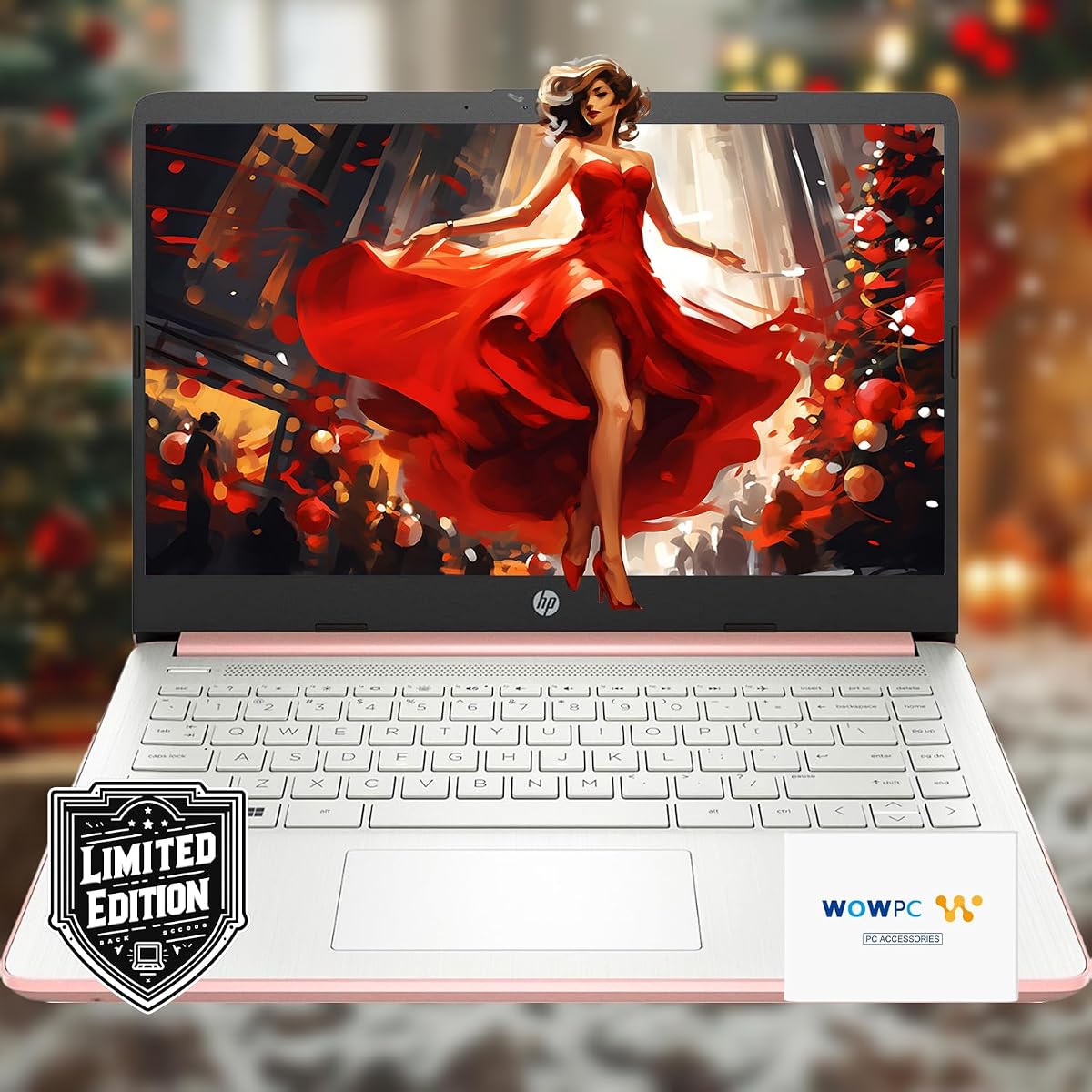
4.7Editor score
As an Amazon Associate we earn from qualifying purchases.
This side-by-side comparison reviews all ten selected models to help you find the perfect match for your academic and professional needs.


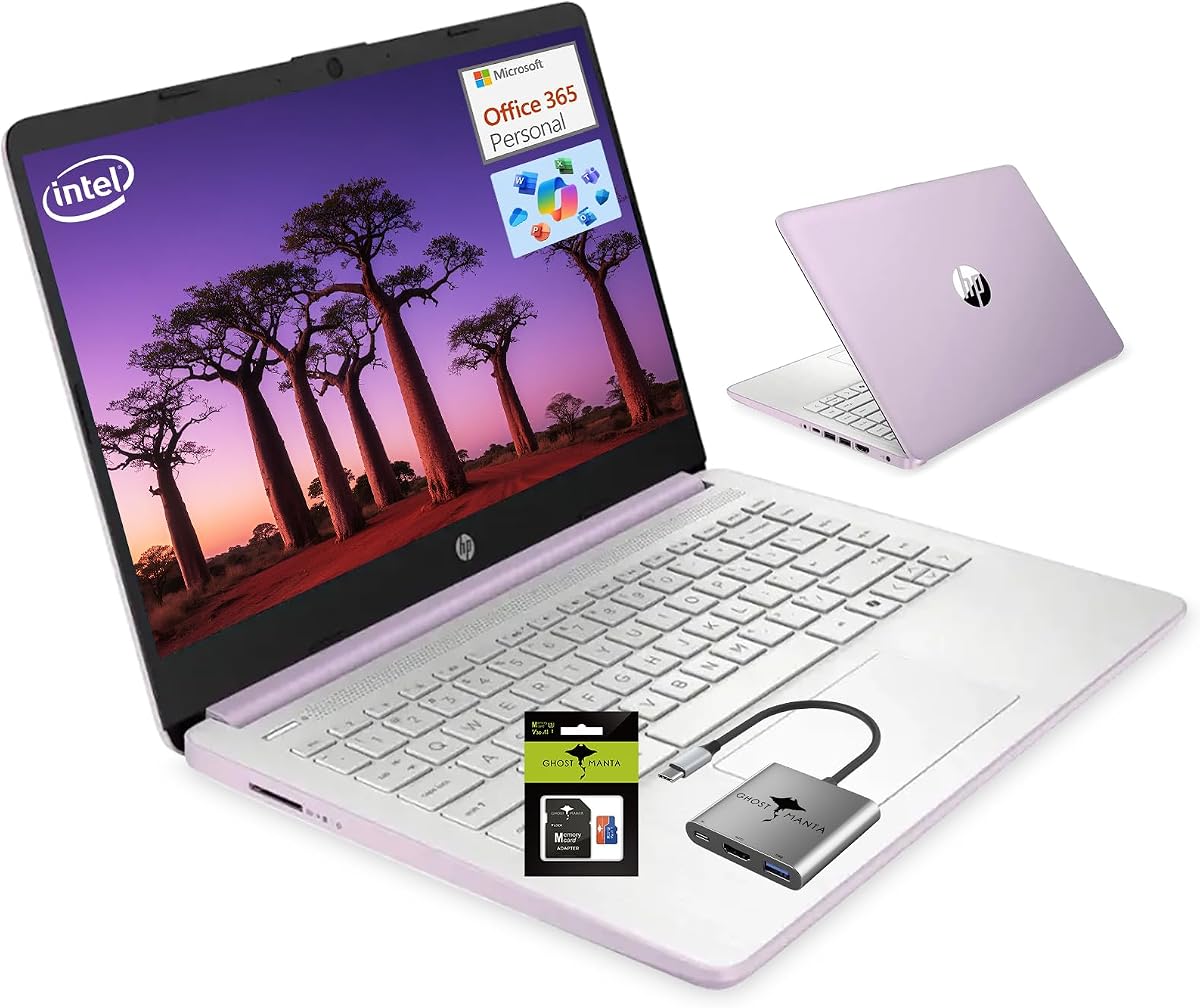
This HP 14 laptop stands out as an exceptional choice for students needing reliable performance without breaking the bank. It features a powerful Intel N150 processor paired with DDR5 RAM ensuring smooth multitasking for web browsing and document editing.
We may earn a commission when you buy through this link, at no additional cost to you.
The inclusion of Microsoft 365 adds significant value allowing immediate access to Word and Excel. Its slim profile and anti-glare display make it comfortable for long study sessions in various lighting conditions.
While internal storage is modest at 128GB the bundled cloud storage helps offset this limitation. Users should consider external drives if they store large media files locally.
Ideal for high school and college students this laptop balances price and performance effectively. It delivers the core features needed for academic success with modern connectivity and efficiency.
The Intel N150 processor and DDR5 RAM work together to handle multiple applications simultaneously without lag.
Included Microsoft 365 subscription ensures students have essential tools ready for assignments and presentations immediately.
We may earn a commission when you buy through this link, at no additional cost to you.
The HP Chromebook 14 is designed for users who prioritize simplicity and portability over raw power. Running Chrome OS it offers a streamlined experience perfect for online learning and basic productivity tasks.
We may earn a commission when you buy through this link, at no additional cost to you.
Its standout feature is the impressive battery life lasting up to 14 hours on a single charge. This ensures students can work through classes without hunting for power outlets.
While 64GB storage is limited cloud integration mitigates this issue effectively. The device is also durable enough for daily commute and classroom use.
Best for elementary to high school students this Chromebook delivers essential computing at an unbeatable price. It is a practical solution for those needing a reliable study tool.
Users can rely on this device for full school days without needing to recharge midday.
Chrome OS keeps the system secure and fast with automatic updates and minimal maintenance requirements.
We may earn a commission when you buy through this link, at no additional cost to you.
This HP 14 laptop offers premium specs ideal for demanding students or professionals who need extra power. With 16GB of RAM it handles heavy multitasking and large file projects with ease.
We may earn a commission when you buy through this link, at no additional cost to you.
The storage bundle is a major highlight providing extensive space for files via external drives and cloud storage. This eliminates worries about running out of space during semesters.
While it costs more than basic models the value proposition is strong due to the included accessories and robust performance. It supports a wide range of academic and creative workflows.
Best for college students or power users this model ensures longevity and reliability. It is a solid investment for those needing a high-performance portable machine.
16GB RAM allows seamless switching between complex applications like coding IDEs and video editors.
The combination of onboard and external storage ensures ample room for all academic and personal files.
We may earn a commission when you buy through this link, at no additional cost to you.
The HP 15.6 laptop provides a larger workspace which is beneficial for students who prefer bigger screens. It offers robust specs including 16GB RAM and substantial storage for all school needs.
We may earn a commission when you buy through this link, at no additional cost to you.
Its 15.6-inch display makes viewing spreadsheets and documents more comfortable. The included external drive ensures you have immediate backup options right out of the box.
While portability is slightly reduced compared to smaller models the performance gains are worth it for desktop replacement use. It is sturdy enough for daily student use.
Best for students needing more screen real estate this laptop delivers reliable computing power. It is a great choice for those who work primarily at a desk.
The 15.6-inch screen provides more space for multi-window workflows and detailed visual content.
Accessories like external storage are included to get you started immediately without extra purchases.
We may earn a commission when you buy through this link, at no additional cost to you.
This 2026 model is tailored for business and productivity with features like Windows 11 Pro and AI Copilot support. It offers modern connectivity and efficient power management for professional workflows.
We may earn a commission when you buy through this link, at no additional cost to you.
The Wi-Fi 6 ensures fast internet speeds crucial for video conferences and research. Including Microsoft Office out of the box adds significant convenience for users starting fresh.
While RAM is modest the system optimizes performance well for standard tasks. The laptop balances professional features with an affordable price point.
Best for business students or professionals this device offers the tools needed for efficient work. It is a smart choice for those prioritizing software and connectivity.
Windows 11 Pro provides enhanced security and management features suitable for professional environments.
Copilot AI helps streamline tasks and automate routine actions to boost overall efficiency.
We may earn a commission when you buy through this link, at no additional cost to you.
The HP Essential Laptop 2026 is designed for students seeking a portable and efficient daily driver. It features modern connectivity and essential productivity software for a seamless start.
We may earn a commission when you buy through this link, at no additional cost to you.
Its compact design makes it easy to slip into backpacks while maintaining solid battery life. The anti-glare screen helps reduce eye strain during long study sessions.
Storage is limited but cloud solutions and external drives can expand capacity easily. The laptop focuses on reliability and speed for everyday academic tasks.
Best for students prioritizing portability this laptop delivers the essentials without unnecessary bulk. It is a practical and stylish choice for modern learners.
Modern processor and RAM ensure quick boot times and smooth navigation through applications.
Includes one-year Office 365 subscription to cover all document and presentation needs.
We may earn a commission when you buy through this link, at no additional cost to you.
This HP 14 laptop stands out with 8GB of RAM which is a sweet spot for moderate multitasking. It handles multiple tabs and apps smoothly without lagging significantly.
We may earn a commission when you buy through this link, at no additional cost to you.
The Intel N150 processor ensures responsive performance for daily tasks. Wi-Fi 6 support means faster downloads and stable connections in busy campus networks.
While storage is limited the included cloud tools help manage files effectively. The laptop is balanced for general college and high school use cases.
Best for students who juggle multiple applications this model provides necessary power. It is a reliable choice for those needing extra memory for performance.
8GB RAM allows running more programs simultaneously compared to 4GB systems.
Wi-Fi 6 ensures reliable high-speed internet for streaming and research.
We may earn a commission when you buy through this link, at no additional cost to you.
The HP Essential 14 laptop is extremely lightweight making it ideal for commuting students. It offers sufficient performance for basic tasks without adding strain to your backpack.
We may earn a commission when you buy through this link, at no additional cost to you.
Its battery life ensures you can work through the day without charging. The design focuses on durability and ease of use for daily academic routines.
Storage is limited but suitable for essential documents and apps. This model excels in mobility and portability over raw computing power.
Best for students who carry their laptops everywhere this device prioritizes convenience. It is a solid budget choice for travel-heavy users.
Lightweight frame reduces physical burden during long commutes or campus walks.
Energy-efficient components help extend battery life and reduce environmental impact.
We may earn a commission when you buy through this link, at no additional cost to you.
This HP 14 Student Laptop delivers a balanced mix of performance and value for general use. It features a quad-core processor ensuring stable execution of daily apps.
We may earn a commission when you buy through this link, at no additional cost to you.
SSD storage improves boot and load times compared to traditional drives. The included Office 365 adds immediate utility for writing and presentations.
While RAM is standard it suits light to moderate workloads well. The laptop is a practical pick for students seeking reliable hardware.
Best for average students needing dependable computing this device offers good reliability. It is a safe choice for academic coursework without high-end demands.
Solid state drive technology ensures quick application launches and file access.
Microsoft 365 bundle supports writing and collaboration needs throughout the semester.
We may earn a commission when you buy through this link, at no additional cost to you.
This HP 14 Student Laptop combines higher RAM and storage for a well-rounded experience. It is ready for complex tasks while keeping a lightweight form factor.
We may earn a commission when you buy through this link, at no additional cost to you.
The 8GB RAM supports smoother multitasking making it suitable for active students. Storage flexibility with SD card options allows easy expansion as needed.
Performance is steady for daily use and light media consumption. It balances features effectively for general academic and personal productivity.
Best for students wanting a versatile laptop this model covers most bases. It is an excellent all-rounder for high school or college needs.
SD card slot allows quick expansion of storage for media and project files.
8GB RAM ensures efficient switching between study apps and entertainment media.
We may earn a commission when you buy through this link, at no additional cost to you.
Selecting the right laptop requires considering several technical factors to match your academic needs and budget.
The processor is the brain of your laptop. Look for recent generations like Intel Core i3 or higher to ensure smooth performance for multiple applications. For basic tasks newer Celeron or Pentium models work fine but high-demand programs need more power.
Choose a processor with at least 4 cores for comfortable multitasking during class sessions.
RAM determines how many tasks you can run simultaneously. 8GB is recommended for most students to handle browsers and office software comfortably. 4GB is acceptable for very light use but may slow down with multiple tabs.
Opt for 8GB or more if you plan to use virtual machines or heavy creative software.
Storage affects how quickly files load and how much data you can keep. SSDs are much faster than traditional hard drives. Aim for at least 128GB internal storage or plan to use external drives for media.
Prioritize SSDs over eMMC or HDDs for better boot times and system responsiveness.
A good screen reduces eye strain during long reading sessions. Look for Full HD resolution at minimum to read text clearly. Anti-glare coatings help significantly when working in bright classrooms.
Select a 14 or 15-inch screen for a balance of portability and viewing comfort.
Students need devices that last through a full day of classes. Aim for at least 8 to 10 hours of battery life to avoid carrying chargers everywhere. Fast charging features are a bonus for quick top-ups.
Check real-world battery tests not just marketing claims when choosing a model.
If you commute or move between classes often weight matters. Laptops under 3.5 pounds are easier to carry in backpacks. Thinner designs often offer better durability and aesthetic appeal.
Consider the total weight including the power brick for practical carrying comfort.
Modern laptops should have USB-C and HDMI ports for connecting monitors and peripherals. Wi-Fi 6 support ensures stable internet in crowded campus networks. Bluetooth is useful for wireless mice and headphones.
Ensure the laptop has enough physical ports to match your peripheral needs.
Some models include Microsoft 365 which is essential for assignments. Check the warranty period and coverage options for peace of mind. Security features like fingerprint readers are also valuable for protecting data.
Look for included software bundles to reduce initial setup costs and time.
Keep your laptop clean by wiping the screen and keyboard with a soft dry cloth regularly. Avoid eating or drinking near the device to prevent accidental spills that can damage internal components.
Manage your battery health by avoiding extreme temperatures and not leaving it plugged in constantly. Let it discharge occasionally to keep the battery cells calibrated for optimal performance.
Organize your files into clear folders and use cloud backups to prevent data loss. Regular updates to the operating system ensure security patches are applied to keep your device safe.
College students should look for at least 8GB of RAM and 128GB of SSD storage to handle coursework efficiently. A processor like Intel Core i3 or newer ensures smooth performance for research and writing tasks. Battery life over eight hours helps during long days without power outlets.
Windows offers broader software compatibility for engineering or design majors. Chrome OS is excellent for light web-based tasks and is often more affordable. Choose Windows if you need specialized apps or Chrome OS for simplicity.
Storage space depends on your file types. Text documents require little space but video projects need gigabytes. SSDs offer speed so prioritize capacity over type if you can. External drives can supplement small internal drives easily.
Chromebooks typically offer better battery life due to simpler operating systems. Windows laptops vary widely depending on hardware but often require more charging. For all-day use without charging a Chromebook is often superior.
Many budget models have soldered RAM that cannot be upgraded after purchase. Check the product specs for upgradability before buying. If you need more memory long-term choose a model with open slots.
Online classes need good webcams and reliable internet connection. Laptops with Wi-Fi 6 and HD cameras are ideal for clear video calls. Ensure the microphone is noise-reducing to minimize background distractions.
Choosing the right laptop comes down to balancing your specific needs with available budget. The top picks offer excellent performance for general students while premium options suit power users.
Prioritize battery life and portability if you move around campus often. Ensure the device has enough RAM to last through your program without slowing down.
Remember that prices fluctuate regularly so check the latest deals before purchasing. Investing in a reliable machine now will save you stress throughout your academic journey.