
OREI 4×2 HDMI Matrix Switch
4.1Editor score
4K@60Hz Support
Audio Extraction Included
Downscale Function
Compare the top HDMI Matrix Switch models for 2026. This guide reviews features, performance, and compatibility to help you choose the right AV distribution
An HDMI Matrix Switch allows you to connect multiple sources to multiple displays with total control. It is essential for home theaters, conference rooms, and digital signage setups. The right unit ensures smooth switching without signal loss or compatibility issues.
We analyzed ten leading HDMI Matrix Switch models available today. Our comparison focuses on resolution support, audio features, and control options. We looked at everything from budget 4×2 units to professional 8×8 solutions.
Each pick shows specific strengths and ideal use cases for your setup. We highlight key features like 8K support, audio extraction, and remote control. Prices may vary, so check current listings before you buy.
4.1Editor score

4.3Editor score

4.7Editor score
This table compares the top ten HDMI Matrix Switch models side by side. You can see key specs like resolution, audio options, and control methods for each unit.

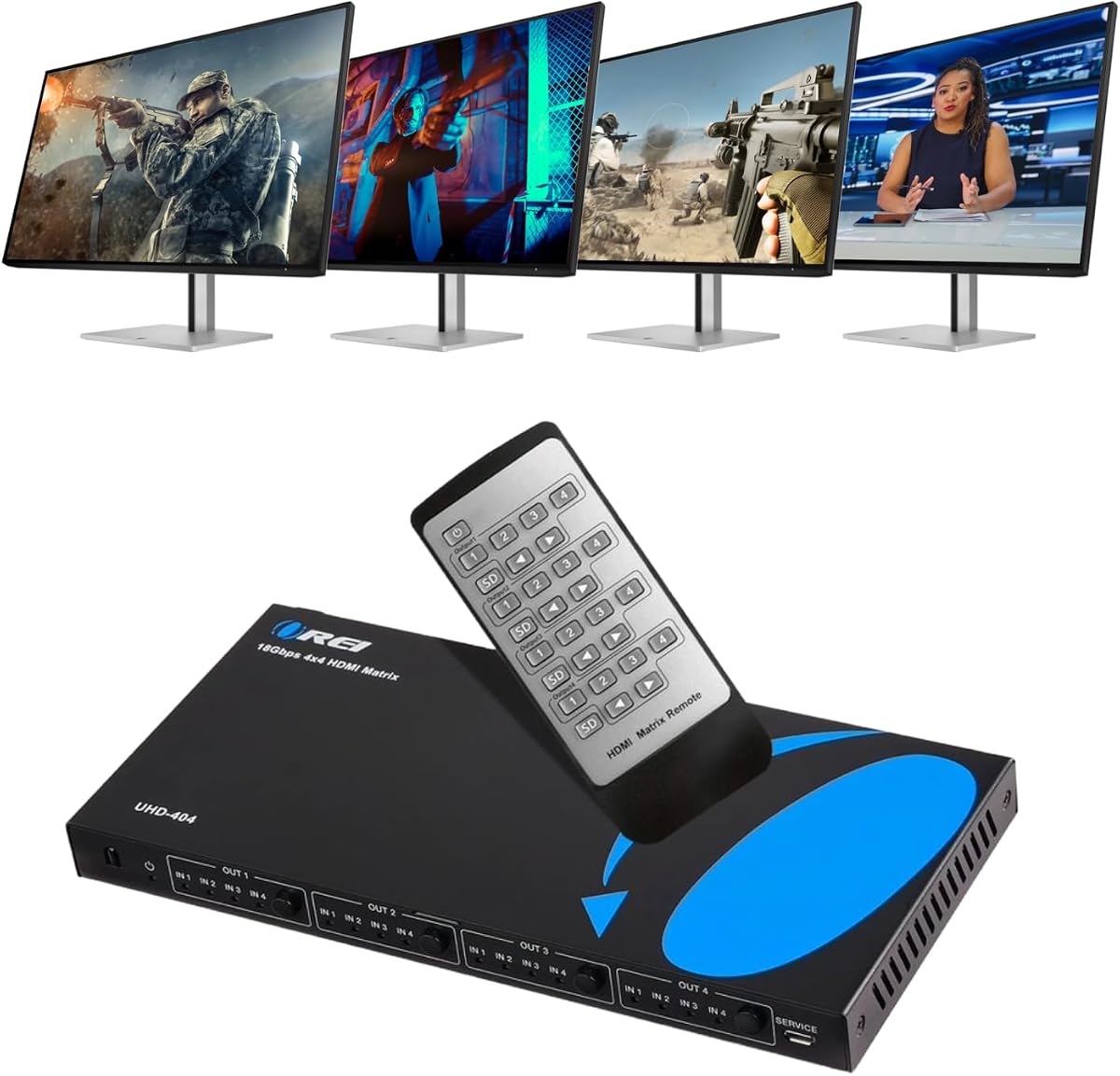
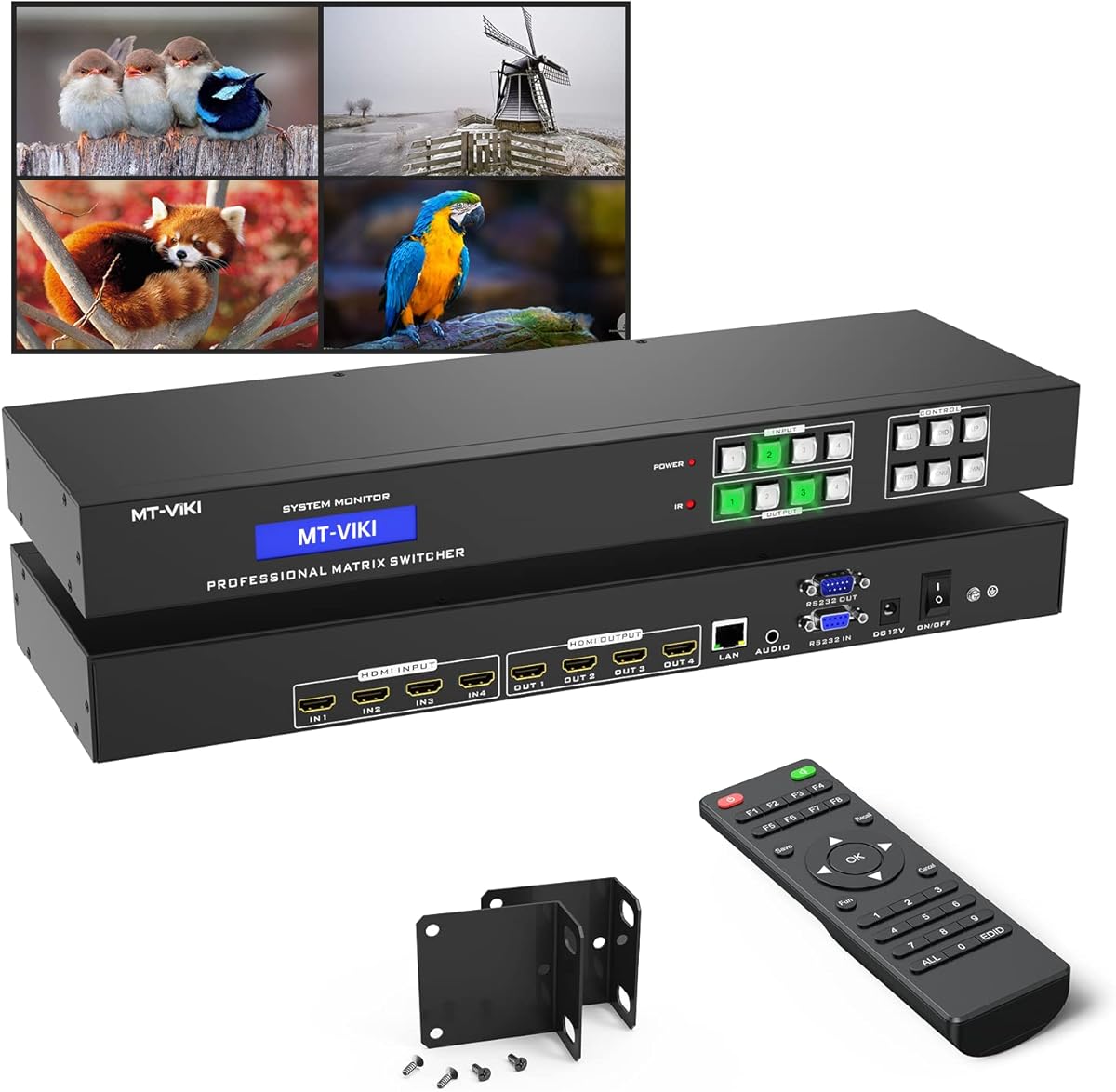


This 8K HDMI Matrix Switch stands out as a powerful option for next-gen setups. It offers four inputs and two outputs for flexible routing. The unit supports 8K@60Hz and includes eARC for audio.
We may earn a commission when you buy through this link, at no additional cost to you.
It delivers 40Gbps bandwidth for smooth high-resolution video. You get support for VRR and ALLM which is great for gaming. Audio extraction via optical and analog outputs is included too.
The price is higher than standard 4K units. However the advanced features justify the cost for enthusiasts. It requires HDMI 2.1 cables for full performance.
Buy this if you need 8K support and high bandwidth. It is ideal for modern home theaters. The build quality is solid and reliable for daily use.
The 40Gbps bandwidth ensures you can run 8K content without compression issues.
VRR and ALLM support help reduce lag and tearing during gameplay.
We may earn a commission when you buy through this link, at no additional cost to you.
This unit is a great entry-level choice for basic needs. It connects four sources to two displays easily. It supports 4K@60Hz and includes useful audio features.
We may earn a commission when you buy through this link, at no additional cost to you.
The downscale function allows mixed resolution displays to work together. You can extract audio via ARC which simplifies cabling. The IR remote makes switching simple from your couch.
It is not as robust as premium models. The casing is lighter and lacks rack mounts. This is fine for home use but not heavy industrial settings.
Choose this if you need reliable 4K switching on a budget. It handles common AV tasks well. It is a solid upgrade from a basic splitter.
You can connect 4K and 1080p screens at once thanks to downscaling.
ARC allows audio to return to the matrix for external speakers.
We may earn a commission when you buy through this link, at no additional cost to you.
This massive matrix offers true 8K performance for large installs. It has eight inputs and eight outputs for extensive flexibility. The HDMI 2.1 compliance ensures future proofing.
We may earn a commission when you buy through this link, at no additional cost to you.
It handles high bandwidth content without issues. Audio extraction is available for sound systems. The IR control helps manage source devices remotely.
The price is a significant investment. You need advanced knowledge to set it up fully. It requires proper cabling to avoid errors.
This is for professional AV integrators and serious enthusiasts. It scales well for multiple rooms. It provides top-tier performance for 8K displays.
With 8×8 routing you can expand your AV system easily.
HDMI 2.1 support protects your investment for years.
We may earn a commission when you buy through this link, at no additional cost to you.
This matrix offers four inputs and four outputs for great layout options. It is perfect for rooms with multiple screens. It supports 4K@60Hz and ARC well.
We may earn a commission when you buy through this link, at no additional cost to you.
Audio extraction lets you send sound to separate speakers. The metal enclosure keeps heat under control. HDR support improves picture contrast on displays.
It lacks HDMI 2.1 features like VRR. It is limited to 4K@60Hz max. This fits most users but not gamers needing 120Hz.
Buy this for a balanced 4K home or office. It provides reliable switching and audio features. It is a strong mid-range option.
Audio extraction allows sound to go to zones outside the video rooms.
The metal case ensures consistent operation over long periods.
We may earn a commission when you buy through this link, at no additional cost to you.
This 4×4 matrix handles mixed resolutions with ease. It scales 4K content to 1080p for older screens. The dual voltage power is useful for travel.
We may earn a commission when you buy through this link, at no additional cost to you.
It includes a 1-year warranty for peace of mind. It supports HDR and 7.1 audio well. It ensures stable connection handshakes.
There is no ARC support for audio return. It is less flexible on audio than some rivals. The build is standard for the price.
Choose this for a universal display setup. It bridges old and new tech well. It is robust for general use.
Dual voltage ensures you can use it anywhere globally.
Auto EDID modes keep signal handshakes consistent.
We may earn a commission when you buy through this link, at no additional cost to you.
This unit is built for conference rooms and control systems. It allows network control via Web GUI. It supports RS232 for integrators.
We may earn a commission when you buy through this link, at no additional cost to you.
It features rack mount ears for easy install. Audio extraction helps with separate speaker setups. It is robust for commercial use.
It only supports 4K@30Hz. This limits gaming and fast motion video. The setup is complex for beginners.
Use this for professional commercial installations. It integrates well with IT systems. It is ideal for fixed AV control.
Network control allows management from a central server.
Rack ears let you mount it in a standard server cabinet.
We may earn a commission when you buy through this link, at no additional cost to you.
This compact unit offers basic 4×2 routing. It supports 4K@60Hz and includes audio outputs. The metal shell helps dissipate heat.
We may earn a commission when you buy through this link, at no additional cost to you.
It has optical and 3.5mm audio extraction. It manages EDID automatically for stability. It is small and easy to hide.
It lacks ARC for audio return. The features are basic compared to larger units. It is a simple solution.
Buy this for a basic home setup. It saves space on your AV rack. It handles daily switching reliably.
The compact size makes it ideal for small cabinets.
You can choose optical or analog audio for your system.
We may earn a commission when you buy through this link, at no additional cost to you.
This matrix is a balanced option for 4K users. It supports HDR and Dolby Vision for visuals. It includes ARC and audio extraction.
We may earn a commission when you buy through this link, at no additional cost to you.
It allows 4K to 1080p downscaling. You can mix display types. It has mounting ears for secure install.
It does not support VRR or 120Hz. It is limited to HDMI 2.0 features. It is not for new gaming.
This is great for media centers and living rooms. It provides stable 4K switching. It offers good features for the cost.
Supports HDR10+ and Dolby Vision for better color.
Auto modes ensure displays stay connected without issues.
We may earn a commission when you buy through this link, at no additional cost to you.
This 8×8 unit allows full routing for complex systems. It supports Web GUI and RS232 control. It is robust and reliable.
We may earn a commission when you buy through this link, at no additional cost to you.
You get IR control and EDID management. It ensures signals stay stable for long runs. It fits in rack cabinets.
It is limited to 4K@30Hz. This restricts high speed content. It is expensive for home use.
Choose this for large commercial installs. It integrates well with control systems. It offers scalable routing options.
Web GUI allows you to control from a PC.
RS232 ensures reliable control in integrated environments.
We may earn a commission when you buy through this link, at no additional cost to you.
This extender allows long distance AV signal transport. It sends HDMI over CAT6 up to 230ft. It includes PoC power for simple install.
We may earn a commission when you buy through this link, at no additional cost to you.
It manages IR control for source devices. It supports 4K@60Hz and CEC well. It is ideal for large estates.
It requires extra receivers for output. The setup is complex for standard rooms. It is pricey for basic needs.
Use this for whole home AV systems. It brings high quality to distant rooms. It simplifies long cable runs.
Use standard network cables to extend signals far.
One-way IR lets you control devices in remote rooms.
We may earn a commission when you buy through this link, at no additional cost to you.
Selecting the right HDMI Matrix Switch involves understanding your specific AV needs and technical requirements. Here are key factors to evaluate before you buy.
Check if the matrix supports your display resolution like 4K@60Hz or 8K. Higher resolutions need more bandwidth like 18Gbps or 40Gbps. Ensure it meets your source and screen needs.
Always verify bandwidth matches your video quality needs.
Decide how many sources and displays you need. A 4×2 unit handles four inputs to two outputs. For more screens look for 4×4 or 8×8 models.
Match port count to your room layout requirements.
Look for audio extraction or ARC support. Some units let you send audio to speakers separately. Others support eARC for advanced soundbars.
Ensure audio outputs fit your sound system.
Consider how you want to switch sources. Basic units use IR remotes. Pro units offer Web GUI or RS232 control for IT setups.
Pick a control method that fits your workflow.
Metal enclosures help dissipate heat better than plastic. Check for rack mount ears if you need to install in a cabinet. Look for warranty coverage.
A sturdy build ensures longevity in your setup.
Verify support for HDR, VRR, or 3D if needed. Some models only handle standard SDR. Gaming units often need VRR and ALLM.
Confirm format support matches your content.
Some models support dual voltage for travel. Others need a specific local adapter. Ensure the power is stable for long cable runs.
Check power needs before purchase.
Look for extender options if you need long runs. Some models support CAT6 extension for remote rooms. This helps if cables are too short.
Extender support helps in large buildings.
Connect your HDMI sources to the input ports first. Then plug your displays into the output ports. Power on the unit to let it detect signals.
Use the remote or panel to switch between inputs. You can set EDID modes for best compatibility. Keep the unit ventilated to avoid overheating.
Use high speed HDMI cables for best results. Update firmware if the unit supports it. Store the unit in a safe place when not in use.
It allows you to route any source to any display independently. It is used in home theaters, offices, and commercial setups. It offers more flexibility than a splitter.
Yes but check for VRR and HDMI 2.1 support. Some units only support 60Hz. Ensure you get a model that matches your console's requirements for best performance.
Most modern units support HDCP 2.2 and legacy formats. Look for models with downscale features. This helps when mixing old and new displays.
Use high speed HDMI cables that match your resolution. For 4K or 8K use certified cables. Long runs may need active cables or extenders.
Many models have optical or analog outputs. This lets you send audio to speakers. Check if the unit supports ARC for TV audio return too.
HDMI 2.1 supports higher resolutions like 8K and faster rates. It includes VRR and ALLM. HDMI 2.0 caps at 4K@60Hz. Choose based on your needs.
We reviewed ten top models from budget 4×2 units to pro 8×8 systems. The OREI 4×2 Matrix offers great value for most users. The OREI 8×8 8K Matrix suits advanced setups.
Consider your resolution needs and audio requirements. A unit with proper bandwidth ensures smooth performance. Control options should match your workflow.
Check current availability and specs before you buy. Prices can change based on demand. We hope this guide helps you find the perfect matrix.