
PNY 128GB Elite-X Fit
4.6Editor score
Compact low profile design
Up to 200MB/s read speed
Ideal for in-car audio
This expert guide compares the top flash drives for Tesla vehicles focusing on speed reliability capacity and durability to help you choose the best option for
Finding the right flash drive for your Tesla is essential for reliable dashcam and sentry mode performance. You need a drive that handles continuous writing without failing in extreme heat or cold.
We compared ten top-rated drives based on speed durability capacity and real-world compatibility with Tesla systems. Our analysis focuses on USB standards build quality and data protection features.
Each pick highlights key strengths and potential limitations to help you decide quickly. Prices change often so verify current offers before you complete your purchase online today.
4.6Editor score

4.7Editor score

4.5Editor score
The following table presents a side-by-side comparison of all ten selected flash drives for Tesla. Each entry includes key specifications and direct links to verify current availability.



The SAMSUNG BAR Plus 128GB stands out as a top pick for Tesla owners seeking reliable sentry mode storage. It features a rugged metal casing that protects data through harsh conditions while maintaining a sleek look.
We may earn a commission when you buy through this link, at no additional cost to you.
Its read speeds up to 300MB/s ensure quick file transfers when you need to review footage. The drive works through extreme heat cold shock waterproofing and X-rays which suits Tesla environments perfectly.
While it costs a bit more than basic models the reliability justifies the investment. The metal body feels sturdy and the keyring helps keep it safe in your vehicle or home.
This drive is ideal for drivers who prioritize durability and speed over raw capacity. If you want a trustworthy flash drive that won't fail during critical recording sessions this is our top recommendation.
The waterproof and shock-proof metal casing ensures your footage remains safe even in accident scenarios or harsh weather conditions.
With read speeds reaching 300MB/s you can transfer large 4K video files to your computer quickly for inspection.
We may earn a commission when you buy through this link, at no additional cost to you.
This flash drive is marketed specifically for Tesla dashcam and sentry mode usage. It includes a zinc alloy body that resists wear and rust while providing excellent heat dissipation for the vehicle environment.
We may earn a commission when you buy through this link, at no additional cost to you.
The design features a 360 degree rotating cover which protects the USB interface from dust and damage. This eliminates the risk of losing a separate cap during regular use in your car.
Users should note that occasional resets may be required if the drive stops working due to file system quirks. The manufacturer provides clear reset instructions via video guides to resolve these issues quickly.
It is a solid choice if you want a dedicated drive formatted and shaped for your Tesla port. The rugged build offers peace of mind for daily driving and parking surveillance needs.
The rotating cover and keyring hole make this drive easy to carry and secure inside your vehicle.
Zinc alloy construction ensures effective heat dissipation protecting the chip during long recording sessions.
We may earn a commission when you buy through this link, at no additional cost to you.
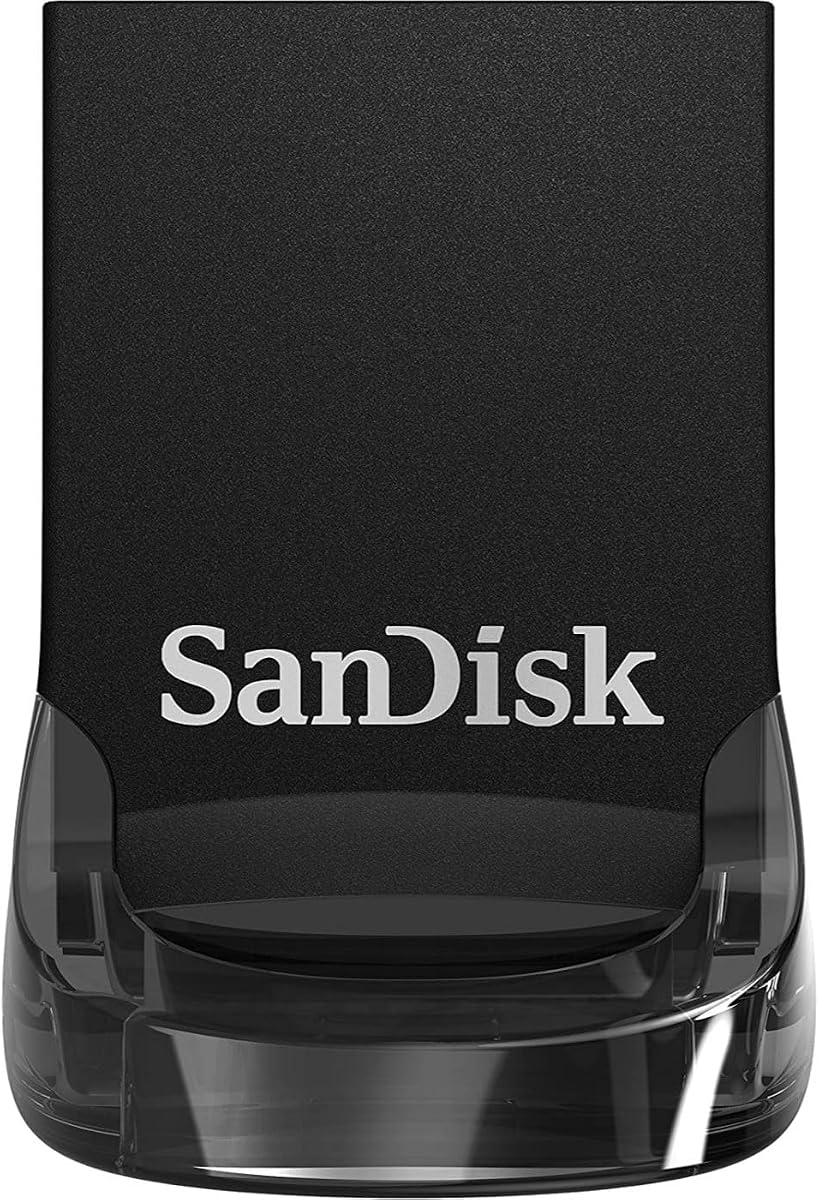
The SANDISK 512GB Ultra Fit offers massive storage capacity ideal for users needing extensive video archives. Its compact design allows it to stay plugged into your Tesla port without obstructing other space.
We may earn a commission when you buy through this link, at no additional cost to you.
Transfer speeds reach up to 400MB/s which is among the fastest in this category. This ensures quick file access when you need to review dashcam footage on your computer.
Password protection software adds a layer of security for sensitive files stored on the drive. The small profile makes it convenient for travel though it requires care to avoid physical damage.
Choose this drive if you need to store months of sentry mode recordings without frequent manual backups. It balances high speed with substantial capacity for power users.
With 512GB capacity you can store hours of footage before needing to clear space manually.
The plug-and-stay design ensures the drive stays connected securely without protruding from the port.
We may earn a commission when you buy through this link, at no additional cost to you.
The PNY 128GB Elite-X Fit is an excellent budget option for Tesla owners who want reliable performance without spending too much. It features a compact low-profile design that stays connected without blocking other ports.
We may earn a commission when you buy through this link, at no additional cost to you.
Read speeds of up to 200MB/s are sufficient for standard sentry mode and dashcam recording needs. The drive is built to remain plugged in for maximum convenience during daily driving.
While it lacks premium features like metal casings or password protection it delivers solid performance for the price. It works well with USB 2.0 ports if your device requires older standards.
This drive is perfect for those prioritizing cost efficiency and basic functionality. It offers a reliable entry point for dashcam storage with minimal risk of loss.
Get dependable performance and USB 3.1 speeds at an affordable price point for everyday use.
The micro-sized design ensures it remains connected securely without obstructing other nearby ports.
We may earn a commission when you buy through this link, at no additional cost to you.
The SANDISK 256GB Ultra Luxe combines style and performance with a full cast metal design. It offers fast read speeds up to 400MB/s making it suitable for high-resolution video transfers.
We may earn a commission when you buy through this link, at no additional cost to you.
Its password protection software secures sensitive files using 128-bit AES encryption. This feature is valuable for owners who prioritize data privacy alongside regular dashcam functionality.
The sleek appearance makes it stand out from standard plastic drives. While metal bodies can get warm during long use the build quality ensures reliable performance overall.
Select this drive if you value both speed and security in a stylish package. It is a great option for storing personal documents alongside vehicle footage.
The full cast metal design offers durability and a sophisticated look for your vehicle setup.
Password protection ensures that your personal files remain private and secure from unauthorized access.
We may earn a commission when you buy through this link, at no additional cost to you.
The Lexar D40E features both USB-A and Type-C connectors for maximum compatibility. This dual interface design is useful if you also use it for phones or tablets alongside your Tesla.
We may earn a commission when you buy through this link, at no additional cost to you.
Its swivel 360-degree design protects the connectors without a loose cap. The metal enclosure adds durability while maintaining a lightweight form factor that is easy to carry.
Transfer speeds are moderate compared to high-end drives but sufficient for general use. Security software allows 256-bit AES encryption to keep your data safe.
This drive is best for users who need versatility across multiple devices. It offers a convenient solution if you regularly transfer files between cars and modern gadgets.
Dual connectors ensure seamless data transfer across older USB-A ports and modern Type-C devices.
The rotating design prevents lost caps and keeps connectors protected during daily use in any setting.
We may earn a commission when you buy through this link, at no additional cost to you.
The Lexar D50E offers impressive read and write speeds ideal for high-resolution media handling. Its solid-state dual design ensures rapid file transfers when you need to manage large video files quickly.
We may earn a commission when you buy through this link, at no additional cost to you.
Both USB-A and USB-C connectors allow flexible connections across various devices. The metal housing protects the connectors effectively and adds durability to the overall build.
While storage is limited to 128GB the speed makes up for it during active transfer sessions. The included Lexar App supports basic photo backups for mobile devices efficiently.
Choose this drive if you need fast data management and dual port options. It is a robust choice for users dealing with large files frequently across multiple systems.
With 400MB/s read and 360MB/s write speeds this drive handles large files effortlessly and efficiently.
The dual interface eliminates the need for extra adapters ensuring seamless connection to any device.
We may earn a commission when you buy through this link, at no additional cost to you.
This Samsung drive features a sleek USB-C connector that inserts reversibly every time for convenience. It delivers fast performance with read speeds up to 400MB/s ideal for modern high-speed needs.
We may earn a commission when you buy through this link, at no additional cost to you.
The drive is built to withstand tough conditions with waterproof and shock-proof features. This makes it suitable for environments where it might face spills or accidental drops.
With 256GB storage it provides enough space for extensive photos and 4K video files. The design supports seamless integration with laptops tablets and cameras alike.
Select this drive if your device supports USB-C directly or through an adapter. It offers a modern approach to storage with reliability and speed combined effectively.
The reversible Type-C design ensures easy insertion without worrying about orientation during use.
Waterproof and shock-proof capabilities safeguard your data against environmental hazards during travel.
We may earn a commission when you buy through this link, at no additional cost to you.
The SAMSUNG FIT Plus offers an exceptionally compact design that blends seamlessly into your device. Its small profile is ideal for use in cars where space is limited and aesthetics matter.
We may earn a commission when you buy through this link, at no additional cost to you.
Read speeds reach up to 300MB/s providing quick access to files when needed. The gunmetal gray finish adds a modern touch to the overall visual appeal.
A key ring helps prevent accidental loss during everyday use. The drive is built to withstand shocks temperature changes and X-rays ensuring reliable data protection.
This drive is perfect for users wanting a discreet and efficient storage solution. It provides a balanced combination of speed and compactness for daily convenience.
The low-profile body allows the drive to stay plugged in without obstruction or bulk.
Built to withstand shock and temperature changes ensures data safety during any travel conditions.
We may earn a commission when you buy through this link, at no additional cost to you.
The Transcend 1TB ESD310 Dual SSD delivers ultra-fast 1050MB/s speeds for the ultimate storage experience. It features a dual interface for compatibility across a wide range of devices.
We may earn a commission when you buy through this link, at no additional cost to you.
With 1TB capacity it stores large volumes of media files effortlessly. OTP protection adds an extra layer of security ensuring only you can access sensitive data.
Its tiny form factor makes it highly portable without sacrificing performance. Pre-formatted exFAT allows seamless use across different operating systems instantly.
Choose this drive if you need top-tier speed and storage capacity for professional tasks. It is a premium solution for those who demand the best performance and reliability.
Experience ultra-fast 1050MB/s transfer speeds ideal for large files and high-resolution video.
One-time password protection ensures your data remains secure with advanced security software.
We may earn a commission when you buy through this link, at no additional cost to you.
Choosing the right flash drive for your Tesla depends on several factors including speed capacity and durability. This guide helps you understand what to look for.
USB 3.1 and 3.2 drives offer faster data transfer than older USB 2.0 models. For Tesla dashcam recording speeds are critical to avoid lag or data loss during events.
Prioritize USB 3.1 or newer standards to ensure smooth continuous writing and quick file access.
Sentry mode videos can consume significant space over time. Drives with 128GB or more allow longer recording cycles before manual backups are required.
Choose at least 128GB for standard use; 256GB or higher is better for frequent users needing more archival capacity.
Fast read speeds help you quickly review footage on a computer. Write speeds ensure the drive can keep up with high-resolution video recording in real time.
Look for read speeds above 200MB/s and consistent write performance to maintain reliable dashcam functionality.
Vehicle environments expose drives to extreme temperatures and vibrations. Metal casings provide better heat dissipation and protection against physical damage.
Select drives with rugged designs rated for temperature resistance and shock protection for long-term reliability.
Some drives offer password protection or encryption for sensitive files. This feature is helpful if you store personal data alongside dashcam footage.
Ensure the drive supports compatible encryption software if data privacy is a priority for your usage.
A solid warranty reflects confidence in the drive's reliability. Brands offering at least a three-year warranty indicate better long-term support.
Check warranty terms carefully to ensure coverage for typical usage patterns in automotive environments.
Format the drive to FAT32 or exFAT using your computer or Tesla menu before first use. Ensure your drive matches the required file system for your vehicle model.
Insert the drive securely into the USB port located in your car. Avoid frequent removal to prevent physical stress on the port over time.
Periodically check for firmware updates and reset the drive if recording issues occur. Clean connectors gently with dry cloth to maintain reliable electrical contact.
Most Tesla vehicles require FAT32 for dashcam recording. exFAT works on newer models but always check your specific vehicle settings to ensure compatibility.
Recording may stop due to overheating full storage or file system errors. Try resetting the drive using manufacturer tools and ensure it stays within safe temperature limits.
It is best to delete old footage monthly to maintain drive health. Regular manual cleanup prevents performance issues caused by residual files accumulating over time.
No special software is required for basic Tesla functions. However encryption tools may be useful if you store private files on the same drive.
Current Tesla models use standard USB-A ports. You will need a Type-C to Type-A adapter to connect USB-C drives properly without compatibility issues.
Yes metal drives dissipate heat better and resist physical damage more effectively. This is especially useful inside vehicles where temperature fluctuations are common.
The ten drives compared here provide options for every need and budget. From budget-friendly models to high-performance SSDs there is a drive suited for every Tesla owner.
Prioritize speed and durability to ensure reliable dashcam recording when it matters most. Balance capacity with your actual footage requirements to maximize convenience.
Prices change frequently so always check current deals before you complete your purchase. Verify the latest compatibility information for your specific vehicle model today.