
Square Reader for contactless and chip (2nd Generation)
4.5Editor score
Accepts tap and dip
No monthly fees
Offline payment support
This guide compares the top ten credit card readers for phones to help you choose the right mobile payment solution for your business needs today.
Mobile payments have transformed how businesses operate by allowing transactions directly from smartphones. A reliable credit card reader for phones ensures you can accept payments securely and efficiently anywhere you go without needing bulky equipment.
We evaluated ten leading models based on connectivity options, security features, software compatibility, and overall user experience. Each product was assessed for its ability to handle various payment methods including chip cards, contactless taps, and magnetic stripes.
Each pick highlights key strengths and ideal use cases for different business types. Please note that availability and pricing may change over time so always verify current details before making your final purchasing decision.
4.5Editor score

4.6Editor score

5.0Editor score
The following table provides a side-by-side overview of all ten models including their core specifications and key capabilities to help you quickly identify the right fit.




The Square Reader for magstripe (USB-C) stands out as a top choice for small businesses needing quick and reliable payment processing. With a high rating and robust features it offers seamless integration with your smartphone for accepting card payments efficiently.
We may earn a commission when you buy through this link, at no additional cost to you.
Its standout quality is the ability to get funds deposited by the next business day which helps maintain healthy cash flow. The free Point of Sale app allows you to track sales manage inventory and send digital receipts all from one place.
While it only reads magnetic stripes which may limit options for chip cards the simplicity is a trade-off worth considering for low-volume sellers. The USB-C connection ensures compatibility with modern Android devices without needing extra adapters.
This reader is ideal for startups or freelancers who need an affordable and fast way to start accepting payments immediately without contracts or monthly fees.
Funds are available quickly to support daily operations and growth without waiting weeks for payouts.
The free app centralizes sales tracking and receipt management so you stay organized effortlessly.
We may earn a commission when you buy through this link, at no additional cost to you.
This second-generation Square Reader expands payment options by supporting both contactless taps and chip cards. It is a top pick for businesses wanting more flexibility without committing to expensive hardware or contracts.
We may earn a commission when you buy through this link, at no additional cost to you.
Its key strengths include the ability to process payments offline for up to twenty-four hours which is vital for areas with weak connectivity. Enhanced security features like fraud prevention and dispute management are included at no extra cost.
The device pairs securely with your phone and features improved connectivity and extended battery life compared to older models. While it is more expensive than the magstripe version it offers better compatibility with modern payment standards.
Ideal for retail stores or market vendors this reader provides a cost-effective way to accept all major payment types securely and reliably.
Process payments even without internet access and sync later when connectivity is restored.
Built-in fraud prevention and dispute management protect both you and your customers.
We may earn a commission when you buy through this link, at no additional cost to you.
This versatile reader is designed for government and military users needing access to secure cards like CAC and PIV. It also supports standard bank cards making it a unique dual-purpose tool for specialized authentication and payments.
We may earn a commission when you buy through this link, at no additional cost to you.
Its standout feature is the dual-head cable with USB-A and USB-C connections eliminating the need for adapters across different devices. It works on Windows Mac Linux and Android without requiring drivers for immediate plug and play use.
While it supports many card types it does not work with health insurance cards which is an important limitation to note. The reinforced cable and compact design make it suitable for field verification and travel.
Best for government contractors or IT professionals who need to read secure ID badges and process payments on the go reliably.
Handles military and government access cards alongside standard bank cards for versatile use.
Dual cable ends ensure connection to legacy and modern devices without extra accessories.
We may earn a commission when you buy through this link, at no additional cost to you.
The Clover GO (3rd Generation) is a premium mobile POS solution designed for businesses needing advanced management features. It connects wirelessly and offers robust security and customization options for professional retail environments.
We may earn a commission when you buy through this link, at no additional cost to you.
Its key strengths include end to end security protecting data from acceptance to transaction completion. You can set custom tips and tax rates and manage employee permissions easily within the system.
The device supports paperless receipts via email or text which appeals to modern customers preferring digital options. However it requires processing through SwyftPAY which limits flexibility for those wanting multiple payment processors.
This reader is ideal for established businesses that want a pocket-sized POS system with deep functionality and security without needing a full counter setup.
Manage staff access and tax rules efficiently to streamline operations and reduce errors.
Data is protected throughout the entire payment process ensuring trust and compliance.
We may earn a commission when you buy through this link, at no additional cost to you.
Square Terminal is an all-in-one device that accepts payments processes chip cards and prints receipts without needing a phone. It is perfect for businesses that prefer a dedicated terminal but want mobility and modern POS features.
We may earn a commission when you buy through this link, at no additional cost to you.
Its standout quality is the ability to ring up sales anywhere in your store with a built-in battery that lasts all day. Processing chip cards takes just seconds and you get your money the next business day.
While it costs more than simple card readers it eliminates the need for separate printers or phones reducing clutter and setup time. The device connects cordlessly and accepts all major credit and debit cards.
Ideal for retail shops or cafes this terminal provides a professional counter setup with the flexibility to move around when needed.
Handles sales payment and receipt printing in one unit simplifying your checkout area.
Built-in battery supports all day use without needing constant power outlets.
We may earn a commission when you buy through this link, at no additional cost to you.
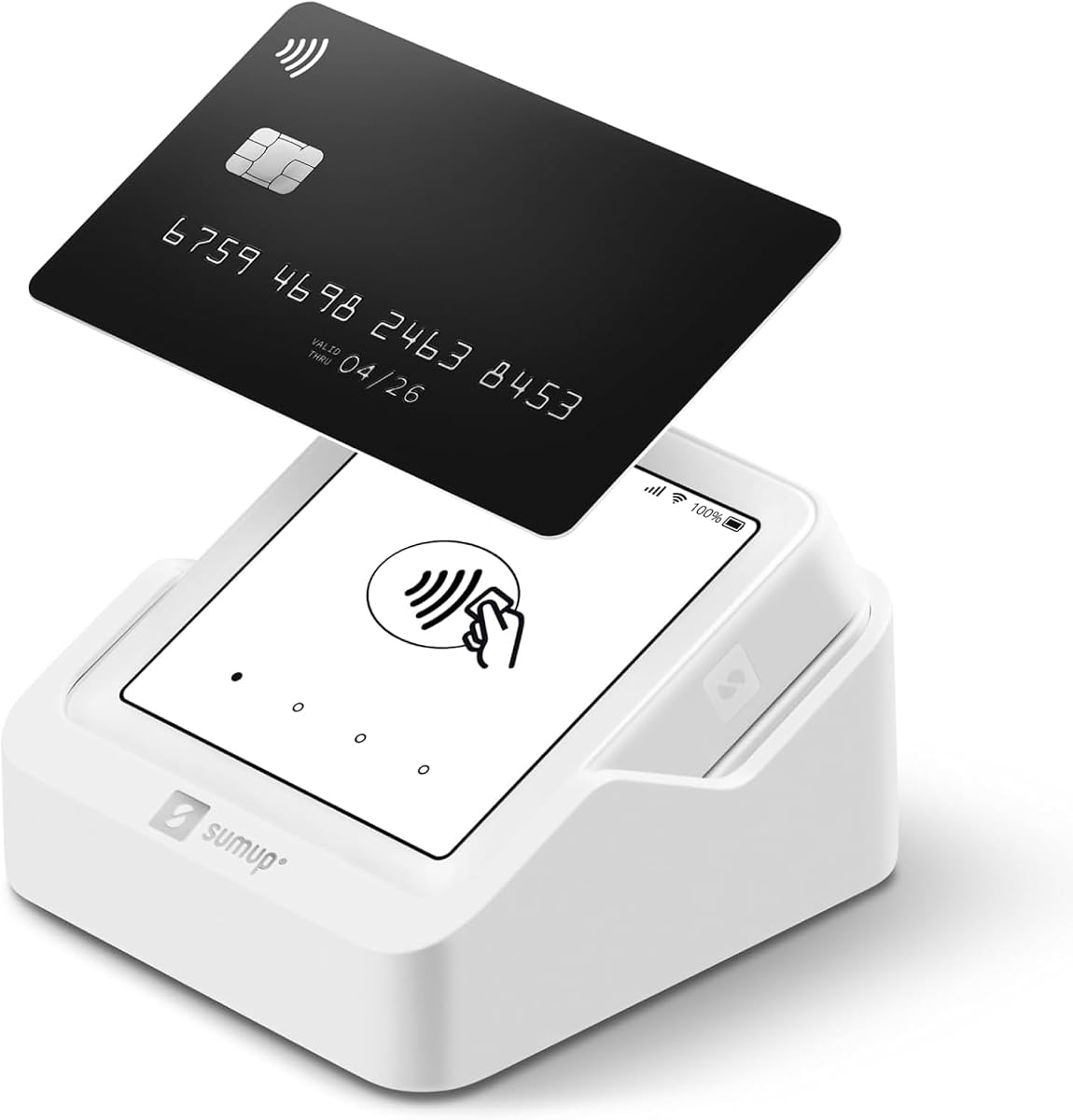
SumUp Plus is a straightforward mobile card reader that works with a free app to accept payments anywhere. It is designed for small vendors who need a simple solution without monthly fees or long-term contracts.
We may earn a commission when you buy through this link, at no additional cost to you.
Its key strengths include accepting major credit and debit cards via Bluetooth and NFC. You simply pay a set rate per in-person transaction with no hidden charges making costs predictable.
While it is compact and easy to use some users find the app and device less robust than larger competitors. It lacks advanced reporting or inventory features which might limit growing businesses.
This reader is best for occasional sellers or micro-businesses that prioritize low cost and simplicity over advanced tools.
Flat per transaction rates mean you know exactly what you pay without surprises.
Pair via Bluetooth with your phone to accept payments quickly anywhere.
We may earn a commission when you buy through this link, at no additional cost to you.
SumUp Solo is a portable device with its own screen and mobile data connection allowing you to process payments independently of a phone. It is useful for sellers who want to keep their phone free for other tasks.
We may earn a commission when you buy through this link, at no additional cost to you.
Its standout quality is the included free SIM card and mobile data enabling reliable transactions without relying on customer hotspots. The touch screen interface makes it easy to accept payments and manage sales on the spot.
While it offers a truly portable experience it requires registration and setup through SumUp which may take time. The battery life and charging station ensure you can stay in control throughout the day.
Ideal for tradespeople or market vendors this device provides independence from a smartphone while keeping payment processing professional and organized.
Built-in mobile data keeps you online without needing a phone hotspot.
Direct touch controls simplify accepting payments and viewing sales data.
We may earn a commission when you buy through this link, at no additional cost to you.
The newest Clover GO model is a mobile POS system that pairs with your device via Bluetooth for secure payments. It offers advanced features for business management like tax customization and employee permissions.
We may earn a commission when you buy through this link, at no additional cost to you.
Its key strengths include end to end security protecting data and the ability to email or text receipts to customers. You can set custom tips and tax rates making it versatile for different product types.
This device requires processing through Powering POS which may be a constraint depending on your current processor. It is designed for US-based businesses seeking a modern and flexible payment solution.
Best for growing businesses that need professional features like staff management and tax flexibility without a full counter terminal.
Customize tax and tip settings to match your specific product pricing.
Send receipts via text or email to modernize customer experience.
We may earn a commission when you buy through this link, at no additional cost to you.
This Clover Go contactless reader accepts EMV chip and tap payments with no merchant account requirement. It is a convenient option for existing Clover users looking to add contactless capability to their setup.
We may earn a commission when you buy through this link, at no additional cost to you.
Its standout quality is the ability to work with Clover accounts directly simplifying integration and billing. It supports iOS and Android devices ensuring broad compatibility across phone types.
However quantities of this version are limited or end of life so availability may be restricted. It may be fulfilled with the most current version which could vary slightly from the listed description.
Ideal for existing Clover businesses this reader offers a cost-effective upgrade path for contactless payment acceptance.
Works seamlessly with existing Clover accounts for simplified management.
Accepts both EMV and contactless transactions securely.
We may earn a commission when you buy through this link, at no additional cost to you.
The Clover Go Bluetooth Reader (3rd Gen) is designed for flexible payments on the go with no merchant account required. It supports secure transactions and customizable tax or tip settings for different sales needs.
We may earn a commission when you buy through this link, at no additional cost to you.
Its key strengths include end to end security and the ability to work with any Clover Go account. You can set custom tax rates and tips easily making it adaptable for various product types.
While it offers solid core payment features it may lack advanced inventory or reporting tools found in full POS systems. It serves best as a dedicated payment processor paired with other business tools.
Best for freelancers or small vendors needing a portable secure payment tool that integrates with Clover accounts seamlessly.
Adjust tax rates per item or sale for accurate and compliant charges.
Compatible with any existing Clover Go account for easy setup.
We may earn a commission when you buy through this link, at no additional cost to you.
Selecting the right mobile payment device requires evaluating connectivity software security and fees to match your specific business operations and growth goals.
Consider whether the reader connects via Bluetooth USB-C or audio jack. Modern models use Bluetooth for wireless freedom but ensure it pairs reliably with your device OS.
Choose a connection method that supports your typical workflow without dropping signal during transactions.
Check if the device accepts chip cards contactless taps or both. Magnetic stripe only readers may limit options as more customers prefer tap to pay.
Ensure the reader supports EMV standards to reduce liability and increase customer trust.
Review the point of sale app features and compatibility with your device. Look for tools that help you track sales inventory and manage customers.
Select an ecosystem that integrates with your existing accounting or CRM tools.
Compare transaction fees and any monthly plan costs. Some processors charge low rates but require subscriptions while others use flat fees.
Calculate total costs based on your average monthly volume to find the most economical option.
Look for end to end encryption and PCI compliance to protect customer data. Good security reduces risk and maintains trust with your clients.
Prioritize devices with fraud prevention tools included at no extra cost.
If you move often check battery life and physical design. A compact device with long battery ensures you can work all day.
Consider charging options and durability for field or market use.
Check for long-term commitments or early termination fees. Flexibility helps you switch providers if your needs change.
Choose plans with no long-term contracts for maximum freedom.
Review available customer support channels and additional features like receipts or employee management. Responsive help ensures minimal downtime.
Select a provider that matches your need for support and tools.
Start by downloading the official app and creating an account to pair the device. Follow setup instructions carefully to ensure secure connection and proper functionality.
Keep the reader clean and dry to maintain optimal performance. Avoid exposing it to extreme temperatures or moisture which may damage internal components.
Update your app and device firmware regularly to access new features and security patches. This ensures smooth operation and protection against emerging threats.
Most modern readers require a smartphone or tablet to process payments via an app. Some models like the Square Terminal work independently without a phone but still need connectivity.
Many devices offer offline payment capabilities allowing transactions to be stored and processed once connectivity returns. This ensures business continuity during network outages.
Yes reputable devices use encryption and compliance standards to protect card data. Always verify the provider is PCI compliant and offers fraud prevention tools.
Deposits typically arrive within one to two business days depending on your processor and bank. Some providers offer instant transfer options for an extra fee.
Many modern processors include merchant services in their platform so you do not need a separate account. This simplifies setup and reduces administrative tasks.
Most devices accept major credit and debit cards including chip and contactless options. Check the specs to ensure compatibility with all payment methods your customers use.
We reviewed ten leading mobile payment devices offering options from simple magstripe readers to advanced POS systems. Each model serves different needs based on budget connectivity and feature requirements.
Prioritize security connectivity type and fees that align with your transaction volume. Consider whether offline mode or advanced management tools matter for your business model.
Remember that availability and details may change so verify current specifications before purchasing. Select the device that best fits your workflow to ensure smooth payment acceptance.