
ANCEL AD310 Classic Enhanced Universal OBD II Scanner
4.6Editor score
Read and clear engine codes
Supports all OBDII protocols
Compact and sturdy design
This guide compares the top Android OBDII scanner tools for diagnostics, live data, and code reading to help you choose the right wireless device for your
Finding the right Android OBDII scanner tool can transform how you monitor your vehicle health. These devices connect wirelessly to your car and provide detailed insights into engine performance and potential issues.
We evaluated ten top-rated scanners based on connectivity, app compatibility, diagnostic depth, and ease of use. Each option offers unique strengths for budget-conscious buyers and professionals alike.
Each pick highlights key features, pros, and cons to help you decide. Note that prices and availability may change, so verify current details before purchasing your next diagnostic tool.
4.6Editor score

4.5Editor score

4.6Editor score
Here is a side by side comparison of all ten selected Android OBDII scanner tools. This table helps you quickly identify key specifications and features for each model to streamline your decision process.



The BlueDriver OBD2 Scanner stands out as a top choice for Android users seeking professional diagnostics without a subscription. It connects wirelessly to your vehicle and provides comprehensive code reading and clearing capabilities.
We may earn a commission when you buy through this link, at no additional cost to you.
This device offers technician-verified repair reports that match your VIN, giving you confidence in diagnosing issues. It supports enhanced diagnostics for ABS, SRS, and TPMS on compatible vehicles, making it versatile.
While it comes at a higher price than basic readers, the included features justify the cost. The app is intuitive, and you get free updates without hidden charges, ensuring long-term value.
Best for car owners who want reliable diagnostics and clear explanations. If you prioritize ease of use and detailed insights, this scanner delivers professional results directly to your phone.
Repair reports provide causes and fixes for trouble codes, reducing guesswork for DIY users.
Strong support for major brands ensures accurate data extraction across different vehicle makes.
We may earn a commission when you buy through this link, at no additional cost to you.
The OBDLink MX+ is recommended for users who need professional-grade diagnostics on their Android devices. It turns your smartphone into a powerful scan tool with enhanced OEM support for major brands.
We may earn a commission when you buy through this link, at no additional cost to you.
This adapter supports advanced features like ABS and SRS live parameters, which are often excluded from cheaper readers. It also includes over-voltage protection to safeguard your vehicle's electrical system during use.
Though it is pricier, the reliability and depth of data make it a top choice. You must use third-party apps, but the device ensures stable connections and consistent performance.
Ideal for enthusiasts or semi-professionals who demand accurate data. If you want to maximize diagnostic depth and protect your car, this scanner is a premium investment.
Specific optimization for Ford, GM, Honda, and more ensures better data accuracy on modern vehicles.
Built-in over-voltage protection prevents electrical damage during diagnostic sessions.
We may earn a commission when you buy through this link, at no additional cost to you.
The ANCEL AD310 Classic is a top budget-friendly choice for Android users seeking reliable engine diagnostics. It reads and clears codes quickly, making it perfect for basic maintenance checks.
We may earn a commission when you buy through this link, at no additional cost to you.
It supports all OBDII protocols, ensuring compatibility with most 1996 and newer vehicles. The device is compact and sturdy, with a large screen for clear results without needing an app.
While it lacks ABS and SRS diagnostics, it covers essential engine-related issues effectively. It draws power from the OBDII port, so no batteries are required, simplifying operation.
Best for those who want a simple code reader without extra costs. If you just need to fix check engine lights affordably, this tool delivers consistent and fast performance.
Compatibility with multiple OBDII protocols ensures it works on domestic and imported vehicles.
Clearly labeled buttons and large screen make navigation simple for any user.
We may earn a commission when you buy through this link, at no additional cost to you.
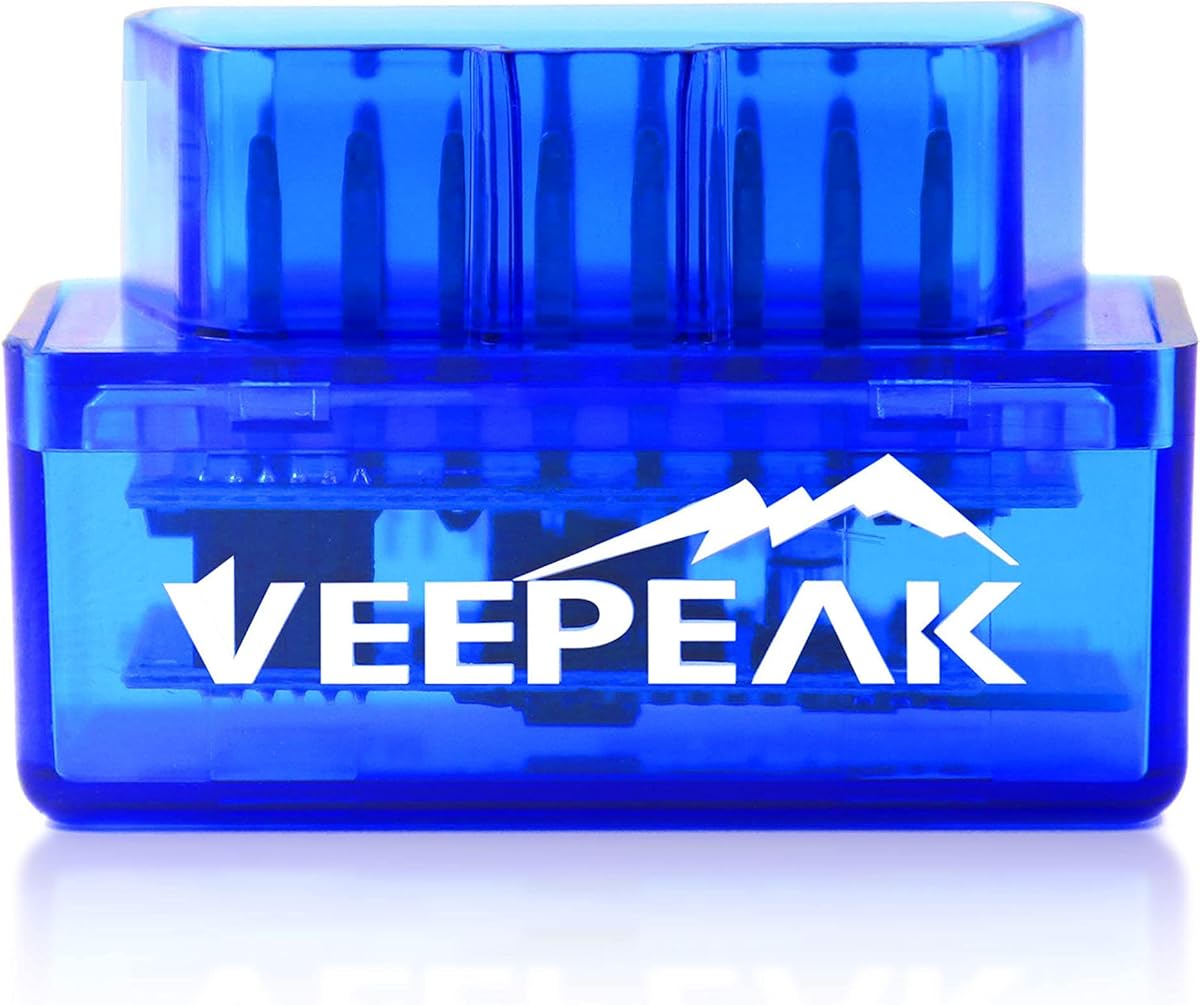
The Veepeak OBDCheck BLE provides wireless Bluetooth LE connectivity for Android and iOS devices. It focuses on standard OBDII diagnostics, offering a simple way to monitor vehicle health.
We may earn a commission when you buy through this link, at no additional cost to you.
You can use it with popular apps like Torque or Car Scanner to view live sensor data and clear trouble codes. This flexibility allows you to choose the app that best fits your needs.
It is not designed for advanced functions like ABS or SRS resets, so keep expectations realistic. However, for basic engine monitoring and code reading, it delivers reliable performance.
Ideal for users who want an affordable wireless adapter. If you already have a preferred diagnostic app, this tool integrates well to expand its capabilities.
Compatible with third-party apps, allowing you to choose software that fits your preferences.
Reads and clears codes, freeze frame data, and I/M readiness for standard diagnostics.
We may earn a commission when you buy through this link, at no additional cost to you.
The Veepeak OBDCheck BLE+ enhances connectivity by supporting both Bluetooth LE and classic connections for Android devices. It provides reliable standard OBDII diagnostics through compatible third-party apps.
We may earn a commission when you buy through this link, at no additional cost to you.
You can view live sensor data and freeze frame information to monitor performance issues. It is ideal for users who want flexibility in choosing apps to customize their experience.
While it does not support advanced systems like ABS or SRS, it handles generic engine codes effectively. Setup requires connecting via the app, but the process is straightforward once configured.
Best for Android users needing reliable wireless diagnostics. If you want cost-effective code reading and live data without extra fees, this adapter delivers solid performance.
Supports both Bluetooth LE and classic connections to ensure broader Android compatibility.
Real-time sensor data helps you identify issues as they occur during driving.
We may earn a commission when you buy through this link, at no additional cost to you.
The FOXWELL NT301 is a professional-grade handheld scanner offering live data graphing to help you spot issues instantly. It reads and clears engine codes while providing detailed performance insights.
We may earn a commission when you buy through this link, at no additional cost to you.
It includes a smog check helper with an LED indicator, so you know your vehicle's readiness status easily. The built-in speaker provides audio feedback, enhancing user experience during diagnostics.
While it is a handheld device and not wireless to Android, it offers robust features at a reasonable price. Lifetime free updates ensure it stays current with vehicle changes over time.
Best for users preferring a standalone tool with advanced features. If you need smog prep and live data without a smartphone, this scanner is a powerful option.
Dedicated one-click keys and visual indicators show your vehicle's status for emissions testing.
Live data graphs make it easier to interpret sensor trends compared to numeric values alone.
We may earn a commission when you buy through this link, at no additional cost to you.
The BlueDriver OBD2 Scanner Next-Gen is optimized for newer model years, offering expanded coverage for 2024 vehicles. It connects via Bluetooth to provide detailed diagnostics without subscription fees.
We may earn a commission when you buy through this link, at no additional cost to you.
You receive unlimited technician-verified repair reports and access enhanced diagnostics for ABS, SRS, and TPMS on supported vehicles. This ensures comprehensive insights into various vehicle systems.
While the rating is lower, the feature set remains strong for modern cars. It includes 24/7 support, giving you assistance when you need help with complex issues.
Best for owners of newer vehicles needing advanced data. If you want future-ready diagnostics with strong support, this tool is a reliable investment.
Enhanced communication on newer models ensures accurate diagnostics for recent cars.
24/7 North American support provides help when you encounter challenging diagnostic tasks.
We may earn a commission when you buy through this link, at no additional cost to you.
The XTOOL A30D offers bi-directional control, allowing you to actively test components like fuel pumps and valves. It supports 19 reset functions for routine maintenance like oil and ABS resets.
We may earn a commission when you buy through this link, at no additional cost to you.
It connects wirelessly to Android devices, letting you move freely around your vehicle. Lifetime software updates ensure you have access to the latest features without extra costs.
While functionality varies by vehicle, this tool provides extensive options. It supports multiple languages and offers a 2-year warranty, making it a durable choice for DIYers.
Best for users needing reset and testing capabilities. If you want to perform maintenance tasks without a shop, this scanner provides the tools you need.
Bi-directional control lets you test components directly for efficient troubleshooting.
Includes resets for EPB, TPMS, ABS, and oil lights to simplify routine maintenance.
We may earn a commission when you buy through this link, at no additional cost to you.
The Veepeak Mini is an affordable, compact Bluetooth adapter designed exclusively for Android phones and tablets. It connects via classic Bluetooth to provide generic engine diagnostics and live data.
We may earn a commission when you buy through this link, at no additional cost to you.
You can use it with apps like Torque or Car Scanner to read and clear codes. Its small size makes it easy to carry, and it supports most 1996 and newer vehicles.
While it lacks support for iOS devices and advanced diagnostics, it delivers value for basic needs. Ensure you download the correct app to avoid subscription issues.
Best for Android users on a tight budget. If you need a simple, cheap scanner for engine codes, this tool is a practical option.
Optimized for Android devices to provide seamless connectivity and app compatibility.
Small profile fits easily in your pocket or car console for portability.
We may earn a commission when you buy through this link, at no additional cost to you.
The OBD2 Scanner V011 features Bluetooth 5.4 for faster, more reliable connections. It provides comprehensive performance testing with an exclusive free app for Android and iOS.
We may earn a commission when you buy through this link, at no additional cost to you.
You can view detected data in easy-to-read charts and receive suggested fixes for trouble codes. It covers over 96% of vehicle makes and models, ensuring broad utility.
While setup requires using the dedicated app, the intuitive interface makes it simple. You gain access to live data and diagnostic reports without extra costs.
Best for users wanting modern connectivity and clear data visuals. If you want reliable diagnostics with a streamlined app experience, this scanner is a great choice.
Bluetooth 5.4 ensures a stable and quick connection to your smartphone.
Dedicated app offers tailored diagnostics and visual data for a smooth user experience.
We may earn a commission when you buy through this link, at no additional cost to you.
Selecting the right Android OBDII scanner tool depends on your specific vehicle needs and budget. This guide outlines the most important factors to consider for informed decisions.
Most scanners use Bluetooth to connect wirelessly to your Android device. Ensure the device supports the Bluetooth version your phone uses for stable performance.
Check if the scanner supports classic or Bluetooth LE to avoid pairing issues with your specific phone model.
Many scanners require third-party apps to function. Verify that the device works with free or preferred apps to avoid extra subscription costs.
Read app compatibility notes to ensure it supports your vehicle's make and model for full functionality.
Basic scanners only read engine codes, while advanced ones access ABS, SRS, and transmission data. Choose based on whether you need full system diagnostics.
Advanced features are often limited to specific apps, so review supported functions before purchasing.
Most OBDII tools cover 1996 and newer vehicles. However, some may exclude heavy-duty trucks or motorcycles, so confirm compatibility with your specific car.
Check if the scanner supports EVs or hybrids if you own one, as this varies by model.
Live data allows you to monitor sensor readings in real-time. This feature helps identify intermittent issues that static codes might miss.
Ensure the tool supports graphing or logging if you need to track performance over time.
Prices vary widely from simple readers to professional adapters. Decide on a budget that balances cost with the features you genuinely need.
Avoid hidden costs by choosing tools that do not require mandatory subscriptions for full use.
Look for devices with clear interfaces and intuitive apps. Setup should be simple, with straightforward instructions for connecting and scanning.
Consider tools that offer quick code clearing and readable results for faster diagnostics.
Good scanners offer customer support and software updates to handle new vehicle releases. Check warranty periods and update policies before buying.
Tools with active support can help troubleshoot issues if your scan encounters errors.
To use your Android OBDII scanner, first plug it into the OBDII port located under your dashboard. Then enable Bluetooth on your phone and open the compatible app to pair the device.
After pairing, turn the ignition to the on position and follow app prompts to read codes. Interpret any trouble codes using the app and or a service manual to understand necessary repairs.
To care for the scanner, unplug it after use to prevent battery drain. Store it in a protective case and avoid exposing it to extreme temperatures or moisture.
An Android OBDII scanner tool is a device that connects to your car's onboard diagnostics port. It interfaces with Android apps to read engine codes and provide diagnostic information.
Most Bluetooth scanners require a compatible app to function. Some work with multiple free apps, while others may need a specific one to access advanced features or full compatibility.
Most tools support gasoline vehicles from 1996 and newer sold in the US. Heavy-duty trucks and older cars may have different protocols that are not supported by standard tools.
They provide accurate diagnostic data based on OBDII standards. For complex issues, results should be verified by a professional to ensure repairs address the root cause.
To clear codes, connect the scanner and use the clear function in the app. This resets the check engine light only after the underlying issue has been resolved.
Some advanced models can monitor battery voltage and health status. Check product specifications to confirm if this feature is included with your selected diagnostic tool.
Quality scanners are built to last years with proper care. Avoid leaving them plugged in constantly to prevent battery drain and keep them protected during storage.
Support for hybrids depends on the app and scanner model. Check compatibility with hybrid-specific features if you own a hybrid vehicle before making a purchase.
We reviewed ten top Android OBDII scanner tools ranging from budget readers to professional adapters. The BlueDriver and OBDLink MX+ stand out for their comprehensive features and reliability.
Prioritize connectivity and app support to ensure your tool works seamlessly with your phone. Consider whether you need basic code reading or full system diagnostics for your car.
Prices and models change over time, so check current availability and reviews before purchasing. This guide helps you make a confident choice for your vehicle needs.