
Thermaltake Smart 500W 80+ White
4.6Editor score
High wattage headroom available
80+ White certification standard
Long five year warranty included
Find the best 350W PSU for your system with our expert guide comparing top models for efficiency, reliability, and value in October 2026.
Choosing the right power supply is crucial for system stability. A 350W PSU offers reliable energy for entry-level builds and compact systems without compromising performance or safety standards.
We compared ten top-rated models based on efficiency ratings, connector options, build quality, and user feedback. This list covers diverse form factors and certification levels to suit various needs.
Each pick highlights key strengths and potential trade-offs to help you decide. Note that prices fluctuate frequently, so verify current offers before purchasing your preferred power supply unit.
4.6Editor score
5.0Editor score

4.0Editor score
Explore our detailed side-by-side comparison of the top ten power supplies. We analyze key specifications, efficiency ratings, and protection features to help you find the perfect match for your build requirements.


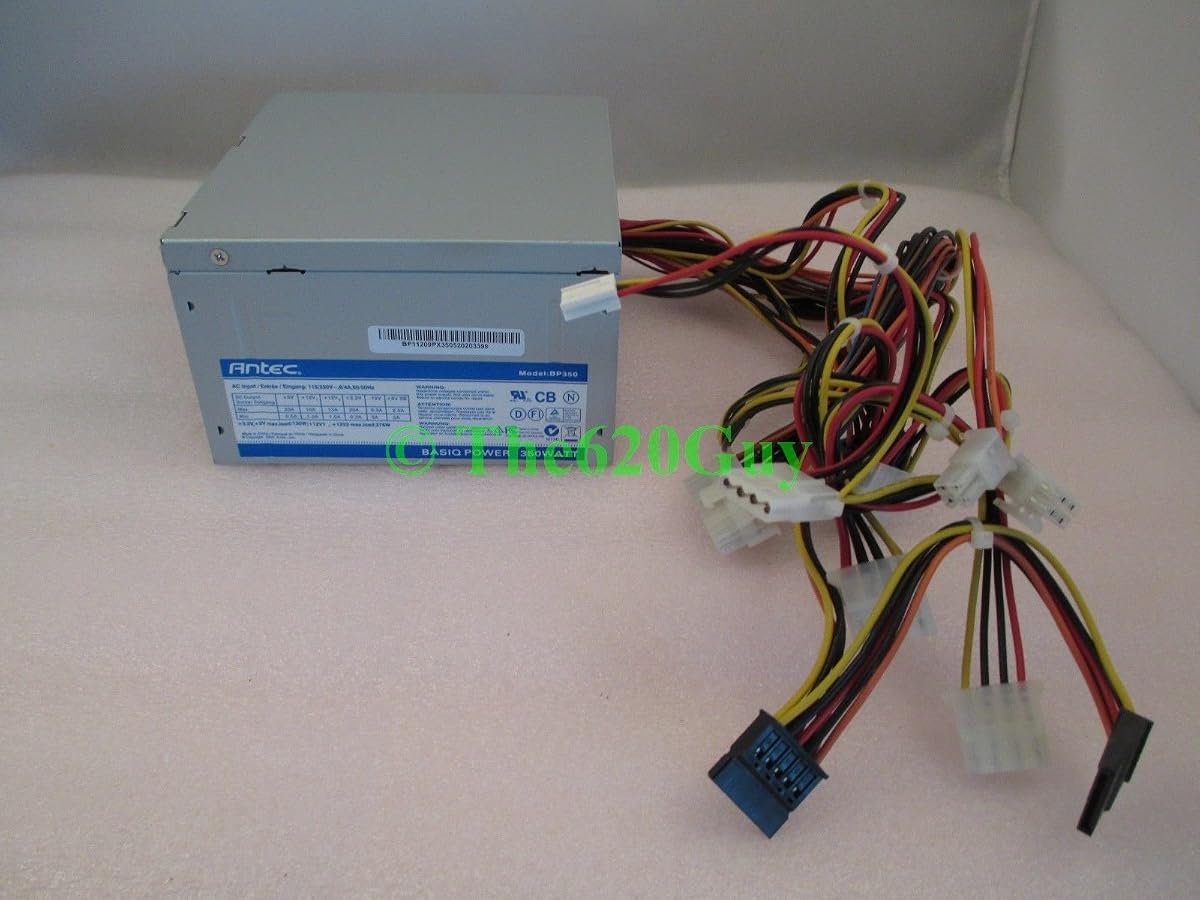
The Antec BP350 Basiq Power stands out as a top choice for budget-conscious builders. With a perfect 5.0 rating, it delivers dependable power for everyday desktop tasks without unnecessary complexity.
We may earn a commission when you buy through this link, at no additional cost to you.
This unit leverages Antec's years of industry experience to provide a solid workhorse for entry-level systems. Its straightforward design focuses on core reliability rather than flashy features, making it ideal for office PCs or basic home setups.
While it lacks modern modular cabling or high-efficiency certifications, the trade-off is a remarkably low price point. The protection features ensure safe operation, and the standard connectors fit most legacy and modern motherboards alike.
Buyers seeking a no-nonsense power supply for a 350W class build should consider this unit. It represents excellent value for money and continues to be a trusted option for budget system builders.
The Basiq line focuses on consistent power delivery that rarely fails under normal load conditions.
Standard connectors make it easy to install without requiring specialized tools or knowledge.
We may earn a commission when you buy through this link, at no additional cost to you.
Silverstone Technology offers a premium option with the FX350-G-VT. This Flex ATX 1U unit delivers top-tier Gold efficiency for specialized compact builds where space and power quality are critical requirements.
We may earn a commission when you buy through this link, at no additional cost to you.
Designed for continuous 24/7 operation at 40C, this PSU is ideal for home theaters or small form factor servers. The 80 Plus certification ensures energy savings and reduced heat output compared to lower-tier units.
The single +12V rail provides stable current distribution, which is beneficial for systems requiring consistent power delivery. However, the fixed cables and unique form factor may limit compatibility with standard cases.
If you need a high-efficiency power solution for a specialized compact build, this Silverstone unit is worth the investment. It combines industrial-grade reliability with advanced efficiency standards.
The 1U design fits perfectly in server racks and slim media centers.
Gold certification minimizes electricity waste and reduces system operating temperatures significantly.
We may earn a commission when you buy through this link, at no additional cost to you.
The Thermaltake Smart 500W provides exceptional value for users seeking reliability. Despite the 350W category focus, this 500W unit offers ample headroom while maintaining a budget-friendly price point in the market.
We may earn a commission when you buy through this link, at no additional cost to you.
Equipped with a 120mm ultra-quiet fan, it ensures stable operation under load without excessive noise. The 80 Plus White certification guarantees minimum efficiency standards, while active PFC optimizes power usage effectively.
Industry-grade protections like OVP, OCP, and SCP safeguard components against power anomalies. The five-year warranty further reinforces confidence in its long-term durability for entry-level users.
For builders needing a dependable power supply with extra capacity for future upgrades, this Thermaltake model is a smart choice. It balances cost, performance, and protection features well.
The higher wattage allows for easy component upgrades without replacing the power supply.
A five-year warranty offers significant peace of mind compared to cheaper alternatives.
We may earn a commission when you buy through this link, at no additional cost to you.
The Apevia ITX-PFC400W is a unique option for compact builds requiring modular flexibility. Its 400W capacity and Mini-ITX form factor make it suitable for small desktop cases that need organized cable management.
We may earn a commission when you buy through this link, at no additional cost to you.
Features include active PFC for efficient power usage across a wide voltage range. The fully modular design reduces clutter, and various protection features ensure safety for sensitive components in a small environment.
However, user ratings suggest some inconsistencies in quality control. The small 40mm fan may produce noticeable noise under load, which could be an issue for quiet office environments.
If you prioritize modularity in a small build, this unit offers practical advantages. Just ensure proper ventilation within your case to manage heat and noise effectively.
Modular cables allow you to use only what is needed for cleaner installation.
Designed specifically for Mini-ITX and Flex ATX cases with limited internal space.
We may earn a commission when you buy through this link, at no additional cost to you.
The APEVIA VENUS450W offers a practical solution for budget builds. Its 450W output provides enough power for standard office tasks or entry-level gaming setups without excessive power consumption.
We may earn a commission when you buy through this link, at no additional cost to you.
The 120mm fan features auto-thermal control, adjusting speed based on temperature. This helps balance cooling needs with noise levels. The voltage tolerance ensures stable performance under varying load conditions.
It includes a comprehensive protection system to prevent damage from surges or shorts. The flexible connectors allow for compatibility with various motherboard requirements out of the box.
This unit is suitable for those prioritizing functionality and protection over advanced features. It represents a straightforward choice for general-purpose computing needs.
Auto thermal control helps maintain optimal temperatures without constant high-speed fan noise.
Split cables allow compatibility with both 4-pin and 8-pin CPU power requirements.
We may earn a commission when you buy through this link, at no additional cost to you.
The ARESGAME AGV Series 500W stands out for its 80 Plus Bronze certification. This provides better efficiency than White or non-certified units, which is useful for reducing heat and energy costs.
We may earn a commission when you buy through this link, at no additional cost to you.
Delivering 500W continuous output, it offers reliable power for entry-level gaming or office systems. The 120mm fan ensures quiet cooling performance even during extended operation periods.
A five-year warranty adds significant value and trust to this product. The all-black cables help maintain a clean look inside the case, which is a nice aesthetic touch.
For those seeking efficient power without spending on Gold certifications, this unit offers strong value. It balances performance and reliability well within its price range.
Bronze certification means less energy is wasted as heat during normal operation.
Long-term warranty coverage provides confidence in the manufacturer's quality commitment.
We may earn a commission when you buy through this link, at no additional cost to you.
This ATX 350W power supply offers a compliant option for general computing needs. It meets ROHS standards and provides standard power delivery for basic systems without complex requirements.
We may earn a commission when you buy through this link, at no additional cost to you.
The design focuses on delivering consistent power for daily office tasks. Its standard ATX format ensures compatibility with most mid-tower cases and older motherboards.
While it lacks visible efficiency certifications, it serves well for low-demand setups. The straightforward connection process makes it ideal for simple upgrades or replacements.
Choose this unit if you need a straightforward replacement for an aging system. It offers basic functionality without unnecessary features or complications.
ROHS compliance ensures the product meets environmental safety standards for electronics.
Universal ATX connections make it easy to fit into existing desktop chassis.
We may earn a commission when you buy through this link, at no additional cost to you.
This desktop power supply is designed for energy efficiency and adaptability. Its low consumption rating helps minimize electricity costs for systems running continuously.
We may earn a commission when you buy through this link, at no additional cost to you.
The adjustable voltage switch supports 115V and 230V, making it versatile for different power grids. The thermal sensor ensures the fan runs only when necessary to keep noise levels low.
A double magnetic ring design improves power stability and filtering. The perfect user rating suggests reliability in typical home or office environments.
For travelers or users in varying regions, the voltage switch is a practical benefit. It provides a cost-effective way to power basic systems efficiently.
Manual switching allows use in different countries without needing a voltage converter.
Thermal sensors help reduce noise by controlling fan speed based on heat levels.
We may earn a commission when you buy through this link, at no additional cost to you.
The Antec Basiq BP350 is a classic choice for standard ATX cases. With an 80mm quiet fan, it balances cooling and noise levels for a pleasant user experience.
We may earn a commission when you buy through this link, at no additional cost to you.
Meeting ATX12V V2.01 standards, it ensures compatibility with older motherboards while providing stable power for essential components. The compact size helps maintain airflow in tighter cases.
Its reputation as a reliable budget option continues to attract buyers. The price point makes it accessible for those building on a tight budget.
Consider this unit for legacy system repairs or budget builds. It delivers Antec quality without breaking the bank for standard desktop needs.
The 80mm fan is optimized for low noise operation during normal system loads.
Antec's long history in power supplies adds confidence to this budget model.
We may earn a commission when you buy through this link, at no additional cost to you.
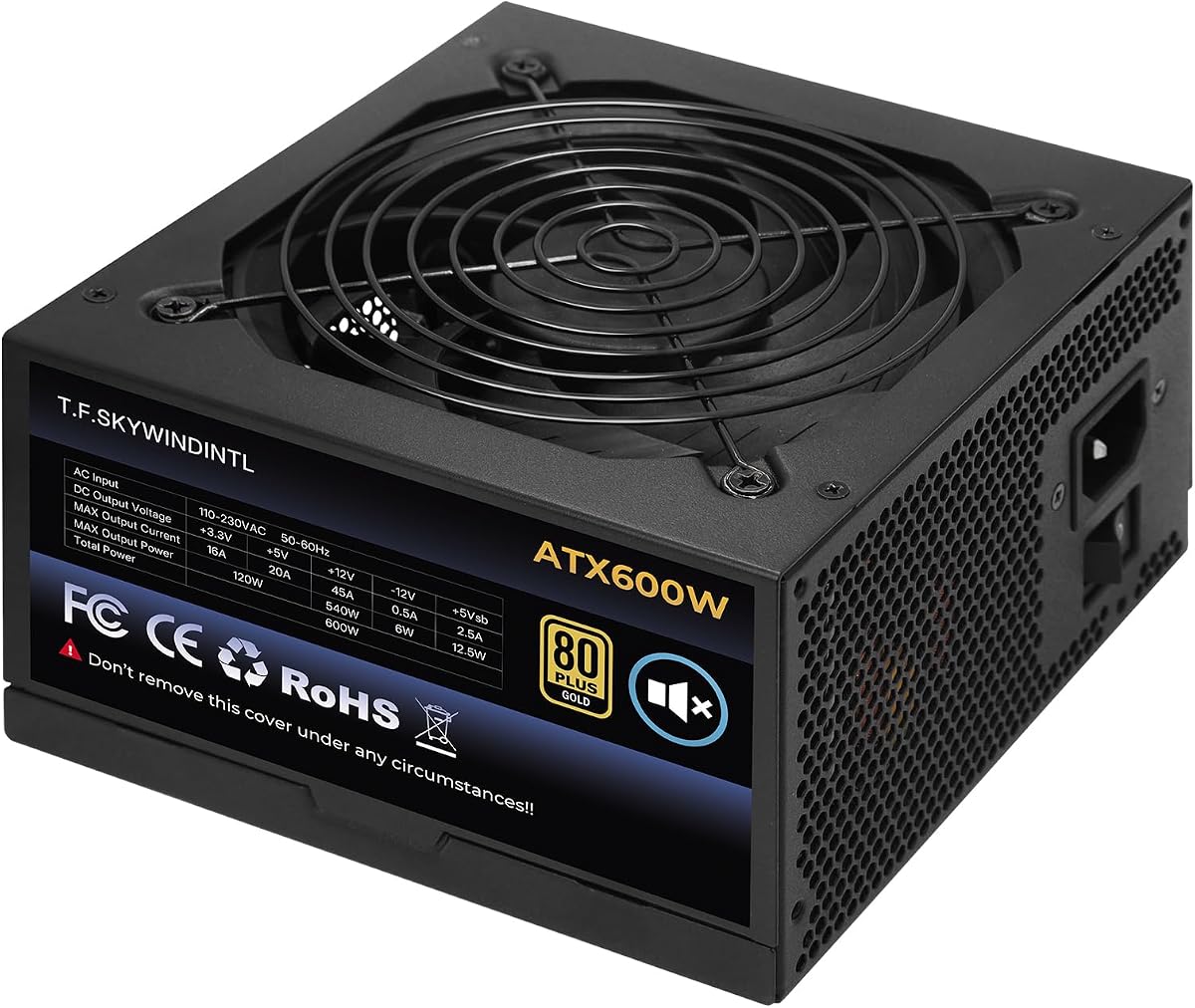
While technically above 350W, this 600W Gold unit offers significant headroom. It is perfect for users anticipating future upgrades or needing robust power for multiple drives.
We may earn a commission when you buy through this link, at no additional cost to you.
The 80 Plus Gold efficiency reduces energy waste and heat output effectively. The 125mm FDB fan ensures silent operation even under heavy system loads.
Full voltage support and comprehensive protections make it versatile for various power environments. The robust cable lengths ensure neat cable management in larger cases.
If you want a future-proof power solution with premium efficiency, this unit is a strong choice. It delivers high performance for modern gaming or workstations.
The extra wattage ensures compatibility with higher-end graphics cards in the future.
The large fluid dynamic bearing fan runs silently even during high power draw.
We may earn a commission when you buy through this link, at no additional cost to you.
Selecting the right power supply requires understanding your system's needs and constraints. This guide covers the essential factors to consider for a reliable purchase.
Ensure the PSU provides enough watts for your current components plus future upgrades. A 350W unit is suitable for office PCs and basic home systems.
Always calculate your total component power draw and leave a safety margin for stable performance.
Efficiency certifications like 80 Plus White or Gold indicate how much energy is converted into power. Higher ratings mean lower electricity bills and less heat.
Look for at least an 80 Plus White rating to ensure energy efficiency and safety standards.
Choose a PSU that matches your case size. Standard ATX units fit most desktops, while Flex ATX suits smaller specialized builds.
Measure your case clearance to confirm the PSU dimensions will fit correctly.
Check that the PSU has the necessary connectors for your motherboard, CPU, and drives. Modern boards often require specific 24-pin and 8-pin connections.
Ensure all essential connectors are present to avoid compatibility issues.
Safety protections like OVP, SCP, and OTP protect your components from power surges or overheating. These features are crucial for system longevity.
Never sacrifice protection features for a lower price; safety should always be a priority.
A longer warranty period signals manufacturer confidence in product quality. Look for units with at least a three to five-year warranty.
Keep your receipt to claim warranty service if issues arise during the coverage period.
Quality fans reduce noise and keep internal components cool. Larger fans generally run slower and quieter than smaller ones.
Ensure the fan is positioned to provide adequate airflow through the PSU internals.
Balance cost with necessary features. Sometimes paying slightly more for better protection or efficiency saves money in the long run.
Avoid unknown brands that do not list safety specifications or provide clear warranties.
Always turn off your PC and unplug the power cord before installing or removing the PSU. Use the included screws to secure the unit to the case chassis to prevent movement.
Keep the PSU vents clear of dust by cleaning them every few months with a can of compressed air. Ensure the case has adequate airflow to support the internal cooling fan.
Avoid overloading the unit by calculating your component power needs carefully. If you notice unusual noises or burning smells, shut down the system immediately for inspection.
A 350W PSU is sufficient for basic office tasks, web browsing, and media consumption. However, modern gaming PCs with dedicated graphics cards generally require at least 500W for safe and stable operation.
It indicates the power supply meets minimum efficiency standards, converting at least 80 percent of power energy into usable power. This helps reduce energy waste and heat generation inside your case.
Only for very low power gaming builds with integrated graphics. Dedicated gaming graphics cards usually draw significant power and will require a higher wattage PSU to avoid instability.
With proper cooling and load, a quality PSU can last five to ten years. The lifespan depends heavily on environmental factors like temperature, dust, and power quality in your home.
Modular units allow you to connect only the cables you need for cleaner builds. Non-modular units have all cables permanently attached, which can make cable management slightly more difficult.
Yes, Active PFC helps optimize power usage and improve efficiency across different voltages. It also helps comply with international regulations and ensures stable power delivery under varying loads.
Basic video editing without heavy rendering loads might work, but intensive tasks usually demand more power. It is safer to use a PSU with headroom to handle peak loads during rendering.
We hope this guide helps you find the right power supply for your system. Our top picks offer a range of options from reliable budget choices to premium efficient models.
Prioritize safety features and efficiency ratings over flashy extras when choosing a 350W unit. A stable power supply ensures the longevity of all your other computer components.
Remember to check current prices and availability before purchasing to get the best deal. Your PC's performance depends on a solid power foundation.