
Zunate External Optical Drive Enclosure
Slim 9mm drive support
USB 3.0 and Type C
Portable lightweight design
This comprehensive guide compares the top External Optical Drive Enclosure models to help you choose the right adapter for your internal or external storage
An External Optical Drive Enclosure allows you to connect internal optical drives to your computer via USB. These devices are essential for accessing legacy media files and installing software from discs on modern machines.
We evaluated ten highly rated enclosures based on compatibility, build quality, and transfer speeds. Our analysis focuses on models that support various drive sizes and offer reliable power solutions for consistent performance.
Each pick highlights specific strengths for different user needs. Please note that availability and pricing may change frequently, so verify current details before making your final purchasing decision.
4.6Editor score

4.6Editor score
The following table provides a side-by-side comparison of all featured enclosures to help you identify key differences in drive support and connectivity options.




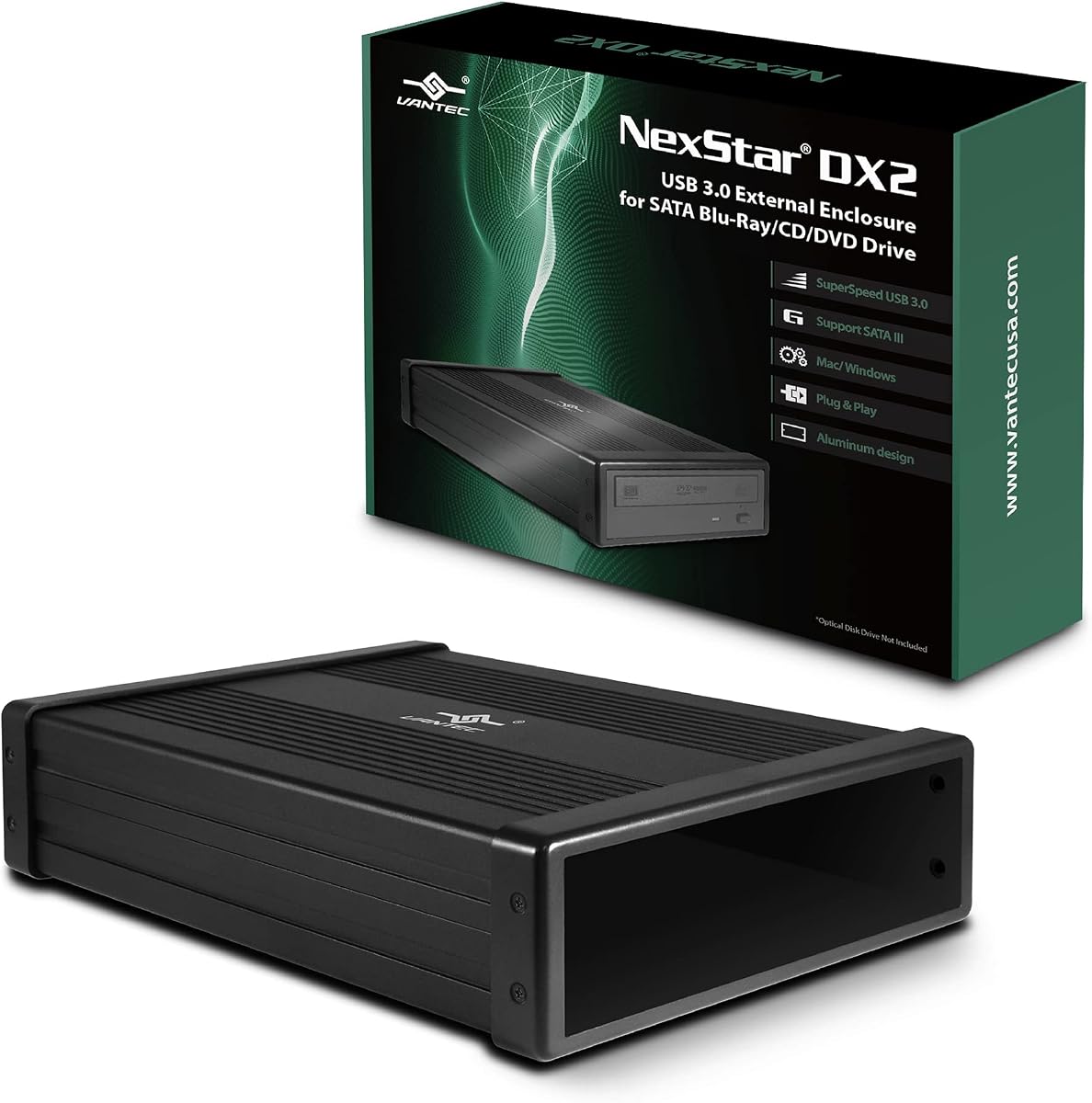
The NexStar DX2 holds the top spot with its versatile design that accommodates optical drives of any depth. This enclosure stands out for its robust aluminum alloy casing and reliable USB 3.0 connectivity.
We may earn a commission when you buy through this link, at no additional cost to you.
Its flexible internal SATA cable ensures you can connect drives regardless of interface position. The included power adapter guarantees stable operation even for high-performance Blu-Ray drives that demand more energy.
While the size is larger than slim options, the ability to mount other SATA drives adds significant utility. The TAA compliance makes it a suitable choice for government or enterprise procurement needs.
We recommend this model for users needing maximum compatibility with full-size desktop optical drives. Its durability and power flexibility make it the most robust solution in this comparison.
Unlike many enclosures limited to specific lengths, this unit fits optical drives up to 185mm deep without requiring adapters.
The 12V 3A adapter ensures consistent power delivery for write operations which often require more energy than read tasks.
We may earn a commission when you buy through this link, at no additional cost to you.
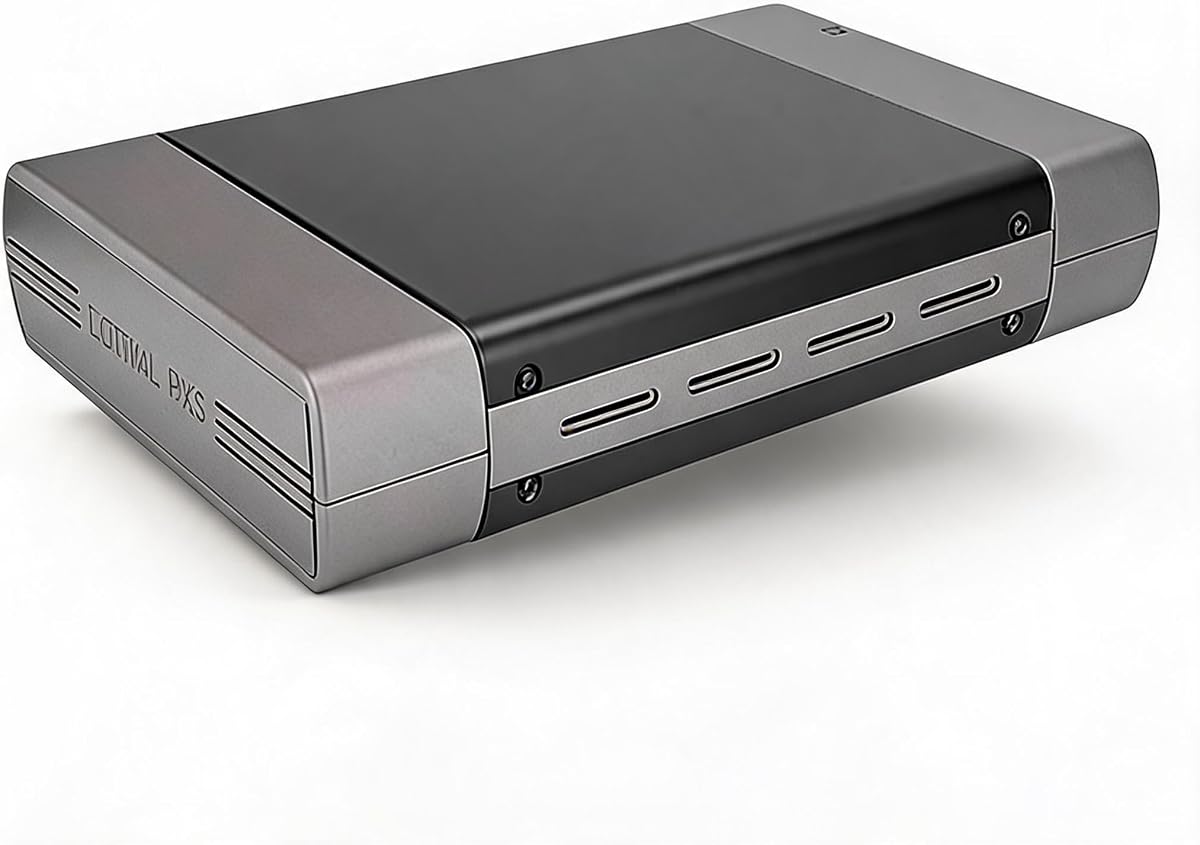
This enclosure offers a strong alternative for users with drives up to 171mm deep. It features a solid aluminum build that helps dampen noise during operation.
We may earn a commission when you buy through this link, at no additional cost to you.
The inclusion of both USB A and C cables provides flexibility for modern laptops and older desktops alike. It is designed to work seamlessly with SATA optical drives.
Users should be prepared to check video guides for screw alignment if their specific drive has non-standard mounting holes. Despite this, the hot swappable feature is a significant convenience.
We suggest this model for those who need a durable desktop solution but do not require the deeper fit of the NexStar option.
Having both USB Type A and Type C cables ensures you can connect to virtually any computer without needing extra adapters.
The aluminum casing helps dissipate heat effectively which is crucial for maintaining performance during long burning sessions.
We may earn a commission when you buy through this link, at no additional cost to you.
The Zunate enclosure is an excellent choice for converting slim laptop drives into portable external units. It connects via USB 3.0 and Type C without needing external power.
We may earn a commission when you buy through this link, at no additional cost to you.
Its lightweight design makes it ideal for travel and users who need occasional access to optical media. The built-in eject button prevents discs from getting stuck.
While it lacks the heavy-duty build of desktop options, its simplicity and low cost make it a practical solution for everyday tasks like software installation.
We recommend this for travelers or laptop owners with spare 9mm drives who want a cost-effective way to extend their hardware utility.
This unit draws power directly from the USB port eliminating the need for a bulky external power brick in your bag.
The woven data cable reduces interference helping to maintain stable data transfer during read and write operations.
We may earn a commission when you buy through this link, at no additional cost to you.
The JOTEC enclosure features a premium aluminum alloy body that ensures effective heat management during operation. It supports both USB 3.0 and Type C connections for versatility.
We may earn a commission when you buy through this link, at no additional cost to you.
Powered by the INIC1618 chipset, it includes a power-saving sleep mode which helps extend drive life and reduce noise. Non-slip feet keep the unit stable on desk surfaces.
This model is designed specifically for 12.7mm thick SATA drives which covers most standard laptop optical drives. It does not support IDE interfaces.
We consider this a strong mid-range option for users prioritizing build quality and thermal management in a portable form factor.
The aluminum construction acts as a heatsink to prevent overheating during long data transfers or disc burning tasks.
The built-in chipset manages power sleep automatically to reduce wear on the drive motor during periods of inactivity.
We may earn a commission when you buy through this link, at no additional cost to you.
This enclosure is engineered to support multiple drive thicknesses including 12.7mm and 9.5mm models. It offers a high transfer speed of 5Gbps with USB 3.0.
We may earn a commission when you buy through this link, at no additional cost to you.
The INIC3609 chipset provides broad compatibility across Windows and OS X systems. It also features automatic sleep mode to enhance energy efficiency.
While user ratings are lower than top picks, the price point makes it accessible for budget-conscious buyers. It remains a functional option for basic data access tasks.
We suggest this model for users with specific drive thickness needs who are looking for a cost-effective USB 3.0 solution.
Accommodating both 12.7mm and 9.5mm drives means you can use it with older and newer laptop optical drive models.
The automatic sleep mode helps prevent unnecessary power consumption when the drive is not actively being used.
We may earn a commission when you buy through this link, at no additional cost to you.
The Vantec adapter supports SATA 6Gbps and UASP protocol for high-speed data transfer. It is designed to reduce noise and vibration with an included anti-slip mat.
We may earn a commission when you buy through this link, at no additional cost to you.
Its compact design makes it easy to store in any office or travel bag. The hot-swappable feature allows you to connect and disconnect drives without rebooting.
While it requires a specific power supply for higher energy drives the performance gains from UASP support are significant for large file transfers.
We recommend this premium model for users prioritizing speed and reliability in professional or high-volume data environments.
The UASP protocol optimizes data transfer speeds beyond standard USB 3.0 limitations for faster file processing times.
The anti-slip mat stabilizes the drive and reduces mechanical noise which improves the overall user experience.
We may earn a commission when you buy through this link, at no additional cost to you.
This enclosure offers a reliable solution for standard 5.25 inch desktop optical drives with an included AC power adapter. It connects via USB 2.0 for basic data access.
We may earn a commission when you buy through this link, at no additional cost to you.
The aluminum housing protects the installed drive from physical damage and wear. It comes with all necessary screws and cables for a quick setup.
While the transfer speed is slower than USB 3.0 models it provides stable power for write tasks that require consistent energy flow.
We consider this a solid choice for users who need a durable desktop connection and do not require high-speed data transfer.
The included AC adapter ensures that burn operations are not interrupted by power drops which can corrupt data.
The aluminum case acts as a shield against scratches and minor impacts protecting your valuable optical drive.
We may earn a commission when you buy through this link, at no additional cost to you.
This portable enclosure features a detachable panel that simplifies installation for 9.5mm laptop drives. It connects via USB 3.0 and Type C with a woven cable.
We may earn a commission when you buy through this link, at no additional cost to you.
The brushed ABS finish provides a stylish look that resists scratches and fingerprints. It includes a dedicated eject button to prevent disc jams.
While the material is lighter than aluminum it still offers durable protection for occasional travel use. The design allows for quick swaps of drives.
We suggest this model for users who value portability and quick setup for their slim optical drives.
The detachable panel design means you do not need any tools to swap your internal drive into this external casing.
The woven cable resists tangling and kinks while reducing interference for a stable connection during use.
We may earn a commission when you buy through this link, at no additional cost to you.
This enclosure is built for ultra-slim 9mm drives found in many modern laptops. It supports high-speed data transfer up to 5Gbps with USB 3.0.
We may earn a commission when you buy through this link, at no additional cost to you.
The detachable cable folds neatly into the bottom for convenient storage and travel. It is compatible with multiple operating systems including Windows and OS X.
The brushed finish provides a premium look while protecting against minor scratches. It includes an eject button to ensure discs release smoothly.
We recommend this for users who need a fast portable solution for their slim laptop optical drives.
The integrated cable folds into the base keeping your workspace clean and making transport easier in a laptop bag.
Plug and play detection means you do not need to install extra drivers to start using your drive immediately.
We may earn a commission when you buy through this link, at no additional cost to you.
This enclosure offers a tool-free detachable design for quick installation of standard 12.7mm drives. It includes an eject key to prevent discs from getting stuck.
We may earn a commission when you buy through this link, at no additional cost to you.
The integrated USB 3.0 and Type C cable folds away to keep your workspace clean. It is made from scratch-resistant brushed material.
While it is an affordable option it is best suited for lower power drives. The compact design makes it ideal for on-the-go use.
We suggest this model for casual users who want a simple and effective way to externalize their spare internal drives.
You can swap your drive in seconds without needing any screwdrivers making maintenance and upgrades very simple.
The dedicated eject key ensures discs are released safely even if the drive software encounters an unexpected error.
We may earn a commission when you buy through this link, at no additional cost to you.
Selecting the right enclosure depends on your specific drive type and usage requirements. Here are the key factors to consider.
Most laptop drives are 9.5mm or 12.7mm thick while desktop drives are much larger. Always verify your drive dimensions match the enclosure specifications before purchase.
Matching the thickness ensures the drive sits correctly and prevents mechanical damage during use.
USB 3.0 provides faster speeds than USB 2.0 and is essential for burning discs or large file transfers. Type C ports are becoming standard on modern laptops.
Look for dual cable options to ensure compatibility with both older and newer computers.
Slim drives often draw enough power from the USB port but desktop drives usually require an external 12V adapter. Without enough power burn tasks may fail.
Confirm if the enclosure includes a power adapter and that it matches your drive requirements.
Aluminum casings dissipate heat better and are more durable than plastic or ABS options. This is important for long sessions of reading or writing data.
Metal cases also reduce vibration and noise which makes for a better user experience.
Hot swapping allows you to connect and disconnect drives without restarting your computer. This saves time and increases workflow efficiency.
Ensure the enclosure supports hot swapping if you plan to switch drives frequently.
Most modern enclosures work with Windows and macOS but check for Linux support if needed. Driverless plug and play is standard for most models.
Confirm the enclosure works with your specific OS version to avoid compatibility issues.
USB 3.0 supports up to 5Gbps which is ten times faster than USB 2.0. UASP protocols can further increase speed for large data transfers.
Choose a faster interface if you plan to transfer many files or burn large discs regularly.
Portable enclosures should be lightweight with cable storage solutions for travel. Desktop models can be larger as they stay in one location.
Consider how often you will carry the device to determine the right size and weight for your needs.
To install your drive, align the SATA connector on the drive with the socket on the enclosure. Slide the drive in until it clicks or screws into place securely.
Connect the USB cable to your computer and insert a disc. If it is a desktop drive, ensure the external power adapter is plugged in before connecting the USB.
Keep the enclosure in a cool dry place away from direct sunlight. Regularly check the cables for wear and clean the optical lens if reading errors occur.
Most modern enclosures are plug and play and do not require extra drivers on Windows or macOS. The operating system should automatically detect the drive when connected via USB.
No, most enclosures support SATA interfaces only. IDE drives require a specific adapter or enclosure designed for the wider IDE connector.
If the drive needs more power than the USB port provides you must use an external power adapter. Otherwise you may see read or write errors during operation.
Not all. You must check the thickness of your drive. Most laptop drives are 9.5mm or 12.7mm thick so you need an enclosure that matches that measurement.
Many modern enclosures come with a USB Type C cable. If your laptop only has Type C ports ensure the enclosure supports that connection directly.
Use the physical eject button on the enclosure or the software eject option. If the drive is locked ensure it is connected and recognized by the system.
We found that the NexStar DX2 offers the best overall versatility for desktop drives while the Zunate excels for portable slim drives.
Prioritize aluminum build quality and USB 3.0 support to ensure stable performance and longevity in your external setup.
Prices and stock levels change often so verify current details and availability before finalizing your purchase decision today.