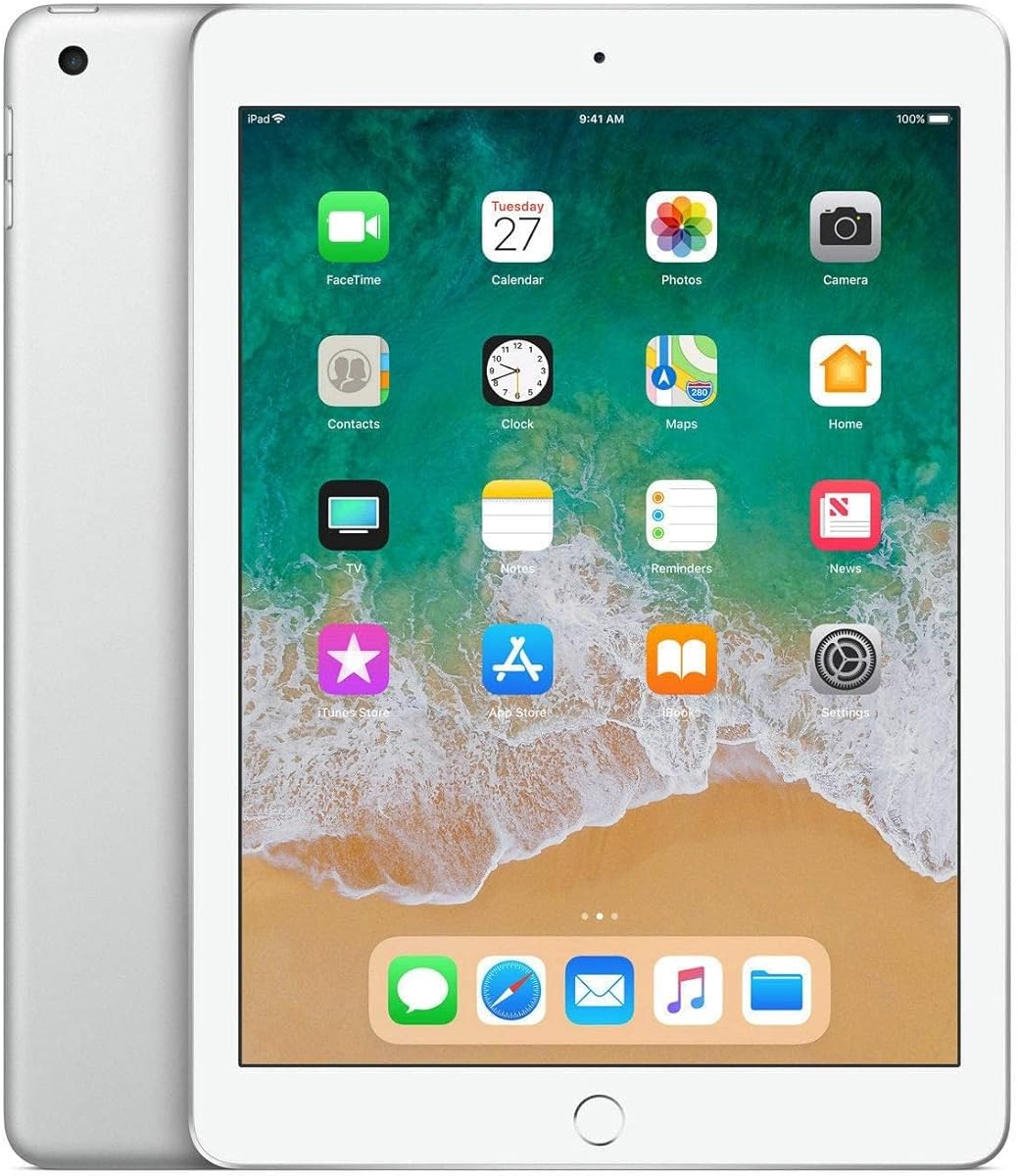
Apple 9.7in iPad (Early 2018)
4.3Editor score
Affordable entry-level pricing
Reliable A10 Fusion chip
Touch ID security sensor
This guide compares the best cheap iPad models available in October 2026, evaluating performance, display quality, and value to help you find the perfect
Finding the right tablet can be challenging when you want premium features without breaking the bank. This guide explores affordable options that deliver excellent performance for everyday tasks like browsing, streaming, and creativity.
We analyzed ten distinct iPad models ranging from renewed older generations to the latest budget-friendly releases. Our comparison focuses on processor speed, display quality, storage capacity, and overall user satisfaction ratings to ensure you get the most value.
Each pick highlights key strengths and potential trade-offs to help you decide based on your specific needs. Please note that availability and pricing fluctuate frequently, so verify current details before making your final purchase decision online.
4.3Editor score
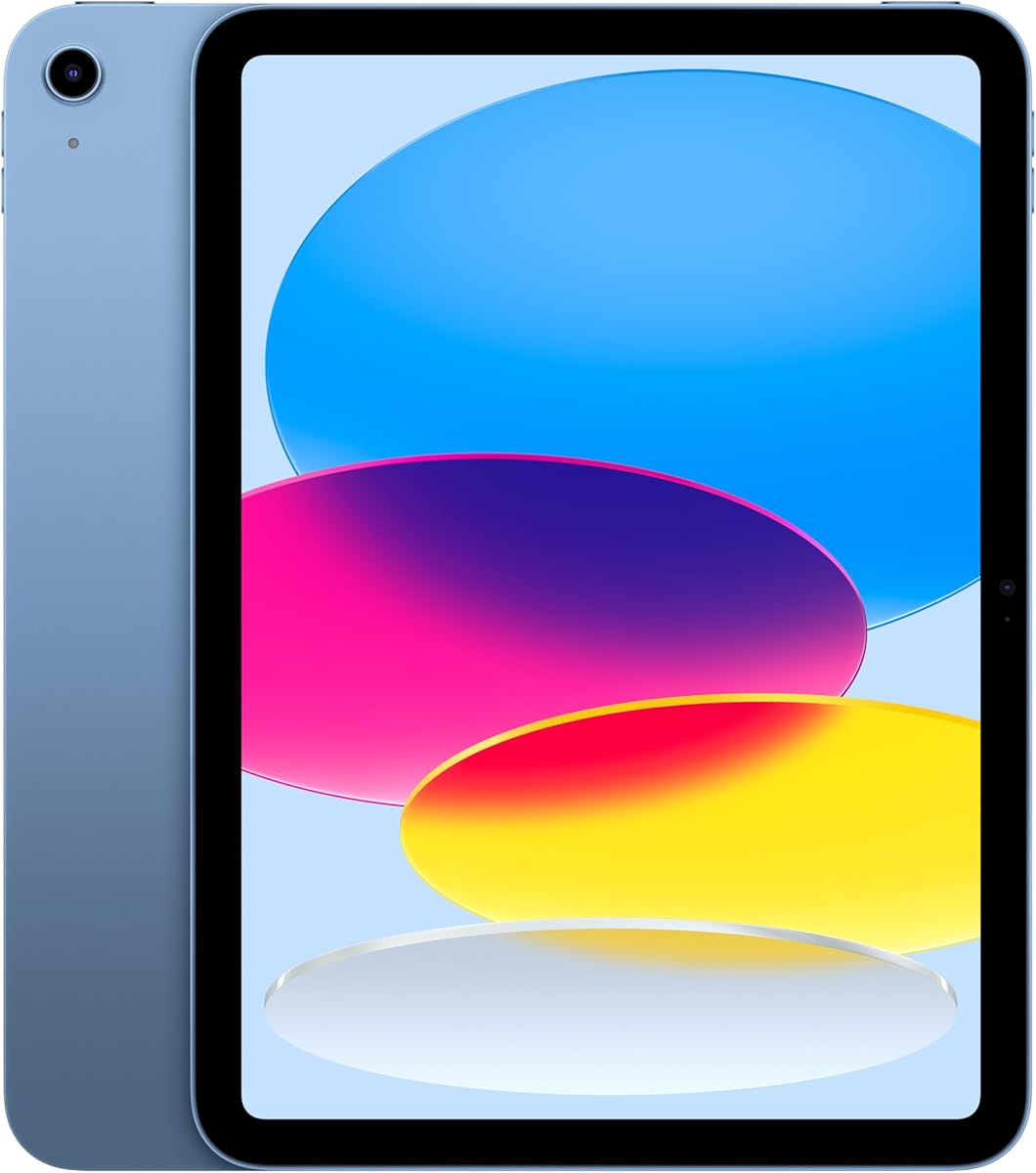
4.7Editor score

4.3Editor score
The following table provides a detailed side-by-side comparison of all ten selected iPad models. Use this overview to quickly identify specifications like display size, processor type, and camera capabilities to narrow down your choices efficiently.



This 11-inch iPad stands out as the top choice for most users seeking a balance of performance and portability. It features the superfast A16 chip and a stunning Liquid Retina display that brings media to life with vibrant colors and sharp details.
We may earn a commission when you buy through this link, at no additional cost to you.
Performance is exceptional thanks to the A16 chip which delivers a boost for your favorite activities like gaming and photo editing. The display adjusts to room lighting with True Tone, making it comfortable to view in any environment throughout the day.
While it offers excellent value, users should note that it does not include cellular connectivity in this specific configuration. Additionally, while the device is robust, purchasing cases and pencils separately can increase the total investment significantly.
Anyone looking for a versatile tablet for work, school, or entertainment will find this model highly satisfying. It is the ideal choice for those who want the latest technology without jumping to the much more expensive Pro lineup.
The Liquid Retina display provides an amazing way to watch movies or draw your next masterpiece with accurate colors.
iPadOS allows you to run multiple apps at once and use Apple Pencil to write in any text field with Scribble.
We may earn a commission when you buy through this link, at no additional cost to you.
This renewed model offers a premium experience at a more accessible price point. It retains the classic design with a 10.2-inch Retina display which is perfect for reading and browsing the web comfortably.
We may earn a commission when you buy through this link, at no additional cost to you.
The A13 Bionic chip ensures smooth performance for everyday tasks and light creative work. With 64GB of storage, you have adequate space for apps and media without immediately needing to rely on cloud services.
One trade-off is the aspect ratio of the screen which differs from the latest models, potentially leaving black bars on some widescreen content. The Touch ID is located on the home button which may feel less modern to some users.
This is an excellent pick for students or families who want a reliable iPad without the highest price tag. It bridges the gap between older budget models and the newer, more expensive flagship devices.
Buying renewed allows you to access high-performance features while saving money on the initial purchase cost.
The Retina display delivers sharp text and vivid images for an enjoyable viewing experience during media consumption.
We may earn a commission when you buy through this link, at no additional cost to you.
For those strictly monitoring their budget, this older model remains a capable tablet for essential tasks. It features a 9.7-inch Retina display which is compact enough to hold with one hand yet large enough for comfortable viewing.
We may earn a commission when you buy through this link, at no additional cost to you.
The A10 Fusion processor is sufficient for web browsing and streaming video smoothly. Despite being an older model, it still supports the Apple Pencil allowing you to take handwritten notes or draw without needing a newer device.
The main limitation is the 32GB storage capacity which fills up quickly if you download many apps or save large video files. You will likely need to manage storage carefully or rely heavily on cloud storage for your files.
This device is perfect for casual users who primarily want to read, browse, or use educational apps. It offers the core Apple experience at a price point that is hard to beat in the current market.
The 9.7-inch form factor makes it easy to carry around for reading or light work on the go.
Support for the Apple Pencil adds significant utility for students and artists without needing expensive accessories.
We may earn a commission when you buy through this link, at no additional cost to you.
This silver variant offers the same powerful internals as its siblings but with a sleek metallic finish. It is an ideal choice for creative professionals who need a reliable device for digital art and video calls.
We may earn a commission when you buy through this link, at no additional cost to you.
The A16 chip supports demanding creative apps with ease. The Center Stage feature on the front camera keeps you centered during video calls which is great for remote work or teaching sessions.
The silver color may show fingerprints more easily than darker colors but it looks elegant and modern. You will need to budget for a case and screen protector to keep the finish looking pristine over time.
If you appreciate a clean aesthetic combined with top-tier performance, this model fits the bill perfectly. It provides all the modern features without compromising on speed or display quality for your creative workflows.
The combination of the A16 chip and Apple Pencil transforms the device into an immersive drawing canvas.
Center Stage technology ensures you stay in frame automatically during important online meetings and calls.
We may earn a commission when you buy through this link, at no additional cost to you.
This renewed model is a solid choice for those who primarily read and consume media. The 10.2-inch screen offers enough room for comfortable text viewing without being too heavy to hold for extended periods.
We may earn a commission when you buy through this link, at no additional cost to you.
The A12 Bionic chip handles e-readers and web browsers efficiently. Stereo speakers provide decent audio quality for podcasts and videos which enhances the overall entertainment experience without needing external speakers.
Performance is adequate for basic tasks but may struggle with heavy multitasking or complex games. If your usage is focused on consumption rather than creation this device serves that purpose well.
It is highly recommended for seniors or students who need a straightforward device for learning and leisure. The renewed status ensures you get a functional unit at a fraction of the cost of a new one.
The screen size and resolution make long reading sessions easy on the eyes for books and articles.
Stereo speakers deliver clear sound that fills the room making it great for watching videos without headphones.
We may earn a commission when you buy through this link, at no additional cost to you.
For users who want their device to stand out, this yellow model offers a vibrant and cheerful look. It matches the powerful performance of the other 11-inch models making it both beautiful and functional for daily use.
We may earn a commission when you buy through this link, at no additional cost to you.
The A16 chip ensures that colorful design does not come at the cost of speed. You can run demanding apps and stream high-definition video without any lag or performance bottlenecks affecting your workflow.
Availability of specific colors like yellow can be limited depending on regional markets and stock levels. You should check your preferred retailer regularly to ensure you can purchase this specific finish when you are ready.
If personal expression is important to your tech choices this device allows you to carry a bright signature style. It is perfect for anyone who wants to add a splash of personality to their digital toolkit.
The four gorgeous colors offer a range of style options to suit different personal preferences and moods.
The USB-C connector allows for versatile charging and accessory options fitting modern peripheral standards.
We may earn a commission when you buy through this link, at no additional cost to you.
This pink version is a favorite among younger users and families looking for a stylish yet robust device. The performance ensures it can handle educational apps, games, and creative projects with equal ease.
We may earn a commission when you buy through this link, at no additional cost to you.
The display is bright and vivid which appeals to those who consume a lot of visual media. It also supports the Apple Pencil which is excellent for homework and art projects in a classroom setting.
While it is an investment, the long battery life means it can last through a full school day without needing a recharge. Parents may want to purchase a protective case to shield it from drops and scratches.
It is an ideal gift for teens who need a reliable tool for both study and entertainment. The combination of style and substance makes it a smart choice for growing digital needs.
The device supports essential apps like Safari, Messages, and Keynote alongside a million more from the App Store.
With support for Apple Pencil you can transform the device into an immersive drawing canvas for artistic projects.
We may earn a commission when you buy through this link, at no additional cost to you.
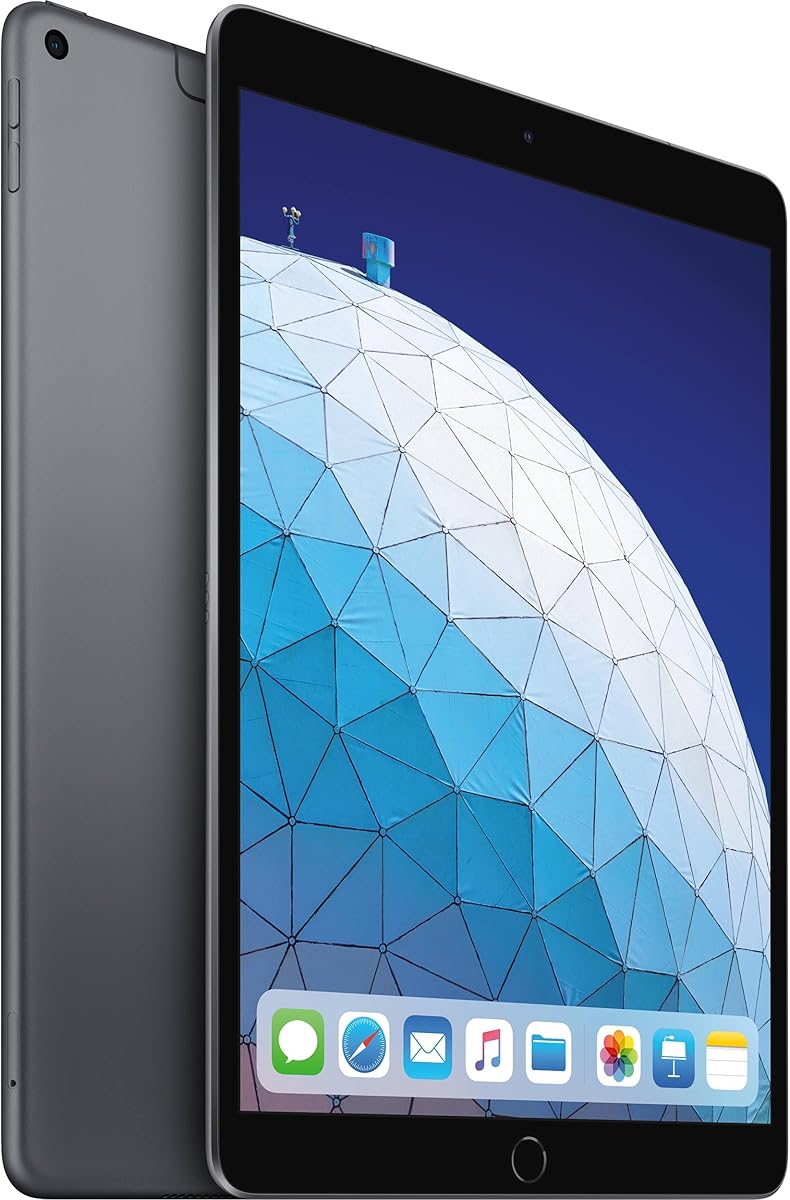
This Space Gray model brings a classic aesthetic to your collection. It is particularly useful for those who still prefer wired headphones thanks to the included 3.5mm headphone jack which is often missing from newer devices.
We may earn a commission when you buy through this link, at no additional cost to you.
The stereo speakers provide good volume and clarity for casual viewing. While the processor is older it remains capable enough for streaming content and social media browsing without significant issues.
Charging is slower compared to modern standards which can be a minor inconvenience if you need quick top-ups between uses. However for a fixed desk or bedside setup this is rarely a major drawback.
It is a great choice for users who prioritize audio connectivity and a simple design. The renewed status ensures you get a device that is fully functional and ready for daily entertainment tasks.
The presence of a standard headphone jack allows you to use your existing audio gear without buying new adapters.
The A10 Fusion chip provides a stable experience for everyday apps that do not require heavy computing power.
We may earn a commission when you buy through this link, at no additional cost to you.
This Silver model introduces the Smart Connector which allows for the use of keyboards without needing Bluetooth pairing. It is a practical feature for those who need to type documents or emails regularly.
We may earn a commission when you buy through this link, at no additional cost to you.
The design is reliable and tested with a good screen for web browsing. It serves well as a secondary device for checking emails or light work tasks while on the move.
Storage is a constraint here but can be managed with cloud solutions for media and documents. The Smart Connector adds versatility that newer cheaper models sometimes omit at this price point.
If you need a functional writing surface for basic productivity this is a solid contender. It balances old and new features to provide a useful tool for general home and office needs.
The Smart Connector supports accessories that can enhance the typing experience significantly for text-based tasks.
Renewed units offer a cost effective way to access these premium features without paying full retail prices.
We may earn a commission when you buy through this link, at no additional cost to you.
This model represents a classic era of tablet design that many users still appreciate for its simplicity. It offers a reliable experience for basic needs and serves as a nostalgic piece for tech enthusiasts.
We may earn a commission when you buy through this link, at no additional cost to you.
The Night Shift feature helps reduce eye strain during late hours making it easier to read before bed. It continues to run many essential apps well even if it cannot run the very latest software updates.
The lack of USB-C means you are limited to Lightning cables which are becoming less common. However for a secondary device at home this limitation is often manageable for most users.
It is ideal for users who want a dedicated reading or web browsing station that stays in one place. The compact size and proven design make it a comfortable tool for simple digital interactions.
The Night Shift feature automatically adjusts screen colors to reduce blue light exposure during the evening.
The familiar form factor provides a sense of familiarity and ease of use for first time or returning users.
We may earn a commission when you buy through this link, at no additional cost to you.
Selecting the right cheap iPad involves weighing several factors to ensure the device meets your needs without overspending.
The processor determines how fast the device runs and how well it handles complex apps. Newer chips like the A16 offer longevity while older chips are fine for basic tasks.
Choose a newer chip if you plan to keep the device for years.
A good screen makes a huge difference in reading and watching content. Look for Retina or Liquid Retina displays to ensure text is sharp and colors look vibrant.
Prioritize high-resolution screens for media consumption.
Storage space dictates how many apps and files you can keep locally. Base models often start at 32GB or 64GB which fills up quickly with photos and updates.
Consider upgrading storage or using cloud storage solutions.
Battery life affects how often you need to carry a charger. Modern models offer all-day usage but older renewed models may have degraded batteries.
Check reviews for actual battery endurance before buying used.
Wi-Fi speed matters for downloading content quickly. Newer models include Wi-Fi 6 which is faster and more stable than older Wi-Fi standards.
Ensure the device supports modern wireless standards for speed.
Many users buy iPads to use with a stylus or keyboard. Verify which generation of Apple Pencil the model supports before purchase.
Compatible accessories expand the usability of the tablet significantly.
A sturdy build ensures the device lasts longer and resists wear. Aluminum bodies are durable but can scratch easily without protection.
Factor in the cost of protective cases for longevity.
Renewed models offer great value but check their condition grade and warranty coverage. Certified renewed items often come with a guarantee against defects.
Always verify warranty terms to protect your investment.
To maximize battery life, manage your background app refresh and lower screen brightness when you are not using the device heavily. This simple habit can extend the time between charges significantly.
Use the built-in storage management tools to offload unused apps and photos to the cloud. Keeping the internal storage clear prevents the device from slowing down over time.
Protect your device with a quality case and screen protector immediately upon purchase. Physical protection is the best way to prevent costly repairs and maintain resale value.
Yes, a renewed iPad is often worth buying because it offers significant savings while providing a functional device that meets most needs. Certified renewed models usually come with a warranty and are inspected for defects before sale.
The latest 11-inch iPad models generally offer the best battery life with all-day endurance on a single charge. Newer batteries and efficient chips contribute to longer usage times compared to older models.
Yes, you can use the first generation Apple Pencil on many older models including the 6th and 7th gen. However, newer models may require the USB-C Pencil so check compatibility before purchasing.
For basic use like browsing and streaming 64GB is often sufficient if you rely on cloud storage for photos. If you store many videos locally consider upgrading to 128GB or more.
Most cheap iPads listed are Wi-Fi only models which means they connect to the internet via wireless networks. Cellular models are typically more expensive and require a separate data plan.
Retina displays are standard high-resolution screens while Liquid Retina adds True Tone technology for better color accuracy. The difference is noticeable when viewing content in various lighting conditions.
You can extend battery life by updating to the latest software and avoiding extreme temperatures while using the device. Keeping brightness moderate also helps conserve power during daily tasks.
Choosing the right cheap iPad depends on your specific balance of budget and performance needs. The top picks cover a wide range of use cases from simple reading to creative work.
Prioritize features that matter most to you such as screen size or processor speed when making your final selection. Avoid paying for capabilities you will not use to keep costs down.
Remember to check current prices and availability before purchasing as these can change frequently. Taking a moment to compare offers ensures you get the best value for your money.