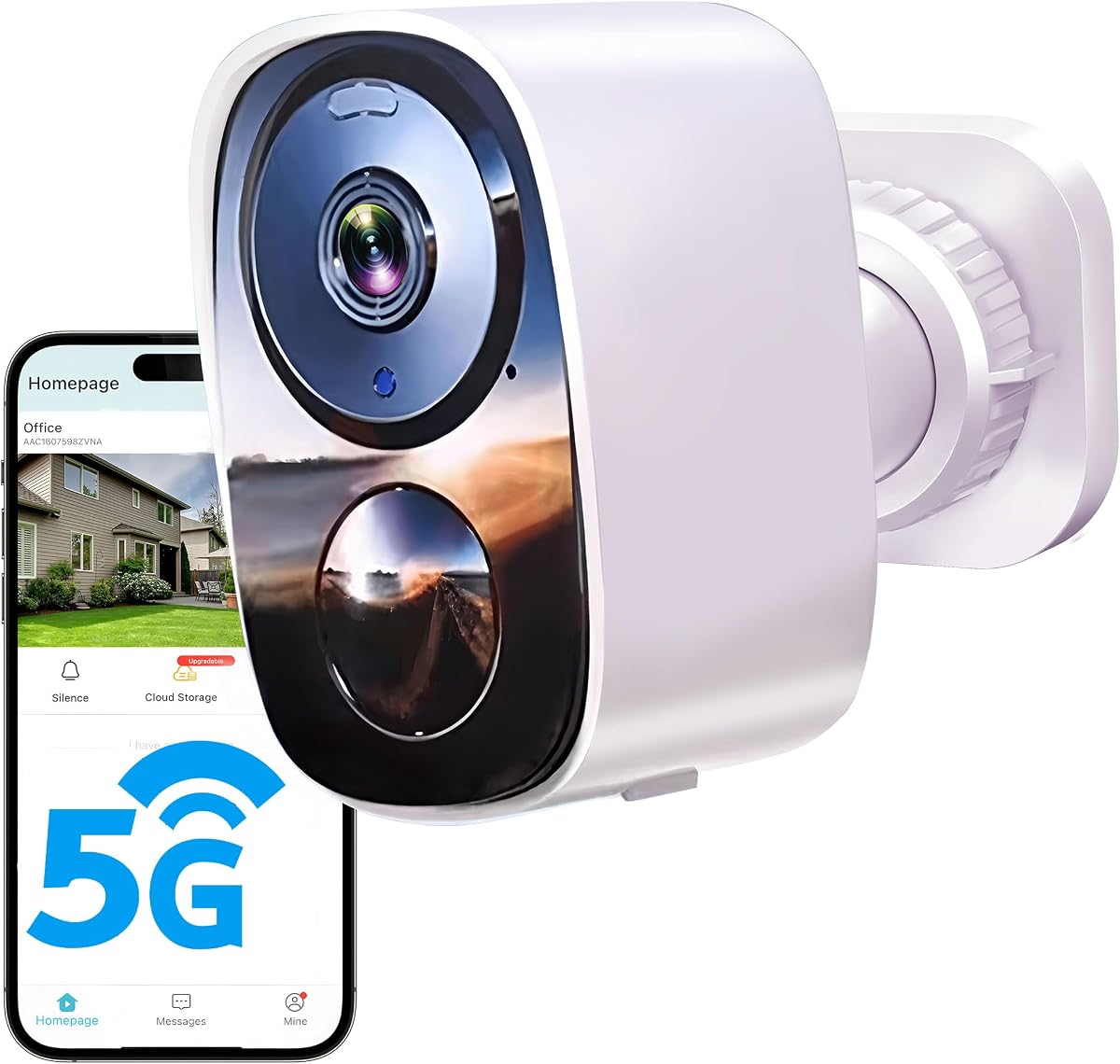
2026 Upgraded 2K Security Cameras
4.3Editor score
2K video with night vision
Free cloud storage option
Long battery life
This guide compares the top ten Airbnb security cameras for host protection, guest privacy, and remote monitoring to help you choose the ideal system.
Securing your rental property is essential for peace of mind and guest safety. A reliable security camera helps monitor entrances and common areas without infringing on privacy.
We evaluated ten leading models based on video quality, smart detection, and ease of installation. Each option offers unique features tailored to short-term rental needs.
Read our detailed reviews to find the perfect match for your space. Note that availability and terms may change over time, so check the latest details before buying.
4.3Editor score

4.7Editor score

4.5Editor score
Explore our side-by-side comparison of the top ten models to quickly identify the best fit for your rental property needs.




This wireless window camera stands out for its simplicity and clarity. It offers a 3MP resolution that captures fine details even in low light.
We may earn a commission when you buy through this link, at no additional cost to you.
The magnetic mount lets you place it on any window instantly. Two-way audio helps communicate with visitors without opening the door.
You might find the lack of included storage a minor hurdle. However, the flexibility to choose between local and cloud solutions balances this out.
Ideal for hosts wanting a quick entryway monitor without tools. Its smart alerts keep you informed of any unexpected activity at the door.
Since no drilling is needed, this fits perfectly in rentals where structural changes are not allowed.
The advanced color night vision ensures you see clear footage even when it is pitch dark outside.
We may earn a commission when you buy through this link, at no additional cost to you.
The Tapo C100 offers excellent value for hosts monitoring common areas. Its 1080p video ensures you see who is visiting your property clearly.
We may earn a commission when you buy through this link, at no additional cost to you.
Night vision performs well with full-color details up to 30 feet away. The built-in privacy cover gives guests peace of mind when they are alone.
Being wired means you need an outlet nearby, which might limit placement. But for living rooms or hallways, it provides reliable continuous monitoring.
This camera is perfect for budget-conscious users who still want quality. Its robust app and security features make it a top choice for daily use.
The manual privacy cover allows you to disable the camera and mic instantly when privacy is most critical.
You get a reliable system without breaking the bank, making it easy to cover multiple areas affordably.
We may earn a commission when you buy through this link, at no additional cost to you.
Ring Indoor Cam continues to lead with its seamless ecosystem and smart features. It delivers sharp 1080p HD video for reliable indoor monitoring.
We may earn a commission when you buy through this link, at no additional cost to you.
Advanced Pre-Roll lets you see seconds before motion is detected, ensuring you never miss the start of an event. The privacy cover is a thoughtful touch.
You might need a subscription to save clips, which is a common trade-off. The plug-in design means managing cords, but it ensures constant power.
Best for hosts already invested in the Ring brand. It offers a polished experience with excellent integration for alerts and remote viewing.
Capture extra footage before motion triggers so you can see the full context of any incident.
Linking with other Ring devices gives you a complete home security setup with one unified app.
We may earn a commission when you buy through this link, at no additional cost to you.
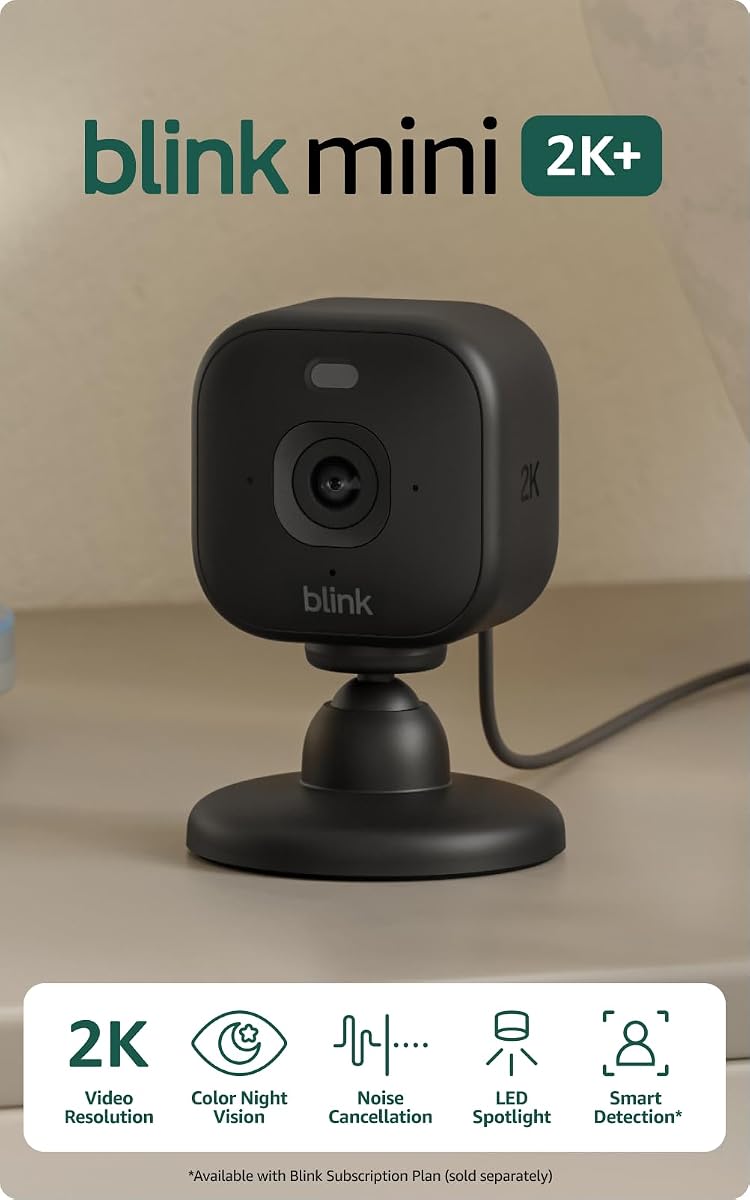
Blink Mini 2K+ brings high resolution to a compact package. Its improved audio ensures conversations and ambient sounds are clear for remote guests.
We may earn a commission when you buy through this link, at no additional cost to you.
The two-camera bundle is great for monitoring multiple common areas. Smart detection helps filter alerts so you know exactly what triggered the sensor.
Like many modern cameras, saving clips requires a subscription. The wired nature limits placement, but it works well on shelves or counters.
Ideal for hosts who need clear video and audio in one spot. It offers a solid balance of performance and price for indoor security.
Noise cancellation ensures you hear what is happening clearly even if there is background noise.
Its small size allows it to blend into the decor without drawing attention from guests.
We may earn a commission when you buy through this link, at no additional cost to you.
This four-pack system covers the entire property with minimal wiring. The 2K video and color night vision provide clarity even in dark areas.
We may earn a commission when you buy through this link, at no additional cost to you.
Wire-free installation allows you to place cameras in any spot. The siren and lights serve as a strong deterrent against unwanted activity.
Battery life is decent, but frequent charging might be needed in high-traffic areas. The 2.4GHz limitation could be an issue in crowded networks.
Best for large properties needing extensive coverage. It offers a comprehensive solution for securing driveways and backyards without complex wiring.
With four cameras, you can monitor all entry points and common areas effectively.
The built-in siren and lights help warn off intruders before they can cause damage.
We may earn a commission when you buy through this link, at no additional cost to you.
This camera is a standout for its free cloud storage and long battery life. It delivers 2K quality and clear night vision for outdoor areas.
We may earn a commission when you buy through this link, at no additional cost to you.
Dual-band WiFi helps maintain a stable connection even from a distance. The spotlight acts as a deterrent, ensuring your property stays protected at night.
While the free plan offers SD quality, the option to upgrade is there. Battery performance depends on motion frequency, so expect variability.
Ideal for budget-focused hosts wanting robust outdoor security. It balances cost and performance better than most competing models on the market.
Access your recorded clips online without paying for a monthly subscription fee.
Charge once and enjoy months of reliable power, reducing maintenance efforts significantly.
We may earn a commission when you buy through this link, at no additional cost to you.
Blink Outdoor 4 shines with its unmatched battery life. You can go up to two years on a single charge, making maintenance a breeze.
We may earn a commission when you buy through this link, at no additional cost to you.
The Sync Module Core connects everything effortlessly. Motion detection zones ensure you only get alerts for the specific areas you care about.
Local storage requires extra hardware, so expect to rely on cloud plans. Video is 1080p, which is good but not the sharpest available.
Best for large properties needing long-term monitoring. Its ease of use and reliability make it a top choice for busy hosts.
Enjoy up to two years of power on one charge, saving time and battery costs.
Focus detection on specific areas to avoid false alerts from moving leaves or passing cars.
We may earn a commission when you buy through this link, at no additional cost to you.
This premium camera offers 4K resolution that captures every detail. It stands out with no monthly fees, which is rare for this level of quality.
We may earn a commission when you buy through this link, at no additional cost to you.
The pan and tilt feature provides a panoramic view of the room. AI tracking follows movement, ensuring no activity goes unnoticed.
You might find the price higher than basic models, but the performance justifies it. HomeKit support adds value for Apple ecosystem users.
Ideal for those seeking top-tier quality and privacy. It ensures you get reliable footage without recurring costs or privacy concerns.
Enjoy all camera features without paying a monthly subscription, saving money in the long run.
Record crisp, clear video that allows you to zoom in and identify faces or details easily.
We may earn a commission when you buy through this link, at no additional cost to you.
Ring Outdoor Cam is versatile enough for any spot on your property. Its rechargeable battery means you can move it around as needed.
We may earn a commission when you buy through this link, at no additional cost to you.
Color night vision adds clarity to footage at night. You can see exactly what happened without guessing if the intruder wore a dark jacket.
You need a subscription for saved clips, which is a standard industry requirement. The battery life is decent but varies with usage.
Best for covering driveways or front porches. It offers a balance of flexibility and performance that works well for many home setups.
Easily remove and recharge the battery pack to keep your security active without wiring.
See full-color details at night instead of grainy black and white images.
We may earn a commission when you buy through this link, at no additional cost to you.
This dual-use camera offers versatility for both indoor and outdoor spaces. The 360-degree view means one unit can cover an entire room.
We may earn a commission when you buy through this link, at no additional cost to you.
Dual external antennas ensure a stable connection. Local storage options mean you do not have to worry about cloud costs for footage.
Wired power is a limitation if you need to move it often. Setup might require a bit of technical effort for perfect placement.
Best for hosts who want continuous monitoring without subscriptions. It provides a robust solution for long-term property protection and peace of mind.
One camera works equally well inside the living room or outside on the porch.
Pan and tilt functionality covers the entire area so you never miss a blind spot.
We may earn a commission when you buy through this link, at no additional cost to you.
Choosing the right security camera involves weighing several factors to ensure privacy and safety.
Always avoid recording private spaces like bedrooms or bathrooms. Focus on entryways, driveways, and common areas where guests expect security monitoring.
Clear communication with guests about camera locations is essential to maintain trust and comply with legal standards.
Higher resolution like 2K or 4K ensures you can identify faces and license plates clearly. Look for cameras that maintain clarity at night.
Choose a resolution that matches your needs to balance storage requirements with image quality.
Decide between battery-powered and wired cameras. Battery units offer flexibility but require maintenance, while wired ones provide consistent power.
Consider your property layout to determine which power source is most practical for each installation spot.
Review whether the camera uses local SD card storage or cloud subscriptions. Local storage avoids monthly fees, while cloud offers convenience.
Ensure the storage method aligns with your budget and accessibility needs for reviewing footage.
Look for AI detection that distinguishes people from animals or cars to reduce false alerts. Two-way audio allows you to communicate remotely.
These features add value but may require additional subscriptions or app access to function properly.
If placing cameras outside, ensure they have an IP65 or higher rating to withstand rain and dust. Proper weatherproofing extends the device's lifespan.
Check the specific rating to guarantee the camera performs reliably in your local climate conditions.
Check if the camera works with your existing smart home system like Alexa or Google Assistant. Integration simplifies management and access.
Compatibility ensures you can control security features using voice commands or a single unified app.
Download the dedicated app and create an account to access your camera features. Follow the setup guide to connect the device to your WiFi network.
Adjust motion zones to avoid alerts from passing cars or animals. Test the camera position to ensure it captures the right area clearly.
Regularly check the battery level or power connection to prevent interruptions. Update the app and firmware to keep security features current.
Yes, but you must disclose all devices in your listing. Cameras are typically allowed in common areas but never in private spaces like bedrooms. Always check local laws for compliance.
Not necessarily. Many models offer local storage via SD cards without fees. However, cloud features and saved clips often require a subscription plan.
Place cameras only in entryways and common areas. Use features like privacy covers or schedules to disable recording when guests are inside. Clearly state all device locations in your house rules.
Choose cameras with dual-band support or local recording capabilities. Ensure your router has good range or consider adding a WiFi extender for remote locations.
Yes, most modern cameras allow live viewing via a smartphone app. Ensure you have a stable internet connection to access your camera from anywhere.
Update firmware whenever notifications appear to fix bugs or improve security. Replace batteries as needed to maintain constant monitoring without interruption.
Our top picks offer a mix of performance and value for various needs. The Ring Indoor Cam stands out for ecosystem integration, while the eufy 4K leads in resolution.
Prioritize placement and privacy features to maintain a positive guest experience. Ensure your setup is transparent and focused on safety rather than intrusion.
Always check current availability and specific model details before purchasing. Requirements may change, so review the latest specs to match your property needs.