
AOC 22B30HM2
4.7Editor score
100Hz refresh rate
1ms response time
FreeSync technology
This guide compares the top Aoc monitors for gaming and productivity, highlighting speed, color accuracy, and value across ten distinct models.
Aoc monitors deliver reliable performance for gamers and professionals alike. Choosing the right display means balancing refresh rates, panel types, and resolution to match your specific workflow and budget needs effectively.
We compared ten real products based on their technical specs and user feedback. This list covers everything from budget-friendly options to premium OLED displays ensuring you find the perfect fit for your setup.
Each pick shows key features and ratings to help you decide quickly. Keep in mind that prices and availability change often, so verify current details before making your final purchase decision today.
4.7Editor score

4.6Editor score
4.4Editor score
This side-by-side comparison highlights the key specifications of all ten models so you can see how they stack up against each other in terms of performance and value.


The AOC 27 Gaming Monitor QHD is the top pick for most gamers seeking high speed and clarity. With a 4.6 rating it offers a powerful blend of performance and visual quality that stands out in this lineup.
We may earn a commission when you buy through this link, at no additional cost to you.
Its 240Hz refresh rate and 0.3ms response time ensure smooth gameplay without motion blur. The IPS panel delivers wide viewing angles and vibrant colors while Adaptive-Sync keeps visuals synchronized with your GPU.
While the stand only offers tilt adjustment it is stable and fits most desks. The lack of a USB hub might be a minor inconvenience but the gaming performance outweighs this limitation for competitive players.
This monitor is ideal for serious gamers who want a balance of price and performance. It provides a near premium experience without the high cost of OLED models making it a solid everyday choice.
The 240Hz refresh rate allows for incredibly fluid motion in fast paced games ensuring you never miss a frame during intense moments.
The IPS panel provides accurate colors and wide viewing angles which makes images look rich and detailed from almost any angle.
We may earn a commission when you buy through this link, at no additional cost to you.
The AOC 24 Gaming Monitor FHD is an excellent choice for budget conscious gamers who still want high refresh rates. It achieves a strong 4.6 rating by delivering smooth visuals without breaking the bank.
We may earn a commission when you buy through this link, at no additional cost to you.
Its 200Hz refresh rate ensures smooth motion in competitive titles while the IPS panel provides accurate colors. The 1ms response time helps reduce ghosting making it suitable for fast paced action games.
The resolution is limited to Full HD which is a trade off for the lower price. However for players on a tight budget this monitor offers a performance that competes with more expensive options.
Buy this if you need a reliable display for gaming or general use without spending too much. It is perfect for those transitioning from older screens who want a modern upgrade quickly.
At this price point getting a 200Hz refresh rate is rare and it ensures gameplay remains smooth even in demanding titles.
The monitor supports up to 120Hz for consoles allowing you to get the most out of next gen gaming hardware.
We may earn a commission when you buy through this link, at no additional cost to you.
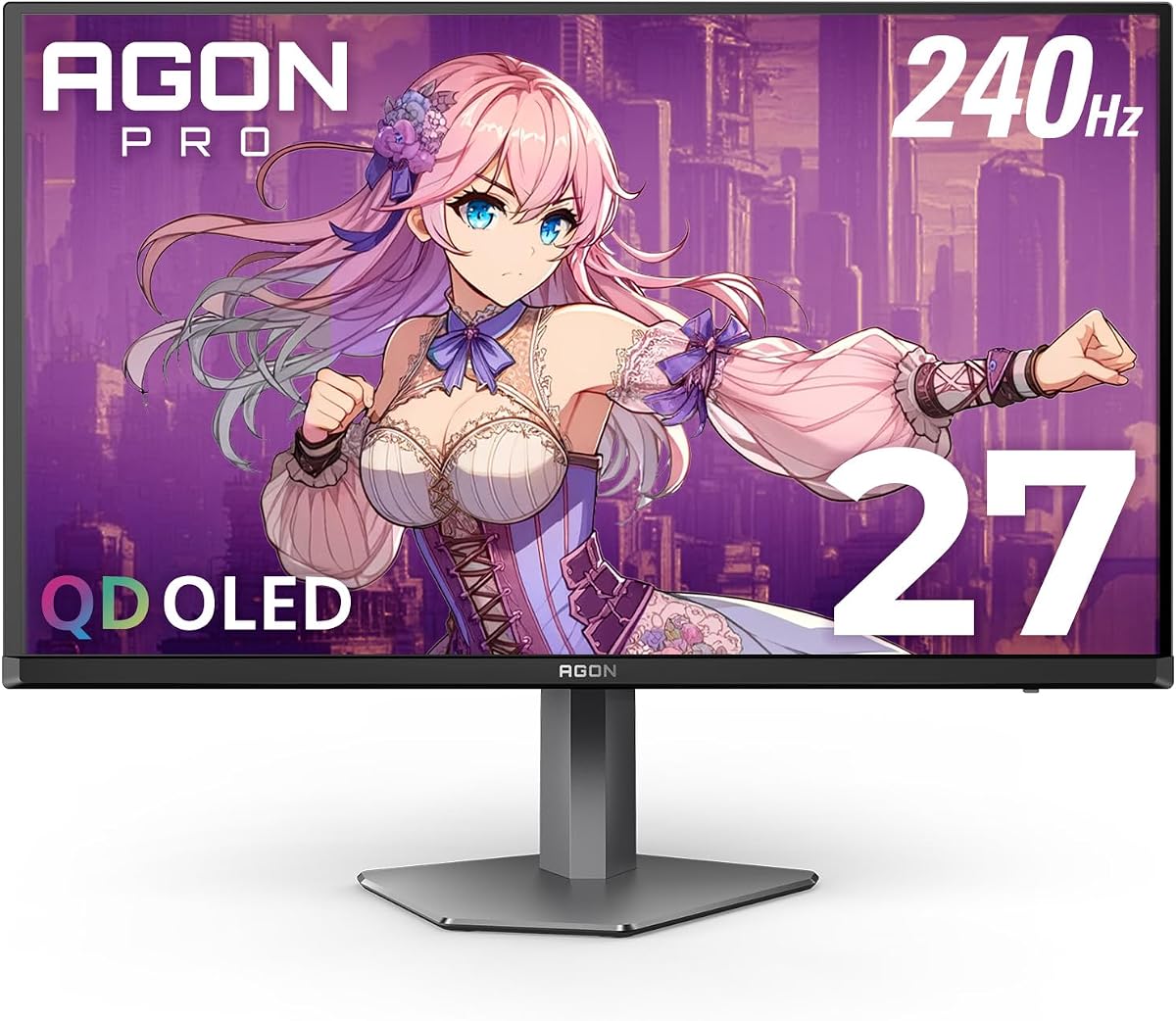
The AOC Agon Pro 27 Inch stands out as a premium option for those who demand the best visual fidelity. It boasts a 4.4 rating driven by its stunning OLED technology that changes how games look.
We may earn a commission when you buy through this link, at no additional cost to you.
The QD OLED panel delivers perfect blacks and over a billion colors for unmatched depth. Coupled with a 240Hz refresh rate and 0.03ms response time it offers fluid motion and instant reactions.
The price is significantly higher than standard IPS models which might not suit everyone. Additionally OLED panels carry a risk of burn in over time though modern protections mitigate this issue largely.
This monitor is perfect for enthusiasts who want the top tier experience and do not mind the investment. It turns any gaming room into a cinematic theater with its vibrant and dynamic visuals.
The self luminous OLED pixels create perfect blacks and infinite contrast making images pop with life and realism.
With a 0.03ms response time there is virtually no lag or ghosting ensuring the smoothest gaming experience possible.
We may earn a commission when you buy through this link, at no additional cost to you.
The AOC 27 Computer Monitor 4K is designed for users who prioritize sharp text and detail over speed. With a 4.2 rating it serves as a strong tool for work and media consumption needs.
We may earn a commission when you buy through this link, at no additional cost to you.
The 4K resolution provides crisp text and detailed images ideal for editing or reading. The IPS panel ensures colors remain consistent across the screen while the built-in speakers add convenience.
It lacks high refresh rates making it less suitable for fast gaming. However for professionals or casual users the clarity and comfort outweigh the need for rapid motion handling.
Choose this if you work with detailed graphics or need a clean desktop setup. It is a practical choice for office environments where precision and visual comfort are key priorities.
The 4K UHD resolution offers incredible pixel density making text sharp and images detailed for professional tasks.
Built-in speakers save desk space and reduce cable clutter while still providing decent audio for everyday use.
We may earn a commission when you buy through this link, at no additional cost to you.
The AOC 27 Gaming Monitor FHD offers a large screen with high refresh rates for immersive gameplay. It holds a 4.6 rating thanks to its ability to overclock to 260Hz for ultra smooth motion.
We may earn a commission when you buy through this link, at no additional cost to you.
At 27 inches the screen fills your view well for gaming. The IPS panel maintains good colors and the 0.5ms response time ensures clarity during fast movements in competitive titles.
Running Full HD on a 27 inch screen means pixels are visible up close. But for gaming where motion is key this trade off is acceptable for the higher frame rates achieved.
This monitor is great for those wanting a bigger screen without sacrificing speed. It is ideal for budget gamers who want a large and responsive display for their setup.
The ability to overclock to 260Hz provides an edge in competitive games by reducing motion blur significantly.
Flicker-free technology reduces strain during long sessions allowing you to play for hours without tired eyes.
We may earn a commission when you buy through this link, at no additional cost to you.
The AOC 32 Curved Gaming Monitor delivers an immersive experience with its wraparound display. It earns a 4.3 rating for blending a large screen with solid performance and vibrant colors.
We may earn a commission when you buy through this link, at no additional cost to you.
The 1500R curvature enhances immersion by fitting your natural field of view. QHD resolution ensures sharp visuals while the VA panel offers high contrast for deep blacks in dark games.
VA panels may have slower response times than IPS but it is manageable for most games. The base can be bulky so check your desk space before placing it in a tight area.
This is the best choice if you want to feel surrounded by the game. It suits players who value immersion and contrast over the fastest pixel response times.
The 1500R curve wraps around your vision to create a deeper and more engaging gaming atmosphere.
With over 120% sRGB coverage images appear vivid and lifelike enhancing the visual quality of games.
We may earn a commission when you buy through this link, at no additional cost to you.
The AOC C32G2ZE 32 Inch combines a large curved screen with a high refresh rate for dynamic play. Its 4.6 rating reflects the strong performance it delivers for competitive shooters and sports.
We may earn a commission when you buy through this link, at no additional cost to you.
With 240Hz refresh rate motion stays smooth even in fast action. The 32 inch size offers plenty of screen real estate for immersion while FreeSync Premium prevents tearing.
Full HD on 32 inches can look soft from close up. Also VA panels may shift colors at angles but the gaming performance makes up for these minor visual compromises.
Get this if you want a big immersive screen without losing speed. It is excellent for FPS gamers who prioritize frame rates and reaction times over pixel density.
The 240Hz rate ensures silky smooth motion which is crucial for competitive shooters where timing matters.
A 32 inch curved display surrounds your vision making you feel like you are inside the game action.
We may earn a commission when you buy through this link, at no additional cost to you.
The AOC 27 Gaming Monitor QHD with QD OLED brings top tier visuals to the mid range segment. It holds a 4.4 rating for delivering stunning color and contrast in gaming and media.
We may earn a commission when you buy through this link, at no additional cost to you.
The QD OLED panel offers deep blacks and vibrant colors similar to premium models. A 240Hz refresh rate ensures fluid motion while HDR10 enhances the visual experience in supported games.
It comes with a higher price tag which may limit its appeal. The stand is basic so using a wall mount might be necessary for full ergonomic adjustability.
This is perfect for those wanting OLED quality at a slightly better price. If you value color and contrast above all else this is a strong contender to consider.
The QD OLED technology provides deep blacks and vibrant colors for a visually stunning experience.
With a 240Hz refresh rate the screen responds instantly to inputs ensuring smooth gameplay.
We may earn a commission when you buy through this link, at no additional cost to you.
The AOC Agon Pro AG276QZD2 is a feature rich option for those who want every convenience. It gets a 4.4 rating for its advanced connectivity and flexible stand design.
We may earn a commission when you buy through this link, at no additional cost to you.
A USB Hub on the monitor reduces cable clutter significantly. The height adjustable stand allows perfect positioning while the OLED panel ensures top quality images.
The cost is high compared to basic gaming monitors. For those who need extra ports and adjustments the convenience might justify the higher investment and cost.
This is ideal for professionals who also game and need connectivity. If you want an all-in-one solution with OLED quality this fits the bill perfectly.
The built-in USB hub makes it easy to connect devices without reaching behind the PC.
A height adjustable stand ensures you can find the perfect viewing angle for long sessions.
We may earn a commission when you buy through this link, at no additional cost to you.
The AOC 22B30HM2 is the most budget friendly option available. It has a strong 4.7 rating for offering decent refresh rates and eye care features at a very low cost.
We may earn a commission when you buy through this link, at no additional cost to you.
At 21.5 inches it is compact enough for small desks. The 100Hz refresh rate is better than standard 60Hz and helps with smooth motion in casual games and browsing.
It is a renewed product so condition may vary slightly. The small size might not suit everyone but for tight budgets and limited space it is a very practical choice.
Buy this if you need a basic upgrade from an old 60Hz monitor. It is a great entry point for those who cannot afford high end gaming displays yet.
This model provides a massive jump from 60Hz monitors at a price most people can easily afford.
Flicker-free and blue light filters help reduce eye strain during long computer use sessions.
We may earn a commission when you buy through this link, at no additional cost to you.
Selecting the right monitor involves weighing several technical factors to match your specific usage needs and budget constraints effectively.
Refresh rate determines how many frames per second the screen displays. For gaming higher rates like 144Hz or 240Hz reduce motion blur and make gameplay smoother. If you play fast action games this is critical.
Look for at least 144Hz for a noticeable upgrade over standard screens.
Panel types affect color and contrast. IPS offers wide viewing angles and good color. VA offers deeper blacks. OLED offers perfect blacks and fast response but costs more. Choose based on priority.
Use IPS for color and VA for contrast.
Resolution affects image sharpness. 4K is great for text. 1440p is a balance. 1080p is faster to drive. Consider your GPU power and screen size when choosing resolution levels.
Match resolution to your graphics card capability.
Response time is how fast a pixel changes color. Lower numbers mean less ghosting. 1ms is ideal for gaming. Higher response times may show trails in fast scenes.
Target 1ms or lower for competitive play.
Check the inputs like HDMI and DisplayPort. Ensure they match your devices. Some models include USB hubs which reduce cable clutter on your desk significantly.
Ensure you have the right cables for your setup.
Screen size impacts immersion. 24 inch is standard. 27 inch is versatile. 32 inch is large. Ensure your desk can support the physical dimensions of the monitor.
Measure your desk before buying a large monitor.
Adjustable stands help reduce neck strain. Look for tilt height and swivel. Some models allow VESA wall mounting for flexible placement in various environments.
Prioritize height adjustment for long work hours.
Prices vary widely based on features. Set a limit before shopping. Entry level models are affordable but may lack speed. Premium models cost more but offer better tech.
Decide your spending limit early.
To set up your monitor connect it to your PC using a high speed cable like DisplayPort. Adjust the resolution in system settings to match the native resolution for clear text.
Clean the screen with a soft dry cloth. Avoid harsh chemicals or paper towels which may scratch the surface. If needed use a mild screen cleaner designed for electronics only.
Turn off the monitor when not in use to save power. Use sleep settings to reduce wear on the panel over time and extend the device lifespan effectively.
Yes AOC offers a wide range of gaming monitors with high refresh rates and adaptive sync. They are reliable and provide good performance for most users without a high cost.
For most work tasks a standard 60Hz is fine. However higher rates make scrolling smoother which can reduce eye strain during long sessions with content.
IPS offers better colors and viewing angles while VA offers deeper blacks and contrast. Choose IPS for color accuracy and VA for dark room gaming.
Use a soft dry cloth to wipe the screen gently. Do not spray liquid directly on the panel and avoid harsh chemicals to prevent damage to the display.
Most modern AOC monitors support 100x100mm VESA mounts. Check the specific product page to confirm compatibility before purchasing a separate stand.
Some models like the U27B3A have built-in speakers. Most gaming models do not so using external speakers or headphones is recommended for audio.
We reviewed ten top AOC monitors ranging from budget to premium OLED models. Each offers unique strengths in speed quality or value to suit different needs.
Focus on your priority whether it is refresh rate color or budget to find the right fit. Balancing these factors ensures you get a screen that lasts.
Check current prices before buying as they change often. With the right model you can upgrade your setup to enjoy smoother and sharper visuals today.