
SOYO GeForce GT 740 4GB DDR3 Low Profile Graphics Card
4.5Editor score
4GB DDR3 memory
Triple display outputs
Low power design
This guide compares the top Linux graphics cards for performance, compatibility, and value across gaming, workstations, and budget desktops.
Choosing the right Linux graphics card involves balancing driver support, hardware performance, and specific use cases like gaming or professional work. Open source drivers have improved significantly, but compatibility varies by vendor and model.
We evaluated ten real products based on their architecture, memory, output options, and reported stability on Linux systems. Each pick addresses different needs from entry level setups to high performance workstations.
Every listing shows key specs and highlights what makes the card suitable for Linux workflows. Prices fluctuate frequently so check current listings before buying to ensure you get the best available deal today.
4.5Editor score

4.7Editor score

3.9Editor score
The following table provides a side-by-side comparison of all ten graphics cards evaluated in this guide highlighting their key specifications and intended use cases.




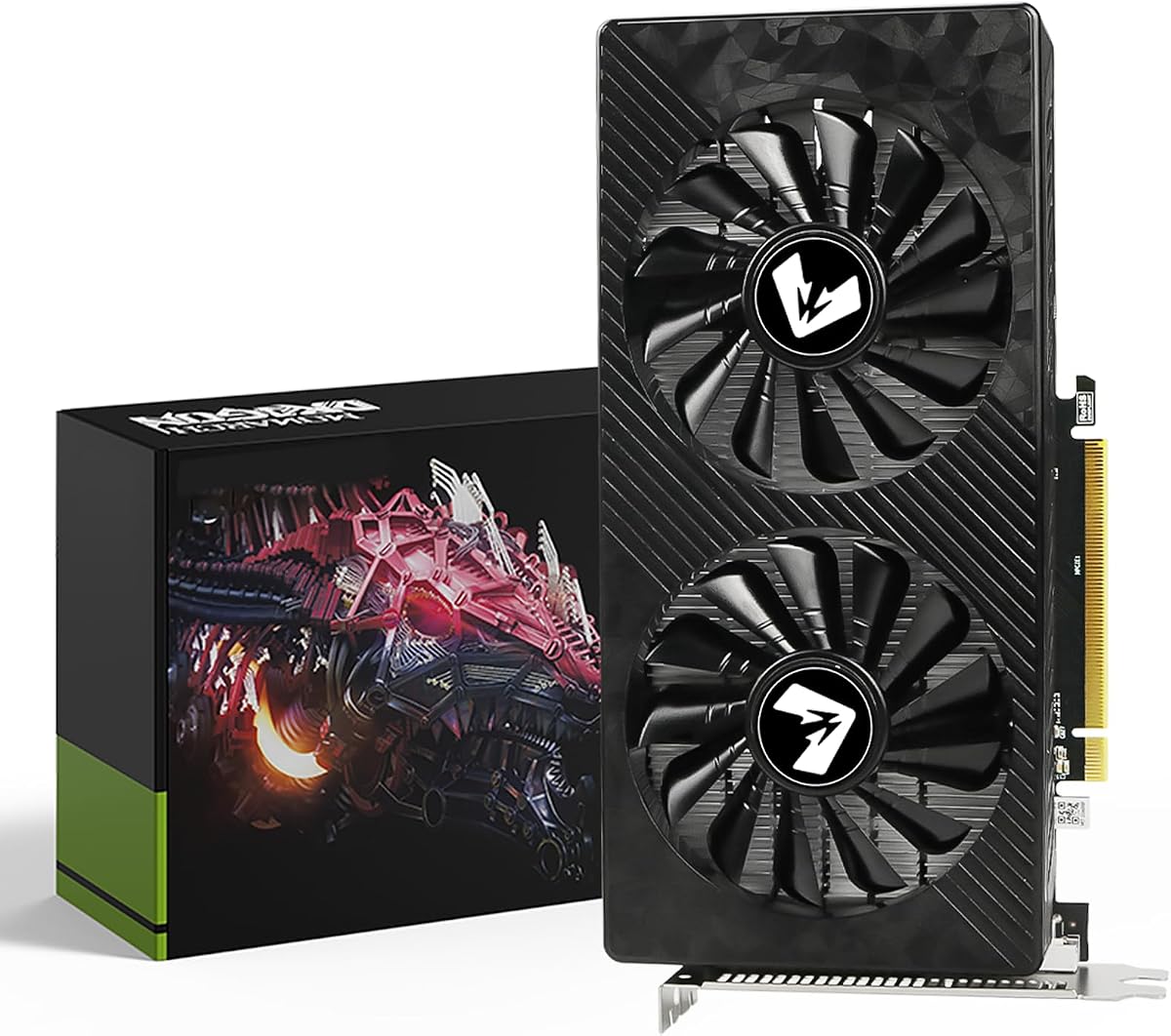
This ASUS RTX 3050 ranks as our top pick for Linux users seeking reliable performance without complexity. It carries a 4.7 rating and features the Ampere architecture which enjoys broad open source driver maturity.
We may earn a commission when you buy through this link, at no additional cost to you.
The 6GB GDDR6 memory handles most daily tasks and moderate 3D workloads efficiently. Its Axial-tech fan design ensures quiet operation while maintaining cool temperatures under load. The 2-slot profile fits most chassis including compact builds.
Users should note that while performance is solid it may not suit heavy AI training or ultra high resolution rendering. Some users report needing to update kernel modules for full feature parity but this is a minor hurdle.
For developers and casual gamers needing a stable Linux GPU this card delivers excellent value. Its balance of efficiency compatibility and build quality makes it the safest bet for most desktop setups.
NVIDIA open source drivers are increasingly stable making this card easier to configure than older models.
The compact 2-slot form factor with dust resistance ensures long term reliability in varied environments.
We may earn a commission when you buy through this link, at no additional cost to you.
The GIGABYTE RTX 3050 offers nearly identical core specs to our top pick with a 4.6 rating. Its WINDFORCE cooling system provides effective thermal management for sustained workloads.
We may earn a commission when you buy through this link, at no additional cost to you.
Like the ASUS model it benefits from NVIDIA Ampere architecture which is well supported on Linux. The dual fan setup helps maintain lower noise levels during extended sessions.
Some users find the physical size slightly larger which may not fit all small form factor cases. Performance wise it matches the ASUS closely making it a viable alternative based on availability.
If you prefer GIGABYTE builds or find this model on sale it remains a strong choice. The open source driver ecosystem treats both cards similarly ensuring comparable Linux experience.
The dual fan WINDFORCE design keeps thermals in check even during longer rendering tasks.
Ray tracing and Tensor cores enable modern workloads with efficient hardware acceleration support.
We may earn a commission when you buy through this link, at no additional cost to you.
The PNY T1000 targets professionals needing certified stability on Linux systems. With a 4.7 rating it excels in design and visualization workflows over gaming.
We may earn a commission when you buy through this link, at no additional cost to you.
Its Turing architecture supports ISV certified applications ensuring reliability for CAD and rendering tasks. The ability to drive multiple high resolution displays makes it ideal for multi monitor setups.
Gaming performance is modest compared to consumer cards and the price reflects its professional positioning. For workstation users this is a minor trade-off for guaranteed driver compliance.
If your Linux workflow involves professional software this card provides the most reliable path. Its certification and multi display support make it a standout for engineering and design teams.
ISV certification ensures the card works flawlessly with critical design and engineering software on Linux.
Support for up to four 5K displays enables immersive and productive desktop configurations.
We may earn a commission when you buy through this link, at no additional cost to you.
The ASRock Arc Pro B60 stands out with 24GB of VRAM tailored for large language models and AI inference on Linux. It has a 3.9 rating reflecting its niche appeal and new architecture.
We may earn a commission when you buy through this link, at no additional cost to you.
Intel optimized this card for Linux multi GPU deployments enabling scalable AI workloads. The 24GB memory capacity allows handling larger models without constant swapping.
Driver maturity is still evolving which contributes to the lower rating. Users may encounter occasional quirks when configuring multi GPU setups without proper documentation.
For teams running Linux based AI infrastructure this card offers unique value. The large memory pool and explicit Linux support make it a compelling choice despite the learning curve.
24GB of GDDR6 memory supports large models and reduces overhead during inference workloads.
Multi-GPU support allows scaling performance across multiple cards in a single Linux system.
We may earn a commission when you buy through this link, at no additional cost to you.
This GT 740 model focuses on productivity with four HDMI ports and a low profile design. It holds a 4.1 rating and serves well for multi-monitor office setups on Linux.
We may earn a commission when you buy through this link, at no additional cost to you.
The four HDMI ports allow direct connection to multiple displays without adapters. Its silent cooling fan ensures minimal noise in quiet office environments.
Gaming performance is limited by older hardware but that is not the intent. Users should ensure their Linux kernel supports legacy HDMI audio and display configurations.
For trading desks or home offices needing multiple screens this card delivers practical utility. The compact form factor and ease of installation make it accessible for non-technical users.
Quad HDMI ports simplify multi-monitor setups without requiring display adapters or splitters.
Silent cooling ensures the card operates quietly suitable for noise-sensitive workspaces.
We may earn a commission when you buy through this link, at no additional cost to you.
The SOYO GT 740 offers exceptional value for basic Linux desktop upgrades with a 4.5 rating. It provides three display outputs and requires no external power connectors.
We may earn a commission when you buy through this link, at no additional cost to you.
Its 384 CUDA cores handle web browsing and video playback smoothly. The low profile bracket makes it ideal for small form factor cases and older towers.
DDR3 memory is slower than modern standards but acceptable for office work. Linux drivers are stable for basic display but lack advanced features found in newer cards.
For users on a tight budget needing multi-monitor support this card is a smart pick. Its simplicity and low cost reduce risk while delivering essential functionality.
No external power connector needed allows installation in systems with limited PSU capacity.
Triple output interfaces support diverse monitor combinations without extra adapters or dongles.
We may earn a commission when you buy through this link, at no additional cost to you.
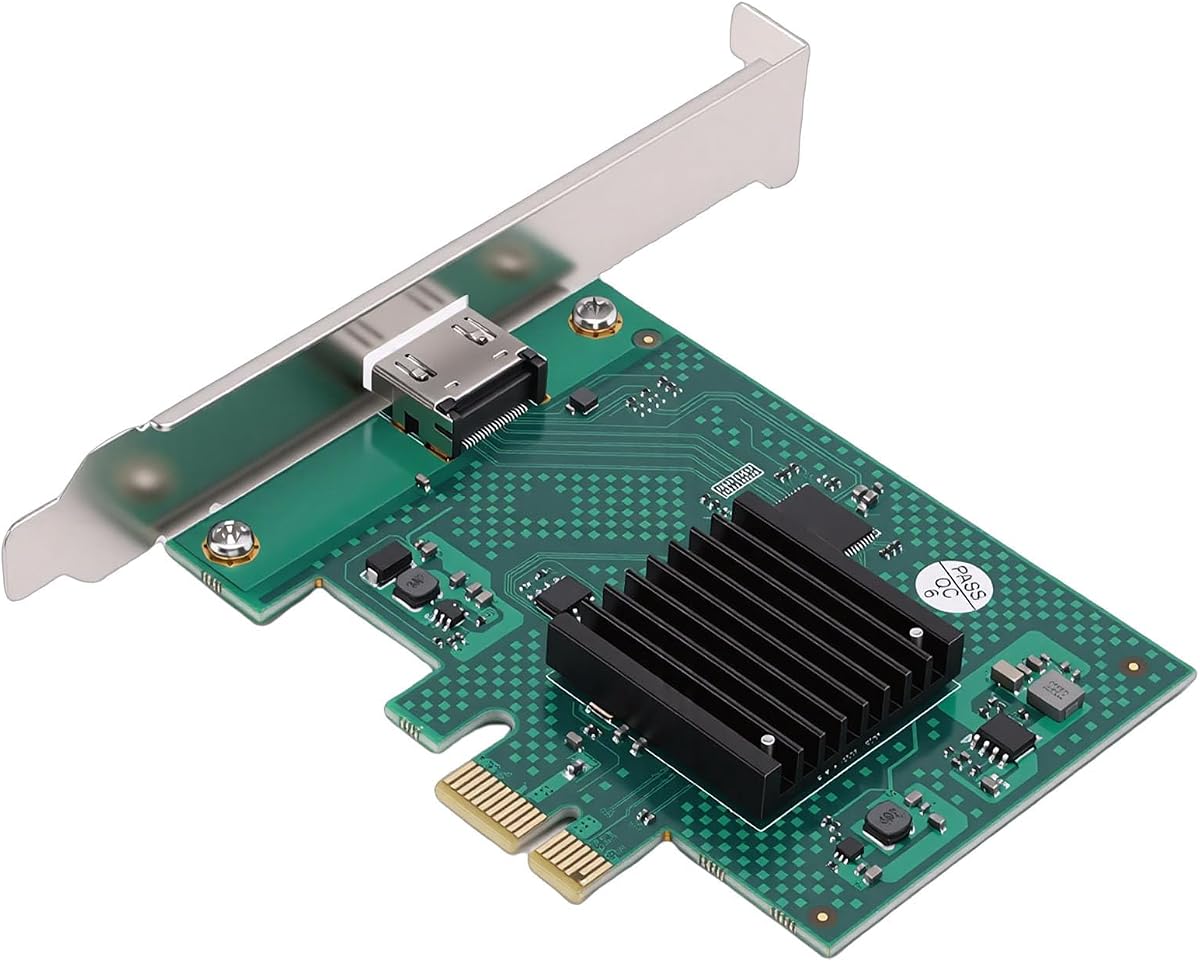
This SM750 card targets legacy systems needing a basic display solution. It carries a 4.0 rating and uses a PCIe x1 interface for broad compatibility with older motherboards.
We may earn a commission when you buy through this link, at no additional cost to you.
Its 2D graphics acceleration handles standard desktop tasks effectively. The wide operating temperature range ensures reliability in industrial or unclimate-controlled environments.
Modern gaming and 3D workloads are beyond its scope. Users should confirm their Linux distribution includes the legacy drivers for this chipset before purchasing.
For older PCs or industrial Linux boxes this card provides stable video output. Its durability and simple interface make it a practical choice for specialized legacy setups.
PCIe x1 interface works with older motherboards lacking modern expansion slots.
Wide temperature range ensures stable operation in industrial or outdoor Linux deployments.
We may earn a commission when you buy through this link, at no additional cost to you.
The maxsun RX 550 is a favorite among Linux users preferring open source support. With a 4.4 rating it offers solid performance for light gaming and everyday tasks.
We may earn a commission when you buy through this link, at no additional cost to you.
Its GDDR5 memory provides decent bandwidth compared to DDR3 alternatives. The ITX form factor fits compact builds while still offering meaningful GPU acceleration.
AMD open source drivers integrate well with Linux kernels reducing setup friction. Users may face limited port options compared to newer models but outputs are adequate.
If you prioritize open source drivers over maximum performance this card is a strong pick. Its balance of compatibility and efficiency makes it ideal for entry level Linux gaming.
AMD open source drivers offer seamless integration with most Linux distributions out of the box.
ITX compatibility ensures it fits in small chassis without sacrificing basic GPU performance.
We may earn a commission when you buy through this link, at no additional cost to you.
The MSI GT 1030 delivers reliable performance with a 4.5 rating for basic Linux desktop use. Its compact design and quiet operation suit small office systems well.
We may earn a commission when you buy through this link, at no additional cost to you.
Dual HDMI and DisplayPort outputs provide flexible connectivity. NVIDIA driver support ensures stability for standard applications and media playback.
Memory is DDR4 which limits high throughput tasks. For basic graphics acceleration it performs adequately without generating significant heat or noise.
For users needing a small reliable GPU without complexity this card is a sensible choice. Its build quality and quiet operation add value for daily desktop work.
Combined HDMI and DisplayPort outputs support diverse monitor types and resolutions.
Single fan design remains quiet under typical office workloads ensuring a peaceful workspace.
We may earn a commission when you buy through this link, at no additional cost to you.
The MOUGOL RX 580 provides robust mid-range performance with a 4.2 rating. Its 8GB memory handles modern games and creative apps better than budget options.
We may earn a commission when you buy through this link, at no additional cost to you.
Dual fan cooling maintains stable temperatures during longer sessions. Open source AMD drivers work well making it a solid choice for Linux gaming setups.
Power requirements are higher than compact cards and some users may need PSU checks. For gamers needing reliable frame rates this card balances performance and cost effectively.
If your Linux setup prioritizes gaming or rendering this card offers significant value. Its memory capacity and cooling ensure longevity for demanding workloads and play.
8GB VRAM and 2048 stream processors handle modern titles and creative tasks smoothly.
Dual fan system ensures stable performance during extended gaming or rendering sessions.
We may earn a commission when you buy through this link, at no additional cost to you.
Selecting a Linux graphics card requires understanding open source driver support, memory capacity, and your primary use cases to ensure compatibility and performance.
Open source drivers are critical for seamless Linux integration. Look for cards with mature community or vendor driver stacks to avoid installation issues.
Prioritize NVIDIA or AMD models known for stable open source driver adoption.
VRAM determines how many textures and models the GPU can handle simultaneously. Workloads like AI or 3D rendering benefit from 8GB or more.
For basic desktop use 4GB is often sufficient but future-proofing is advisable.
Verify output ports match your monitors. HDMI DisplayPort and DVI availability affects multi-monitor setups without adapters.
Ensure the card provides enough video outputs for your productivity needs.
Physical size impacts compatibility with cases. Low profile and 2-slot designs fit compact builds while taller cards need full ATX cases.
Check chassis clearance to avoid installation conflicts or thermal issues.
Some cards need external power connectors increasing PSU demands. Others draw power from PCIe slots simplifying setup.
Confirm your power supply supports the card requirements before purchase.
Gaming rendering and AI have different needs. Match the card to your primary tasks to avoid over or under spec choices.
Professional workflows often benefit from ISV certification and stability.
Price tiers range from entry level to workstation. Balance cost with performance to avoid overspending on unused features.
Budget cards work well for basic tasks but may lack headroom.
Cooling affects noise and stability. Better thermal solutions keep temperatures low and extend card lifespan.
Silent cooling is preferred for office and home theater setups.
Install the card securely and connect power before booting. Update Linux kernels to the latest LTS to ensure driver compatibility.
Use standard display settings to configure monitors and test performance. Avoid forcing overclocks unless necessary to maintain stability.
Keep drivers updated regularly via repository managers and monitor temperatures with tools to catch early thermal issues.
Yes many NVIDIA cards work well with open source or official drivers. Check specific model compatibility and kernel support before purchase.
RX 500 series and newer AMD cards have strong open source driver support. They integrate well with most major Linux distributions out of the box.
Basic desktop tasks need 4GB but gaming or creative work benefits from 8GB or more. Larger VRAM improves performance and future proofing.
Most modern distributions include basic open source drivers automatically. You may need to install vendor packages for full feature access.
Yes Linux supports multi GPU setups with proper configuration. Some cards explicitly optimize for Linux multi GPU scaling for workloads.
Driver maturity and kernel support are the biggest factors. Hardware specs like memory and architecture play important roles too.
The ASUS RTX 3050 leads our list for overall balance of performance and driver support across desktops and workstations.
Prioritize open source driver maturity and memory capacity to avoid compatibility hurdles when selecting a card.
Prices change frequently so verify current listings before buying to secure the best deal available today.